
Landing pages — one message, one ask
The page an ad click should land on: one promise, one form, and a fee charged per lead on the Free plan (or a flat year). Built on the Ignite design.
7 min readUpdated 21 Oct 2026
In this guide
When a landing page is the right answer
Do not point an ad at your homepage. A homepage is built to let people explore — a menu, categories, an About link, a blog. Every one of those is an exit. A landing page removes them, which is the whole reason it converts better for the same money.
Build it in five steps
Create a website from the Landing Page card at Create Website and pick Ignite. You get the campaign page and a Get a Quote page, plus a Book a Free Call page for people who would rather pick a slot. Don't want the call page? Switch Take bookings off under Settings → Appearance → What this website does. Two or three pages is the discipline the format needs.
- One promiseThe headline earns the whole page
- ProofWhy you, in three points
- One formAs few fields as you can live with
- Tracking onBefore a rupee of ad spend
- Publish and point the adAt this page, not the homepage
Write one headline that makes one promise
Say what you do and for whom, in the words the person typed into Google. “Modular kitchens in Pune, delivered in 30 days” earns the page. “Excellence in interiors” describes nobody.
Give three reasons, not thirty
Three short proofs — a number you can defend, a guarantee you actually honour, a photo of real work. Then a short answer to the two objections you hear on every call. That is the whole middle of the page.
Keep the form short
Name, phone and one qualifying question is usually enough — every extra field costs you completed forms. It lands in your Form Inbox with one-tap WhatsApp and call buttons, so you can reply while they still remember clicking.
Turn on ad tracking before you spend
Settings → Tracking: paste your Meta (Facebook) Pixel ID, your Google Ads Conversion ID and Conversion Label, and — strongly recommended — the Meta Conversions API token, so leads are reported from our server even when a browser closes. On a landing page the Google Ads label counts a lead, not a sale. Without this you are optimising blind. See Ad tracking.
Publish, then point exactly one ad at it
Give the campaign its own share link so you can tell this page's traffic apart from everything else. Run it for a week before you change anything — a page judged after two days is judged on noise.
What a landing page costs
Landing pages are priced on the thing they produce: leads. On the Free plan each qualified lead costs ₹5 from your Lentlo Credits — no lead, no charge. The one paid plan is flat for a whole year and takes that to zero.
What counts as a lead: one charge per phone number per day — the same person sending the form three times on Monday is one lead. A form sent without a valid 10-digit mobile number is never charged, and a lead you mark as spam gets its fee back. The exact price for your plan is on your website's Plan page.
Two ways to pay for the same campaign
- Free plan — per lead
- ₹5 each
- Landing plan — flat, for a year
- ₹999
- Where the flat year starts winning
- about 200 leads a year
- Both plans include everything — the plan only changes the fee
- —
Judge the page on cost per lead, not clicks. Ad spend ÷ leads is the only number that tells you whether to keep going — and it is why the tracking step matters more than the copy.
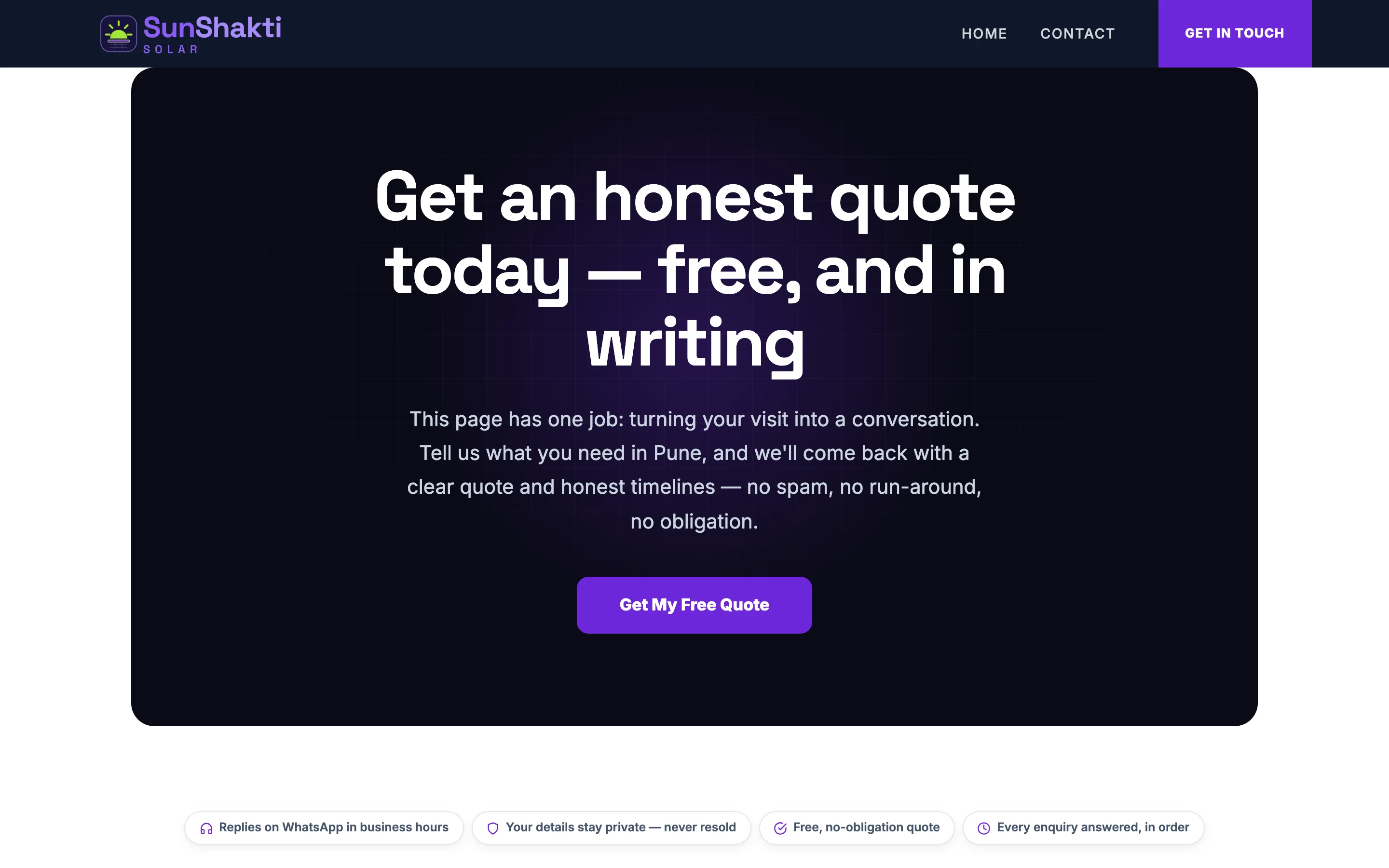
What makes a landing page work
Do this
- One promise in the headline, in the customer's own words
- A price, a range, or “from ₹X” — vagueness is the biggest leak
- Real photos of real work, and a real person's name and number
- The form visible without scrolling on a phone
- One ask, repeated two or three times down the page
Not this
- A menu, a blog link, or anything else that leads away
- Fifteen form fields for what is really a first conversation
- Stock photos and “industry-leading solutions”
- Changing the page every two days — you will never learn anything
- Running the ad before tracking is connected
Example · Griha Interiors, Pune
Their ad used to point at the homepage: 900 clicks, 11 enquiries. They built an Ignite page with one headline (“Modular kitchens in Pune, installed in 30 days”), a from-price, four photos of finished kitchens and a three-field form. Same budget the next month: 870 clicks, 46 enquiries. Nothing about the ad changed — only where it landed.
After it is live
| You want to… | Read |
|---|---|
| Count what the ads brought | Ad tracking |
| Work the leads | Form inbox · Contacts & leads |
| Measure one poster or one WhatsApp blast separately | Share links |
| Change the page's blocks | Sections & layout |
| Put it on your own domain | Connect your domain |
| Follow up automatically on WhatsApp | WhatsApp automations |
Common questions
Can I have a landing page as well as my main website?
Yes, and most owners should. Keep them as two websites on the same account — the main one for people who find you, the landing page for people you pay to reach. Each can have its own address.
Can I run several campaigns from one landing page?
You can, but a page with two promises converts like a page with none. Create a second landing page instead — it costs nothing to create, and you finally learn which offer works.
Will a landing page rank on Google?
Rarely, and that is not its job — it is built for paid clicks. If organic search matters to you, build a full website with real pages and use the Grow page.
Can I take payments on it?
You can turn selling on, but think twice: a page that asks for money and for an enquiry is asking for two things. Collect the enquiry, then send a payment link.
How long before I know if it works?
A week of steady spend, or about a hundred clicks — whichever comes first. Below that you are reading noise. Change one thing at a time after that: the headline first, then the form, then the photos.
More in Your website
Did this answer your question?
It takes one tap and it genuinely changes what we write next.