
Influencer / Affiliate program
Give influencers and partners their own link (and code); orders through it earn them a commission you set, held until delivery, released by you and paid by you — with a partner portal where they see their earnings and ask for a payout.
7 min readUpdated 21 Oct 2026
In this guide
- 1Add a promoterEach one gets their own code and login.
Just want to pay friends or staff for visitors they bring? The Grow page's Promoters tab is the simple version of this program: add a person, set ₹X per 100 counted visitors and/or a % per sale, share their link, and it shows exactly what you owe them. It runs on the same engine — this page has the advanced controls.
Turn it on
Enable influencer program
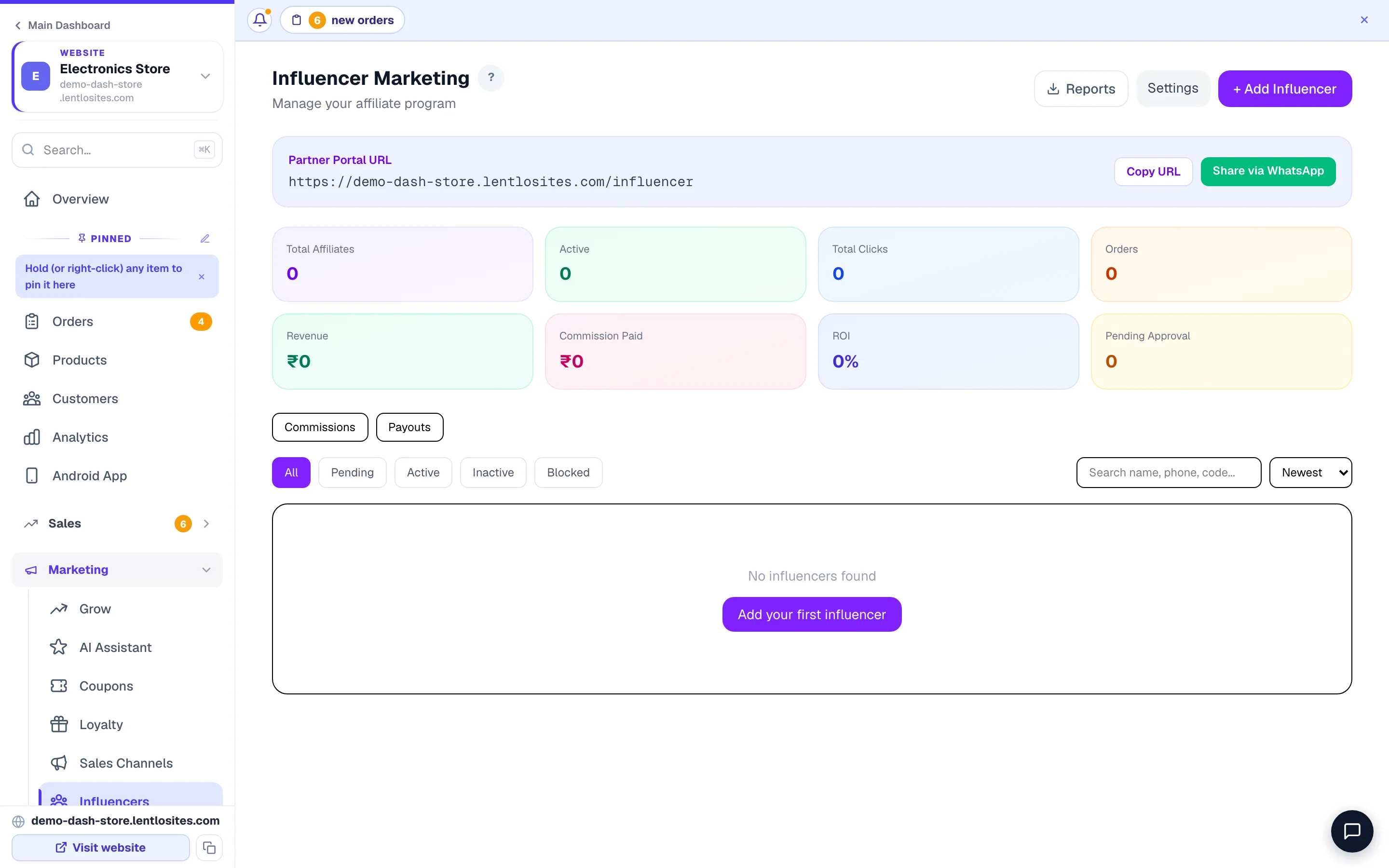
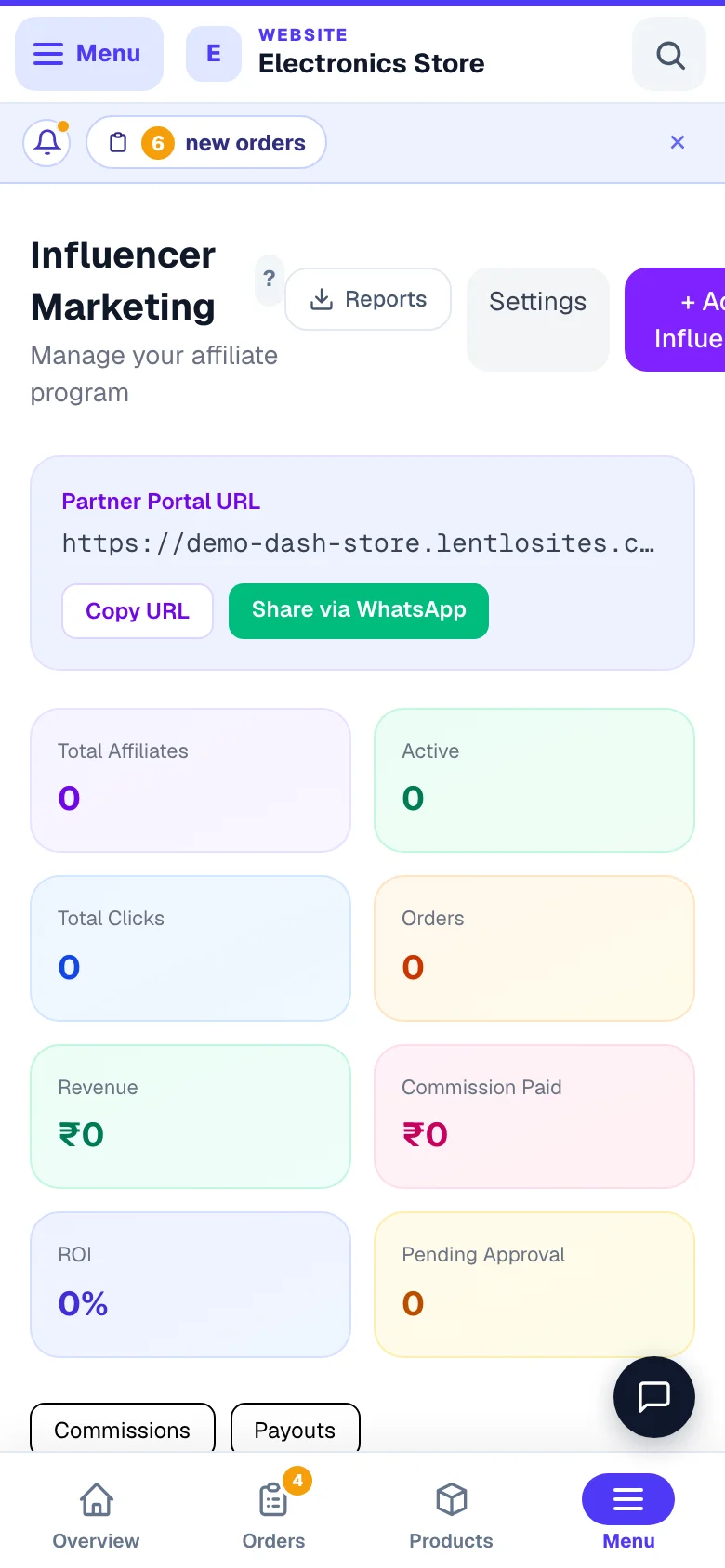
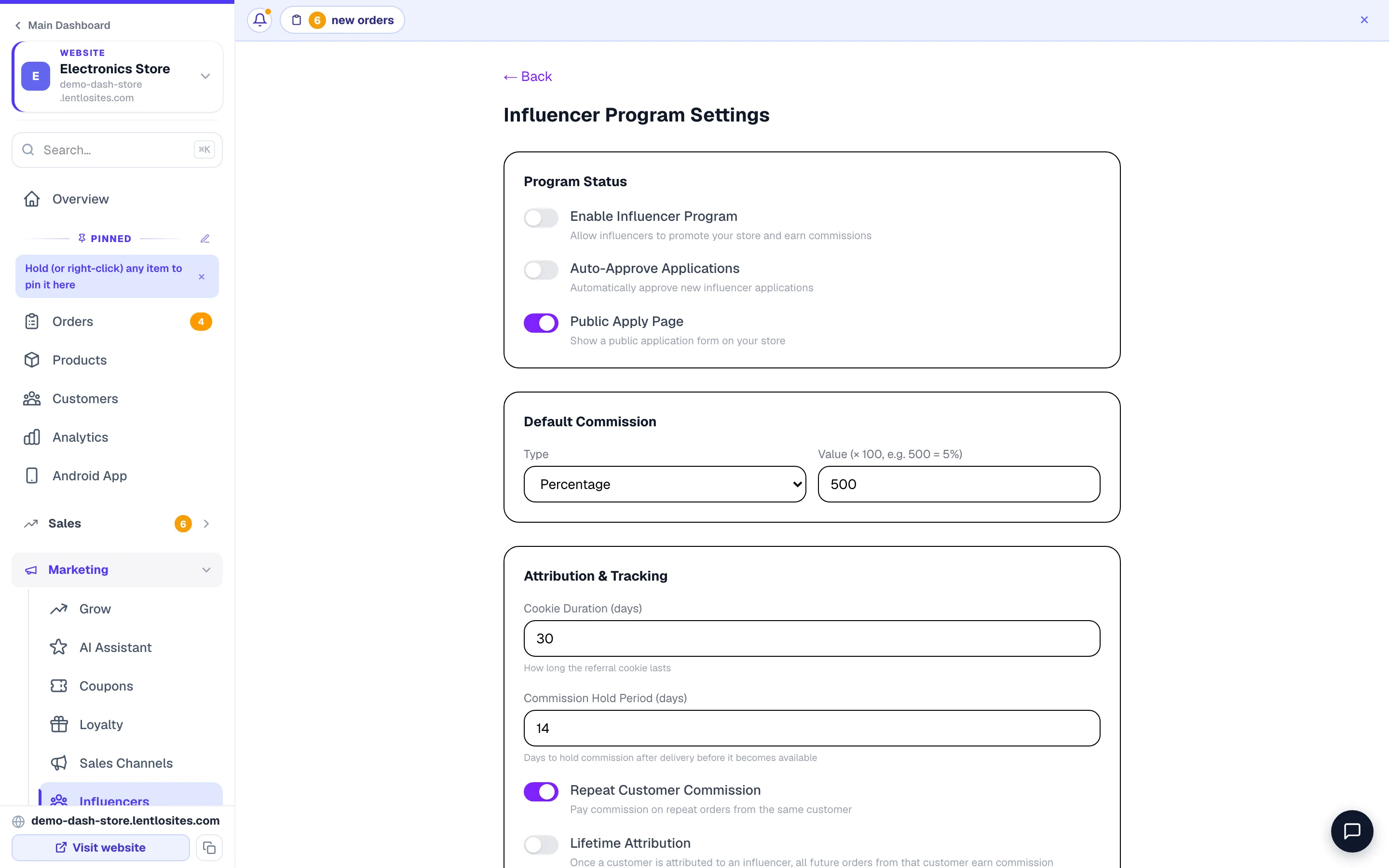
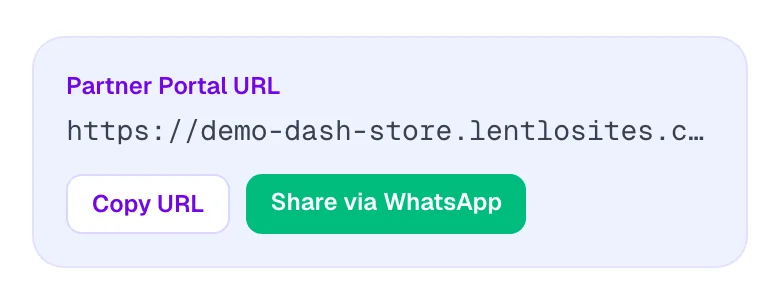
Sidebar → Marketing → Influencers (the page is titled Influencer Marketing) → Settings → turn on Enable Influencer Program. This makes the /influencer partner portal live on your site — its address sits in the Partner Portal URL band at the top of the page, with Copy URL and Share via WhatsApp beside it.
Set your default commission rate
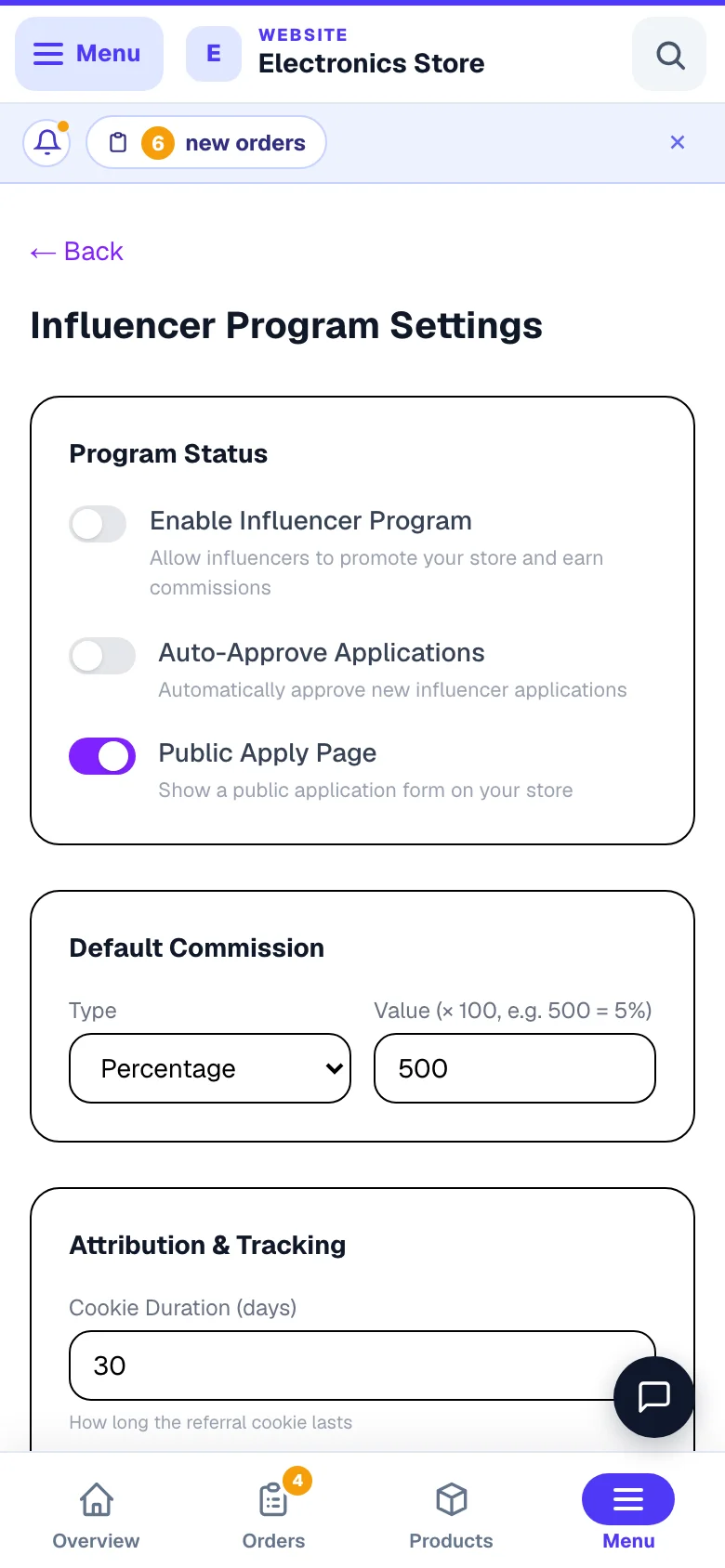
Same screen, under Default Commission: Type (Percentage or Flat per Order) and its Value. Typical ranges — 5% for mass retail, 10–20% for niche / premium. You can change it per person later. Then press Save Settings.
Read the Value box carefully — it does not take plain rupees or plain percent. For a percentage, type the percent × 100: 500 = 5%, 1000 = 10%, 1250 = 12.5% (typing 10 would give 0.1%). For Flat per Order, and in the two minimum boxes below, type paise: 5000 = ₹50, 50000 = ₹500. Check the influencer's card afterwards — it shows the rate in plain words (“10% per order”).
The other settings
| Setting | What it does | To start with |
|---|---|---|
| Auto-Approve Applications | People who apply on your website start working at once, without your Approve. | Off |
| Public Apply Page | Shows an application form on your website for creators to sign themselves up. | On |
| Cookie Duration (days) | How long a visit through someone's link is remembered, 7 to 90 days. | 30 |
| Commission Hold Period (days) | After delivery, the commission waits as Held until this many days have passed (0 to 30) — time for a return. | 14 |
| Repeat Customer Commission | Later orders from the same customer also earn. | On |
| Lifetime Attribution | Once a customer came through someone, every future order of theirs earns for that person. | Off |
| Block Self-Referrals | No commission when the influencer's own phone number placed the order. | On |
| Minimum Order Amount for Commission (paise) | Orders below it earn nothing. 0 = no minimum. | 0 |
| Minimum Payout Threshold (paise) | An influencer can ask for a payout only once their payable balance reaches it. | 50000 (₹500) |
| Tier Configuration | Bronze, Silver and Gold: the sales (in paise) a person must reach for each tier, and that tier's commission (× 100). | Bronze 5% · Silver 8% from ₹50,000 · Gold 12% from ₹2,00,000 |
Add influencers
Open Influencer
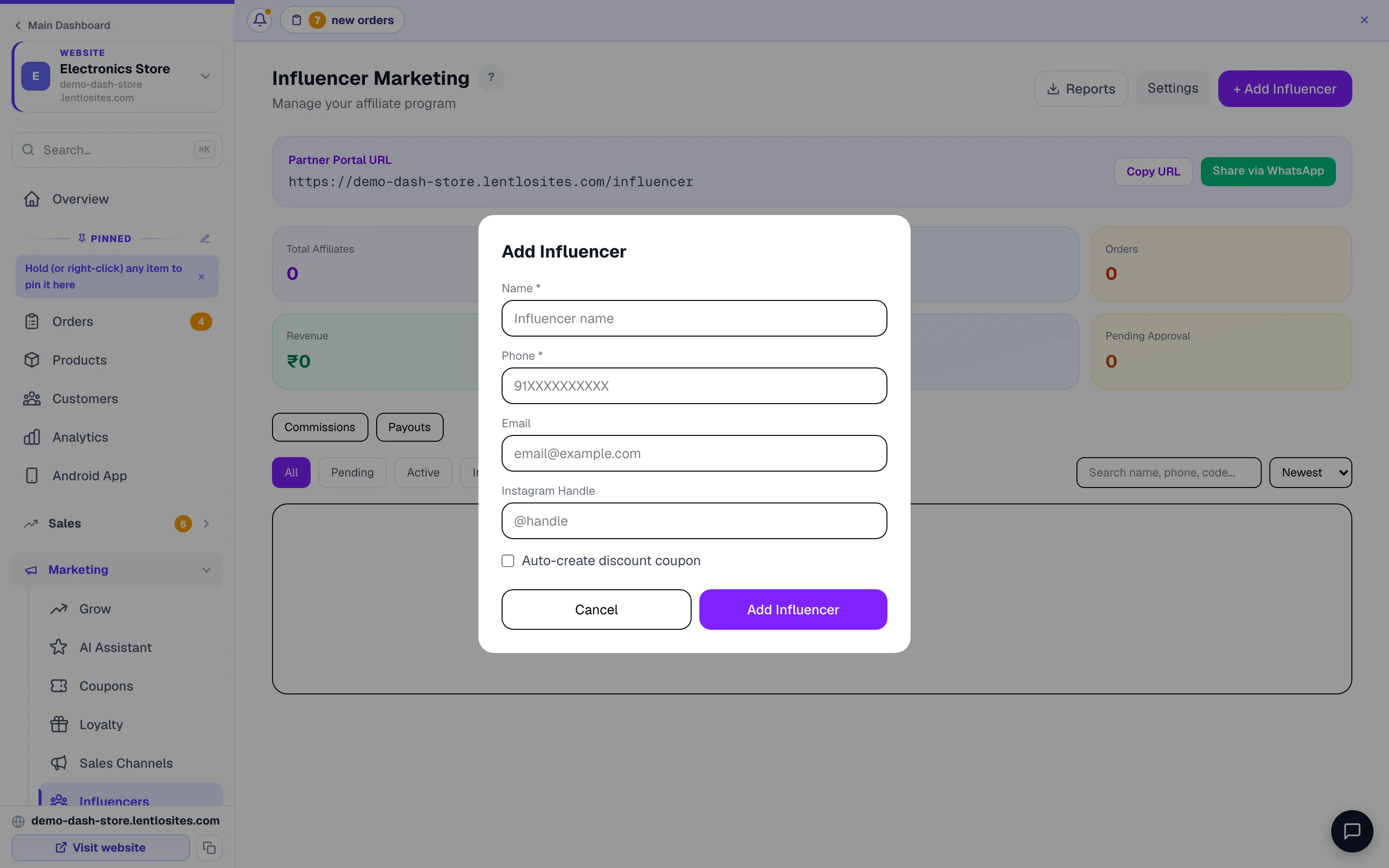
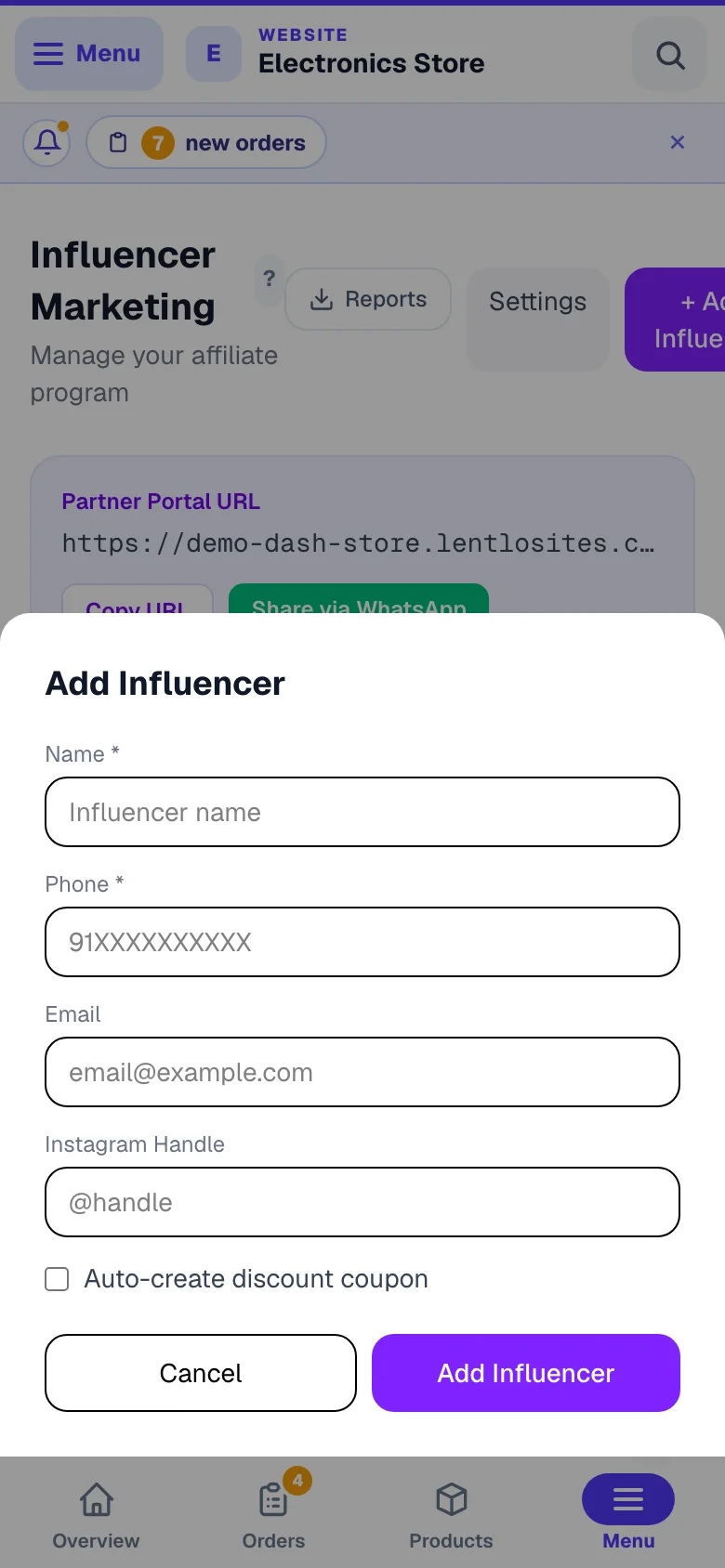
On the Influencers page, press + Add Influencer.
Fill details
Name and phone (their login) are the only must-haves; email and Instagram handle are optional. Press Add Influencer. They start on your default commission; to change it for this person, open their card and press Edit — Tier, Commission Type and Commission Value (the same × 100 / paise boxes as Settings) live there, with their UPI ID and bank details for paying them, a Vanity Slug and notes.
Auto-create discount coupon — check the code it makes. The box creates a coupon INF-… linked to the person, so every order using it counts for them. Today it copies the commission number straight into the discount: with a percentage commission of 5% (stored as 500) the coupon is created as a 500% discount, which takes the whole items total off the bill. If you tick it, open Coupons right after, press Edit on the INF-… code and set the discount you really want (for example 10). With a Flat per Order commission the coupon gets the same rupee amount off.
Share their portal link
You’re asked whether to send them the portal link on WhatsApp — say yes and a message opens, pre-filled with the portal address and their referral code. They sign in with a phone OTP and see their own stats, attributed orders, earnings and payouts.
How attribution works
Each influencer gets a link of their own (it carries ?ref= and their code). When somebody opens it, that visit is remembered on their device for 30 days by default — change it under Settings → Cookie Duration (days), anywhere from 7 to 90 — so an order placed inside that window is credited to the influencer, even if the customer came back later without the link. Repeat orders from the same customer keep earning while Repeat Customer Commission is on.
Paying commissions
The Influencers page has Commissions and Payouts links under the numbers. You pay people yourself — UPI or bank transfer — and record it here; no money is ever moved for you. Reports (top right) downloads the commission ledger and the payout register.
- Pending — a customer placed an order through the person's link or code. The commission is worked out on the items total after discounts, before GST and delivery.
- Held — the order was delivered; the hold date is set by your Commission Hold Period, giving time for a return.
- Released — payable. Nothing releases by itself: when the hold has passed and the order is safe, press Release on the commission (or tick several and press Release (3)). Approve only marks a commission checked; a pending one must be approved before it can be released.
- Payout — once their released total reaches your Minimum Payout Threshold, the person taps Request Payout in their portal. The request appears under Payouts: Approve, pay them, then Mark Paid and type the Transaction Reference (UTR) — or Reject, which puts the commissions back as payable.
A cancelled order cancels its commission by itself (it shows auto-reversed). On the person's own page you see Pending, Available and Paid, and the buttons Approve, Deactivate / Activate and Edit.
Example · Kavya, a home-decor creator promoting Ananya Home Store
Her commission is 10% (typed as 1000). A follower opens her link and orders cushions worth ₹2,400, using a ₹200 coupon. The order also has ₹108 GST on top and ₹60 delivery.
Kavya's commission
- Items total
- ₹2,400
- Coupon
- − ₹200
- Commission is worked out on
- ₹2,200
- 10% of ₹2,200
- ₹220
- GST and delivery do not count
- —
If your shop confirms orders first (order requests), a request’s commission waits until the customer accepts the final bill. It is then worked out again on what they accepted — an item you could not send is not paid for — and the minimum order value is checked on that bill. Until then Approve and Release tell you it is waiting for the customer. A request you decline cancels its commission.
Recruitment tip: Reach out to micro-influencers in your niche with < 50k followers. They convert 2-3× better than big names, cost less, and are easier to work with.

More in Customers & marketing
Did this answer your question?
It takes one tap and it genuinely changes what we write next.