
Payment links — collect money with a link
Customer hasn't paid yet? Share a secure link on WhatsApp — they pay by card/UPI and the order marks itself paid.
Watch0:364 min readUpdated 21 Oct 2026
In this guide
What payment links are & when to use one
A payment link turns any unpaid order into an online payment — a private page showing the order, the exact amount due, and pay buttons for your gateways. Shops use it whenever the money hasn't arrived with the order itself:
- COD order, but you want payment before dispatch — especially for new customers or high-value parcels.
- WhatsApp / phone orders you entered as a manual order — send the link instead of chasing a bank transfer.
- UPI orders where the customer didn't pay at checkout — the link gives them a second, easier chance.
The money never touches LentloSites. Payments go straight into your own gateway account (Razorpay, Cashfree, PayU, PhonePe, Easebuzz, Zoho Payments, CCAvenue) or your own UPI ID — exactly like a normal checkout on your website. Set these up once in Payments setup.
Send a payment link
Every unpaid COD / UPI / manual order shows an amber Collect payment card on its order page — that card is where links are made and shared. It takes three taps:
Open the unpaid order
Go to Orders, open the order, and scroll to the amber Collect payment card. It shows exactly how much is due.
Share the link
Tap Request payment on WhatsApp — the message is pre-written with the customer's name, the amount, and the secure link — or tap Copy payment link to paste it anywhere (SMS, Instagram DM, email).
Done — wait for the green tick
When the customer pays, the order flips to Paid on its own and a Paid via link chip appears in your Orders list. Nothing else to do.
One order = one link, forever. Tapping the button again gives the same link — safe to re-send as a reminder. Your team can create links too: anyone with order access on your staff list.
Link needs a way to accept money. If you haven't added any payment gateway or UPI ID yet, the link buttons won't appear — the card shows a tip instead, pointing you to Settings → Payments (or to the order's invoice link, if you've already generated an invoice) — see Payments setup. One exception: the final-bill link of a delivery charge after the order order works without one — a cash-on-delivery customer only confirms the bill there.
Also on the Collect payment card
- Show UPI QR (when your UPI ID is saved) — a QR for the exact amount due, for a customer paying in front of you at the counter.
- Record part payment — the customer paid some of it (UPI, bank transfer, cash or other)? Record the amount and how they paid. The amount still to collect goes down everywhere — the payment link, the courier's cash-on-delivery amount and the labels. When everything has come in, tap ✓ Mark fully received.
- ✓ Mark paid — the money came in some other way; the card then reads Payment received, with Mark pending instead to undo a mistake.
What the customer sees
The link opens a clean, mobile-first payment page with your shop's name and logo — designed so even a first-time online payer isn't confused:
- Amount to pay — worked out on our server, never on their phone. It is what is genuinely still owed: the order total minus anything already paid from their store wallet and minus any part-payment you recorded yourself. It is always the current figure too, so editing the order after sending the link simply changes what the link asks for.
- Pay online buttons — card / UPI / net banking through whichever of your gateways are active. Payment happens on the gateway's secure page, then returns automatically.
- Pay by UPI (shown only if you saved a UPI ID) — a QR with the exact amount pre-filled, your UPI ID with a copy button, and — when your WhatsApp number is saved — a Paid by UPI? Confirm on WhatsApp button that messages you.
- Order summary — items, quantities, GST, delivery — so they know exactly what they're paying for.
Ananya Home Store — what the link asks for
- Order total (bedsheets + delivery)
- ₹2,400
- Paid from the customer's store wallet at checkout
- ₹400
- Part payment you recorded (UPI to your number)
- ₹1,000
- The link asks for
- ₹1,000
If your shop runs on a custom domain, the link uses your domain — the whole experience stays on your brand.
What happens when they pay
The whole point of the link is that you don't verify anything by hand — the platform confirms the money and updates the order for you:
- Gateway payment (card/UPI/net banking) — the order is marked Paid the moment the gateway confirms, with a note in the order timeline showing the amount, gateway, and time. You get a dashboard notification, and the customer sees a green "Payment received" screen.
- Plain UPI-ID payment (they scanned your QR and paid from their own UPI app) — that money lands in your bank without the platform knowing, so the customer confirms on WhatsApp and you tap ✓ Mark paid on the order.
- Digital products — an order that is all digital items auto-confirms on payment, so downloads unlock immediately.
Captured money is never lost. If a customer pays after you already marked the order paid, or pays on an order you cancelled mid-payment, the payment is still recorded and flagged loudly in the order timeline so you can verify or refund — it is never silently dropped.
Track all your links in one place
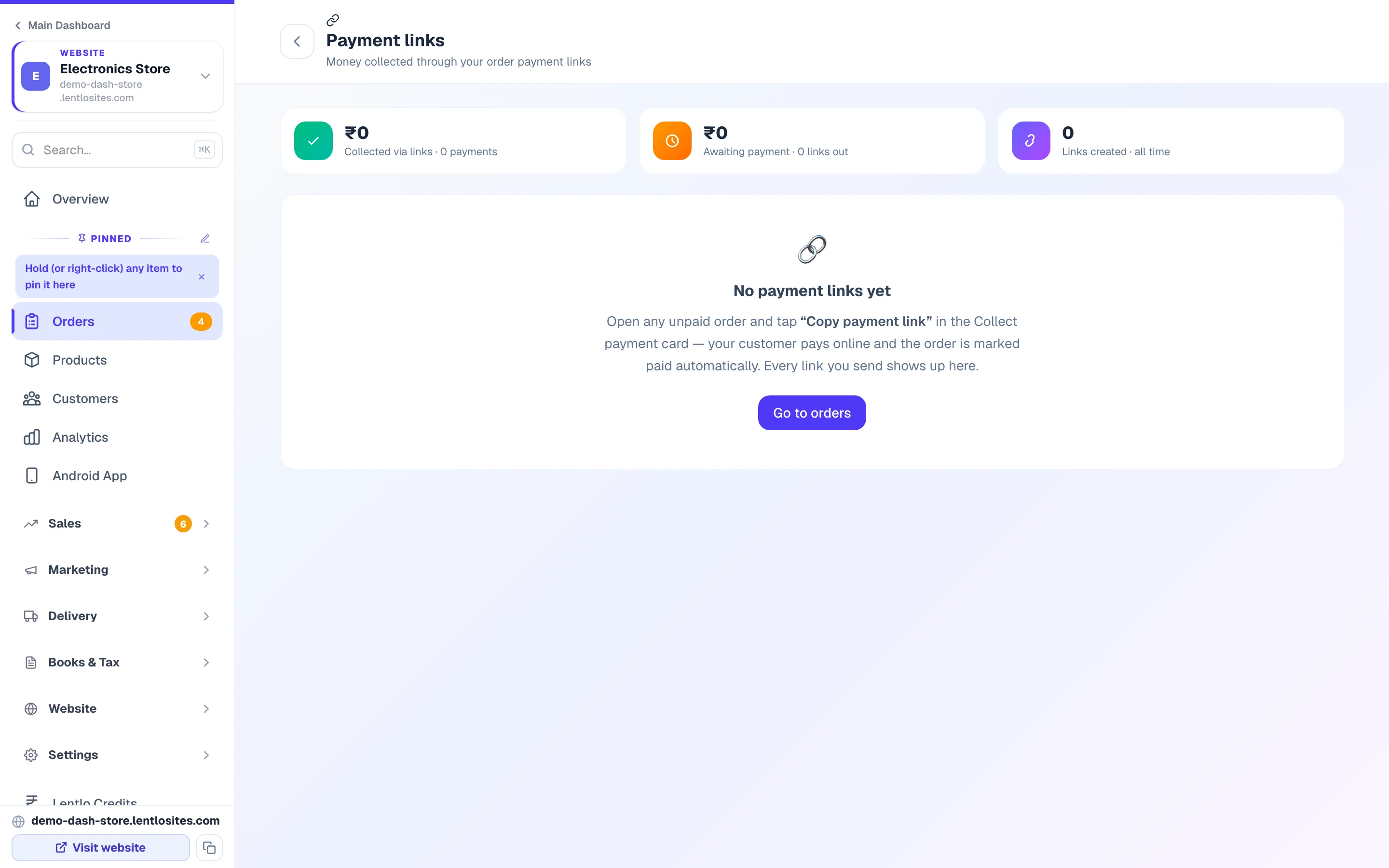
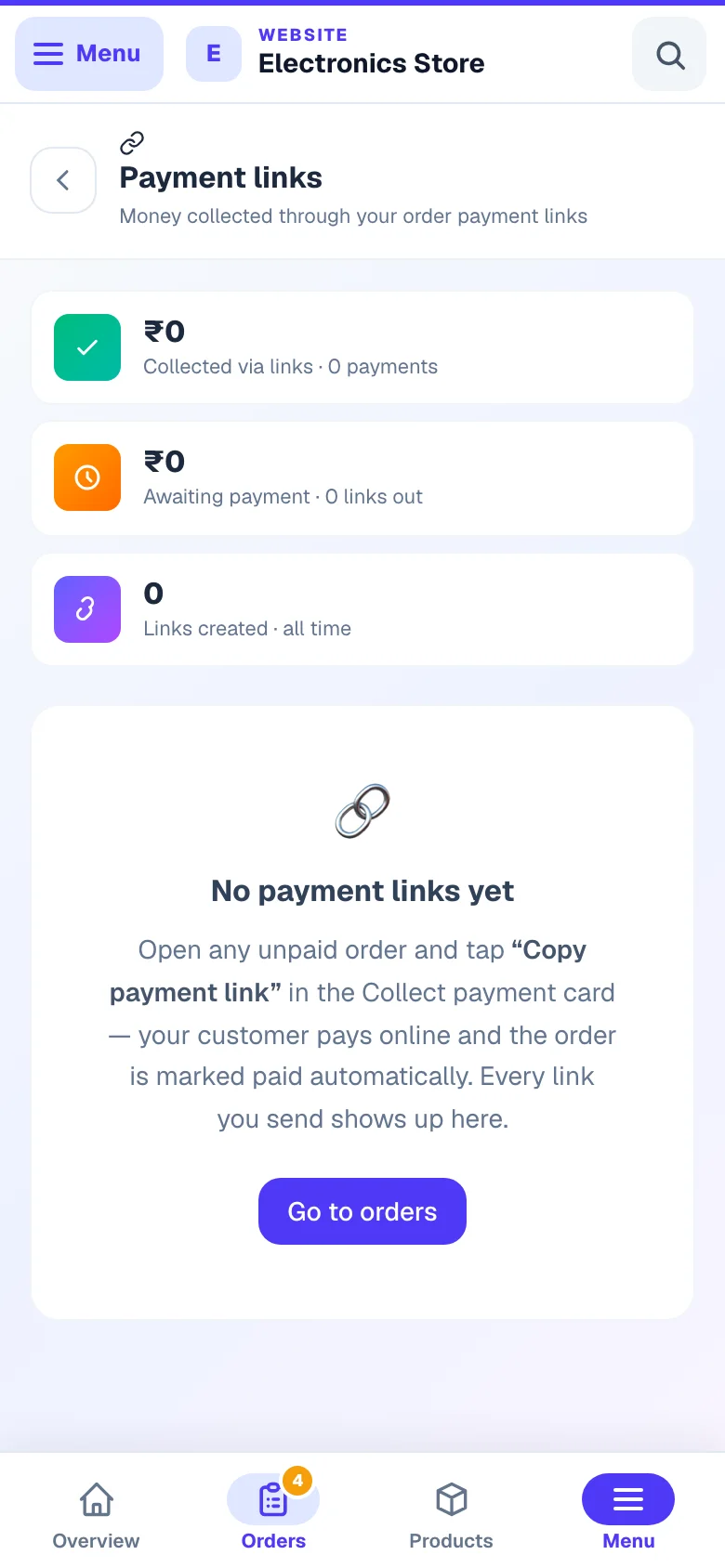
Orders → Payment links is the tracking page for money collected through links — useful when you have several links out and want to see who still hasn't paid:
- Collected via links — total money and number of payments that came in through links.
- Awaiting payment — links you've sent that haven't been paid yet, with a Copy link button right there for re-sending reminders.
- Links created — every link you have made.
- Every row links back to its order, and shows when the link was created or paid — or that the order was paid another way (Paid offline) or cancelled.
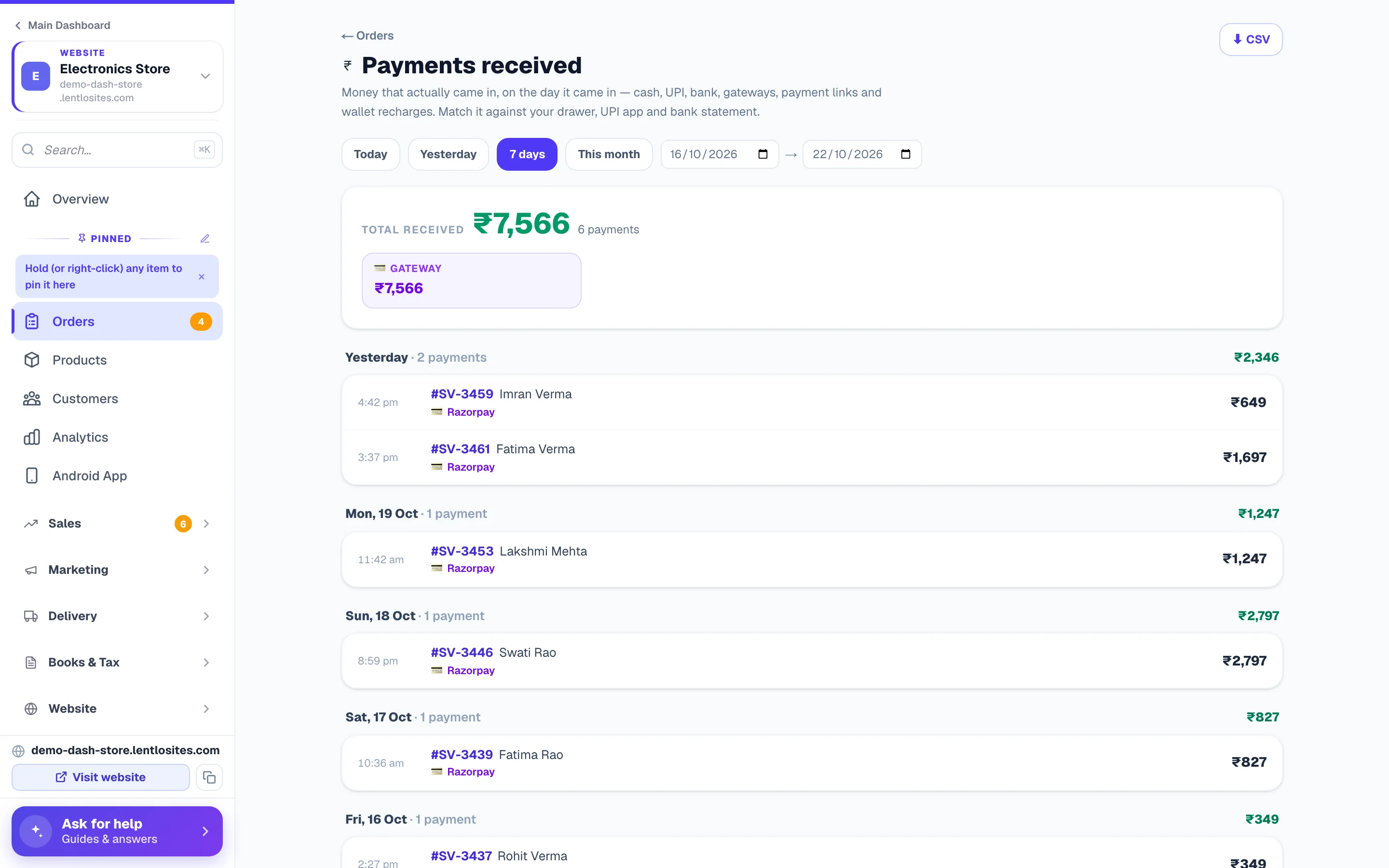
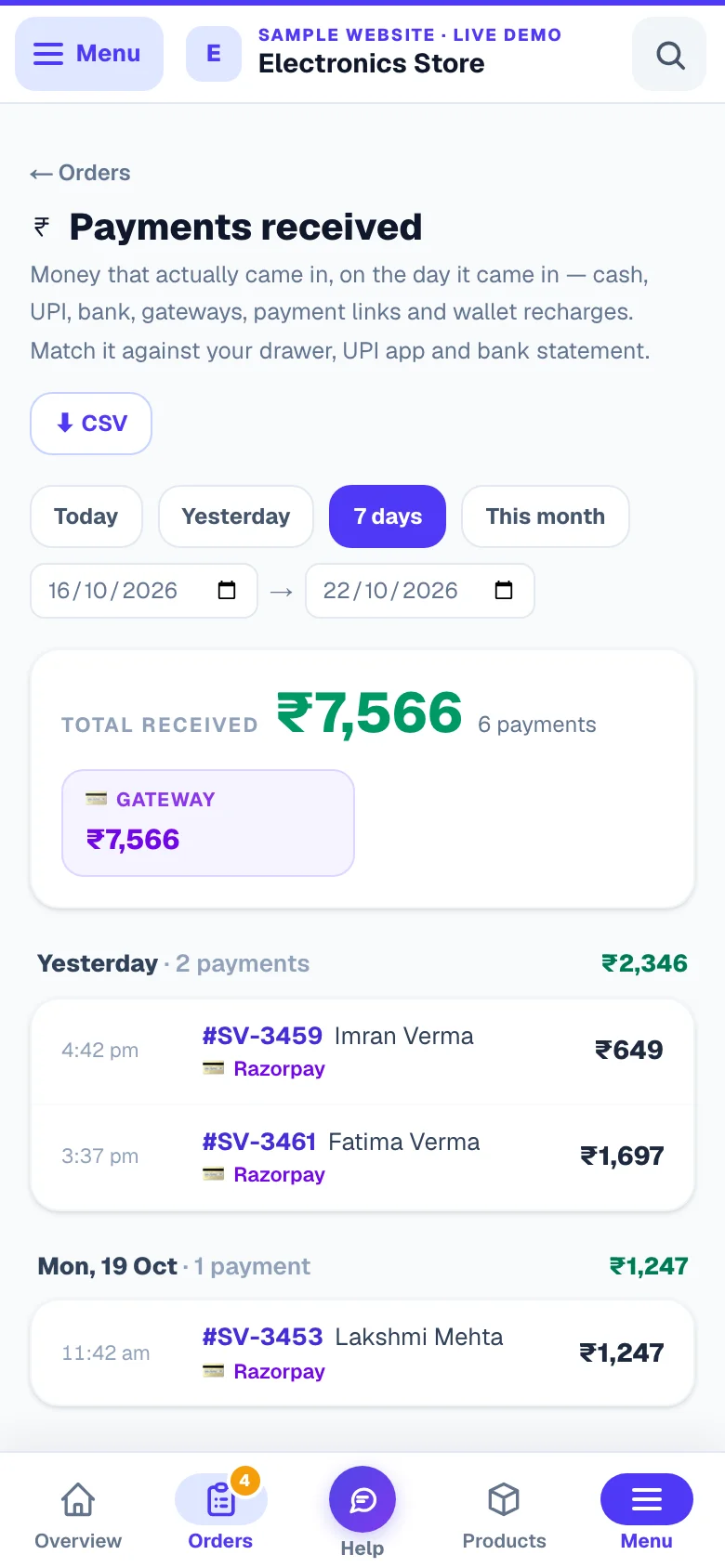
Want every rupee that came in, by link or not? Orders → Payments received lists each payment day by day with how it came in — cash, UPI, bank transfer, gateway, payment link or a wallet recharge.
Rules & safety — when a link won't work
Payment links protect your money records with a few strict rules, so a stale link can never charge the wrong amount or the wrong person twice:
- Links don't expire — but they stop accepting money the moment they should: a paid order shows "Payment received" instead of charging again, and a cancelled order shows "no payment is due".
- Gateway-paid orders never show the Collect payment card — the customer already paid online at checkout; there's nothing to collect. (When a customer paid for the items online and you add the delivery charge after the order, the delivery-charge card on the order sends a link for just that charge — the first payment is kept as it is.)
- No link while you still have to add the delivery charge — on a delivery-charge-after-the-order order the total is not final until you add the charge, so no link can collect before that (an old link shows “your delivery charge is being worked out”), and Mark paid waits too. The same holds for an order request until you confirm it — after that, its final-bill link is the payment link.
- Partial COD orders can't carry a link — the balance is cash at the door; complete those with Mark COD balance collected instead (see the Orders guide).
- The amount is server-locked — the customer's phone only picks the payment method; the charge always comes from the order total in your dashboard.
- Nothing left to collect, no link — once wallet credit and your recorded part-payments cover the whole order, the card stops offering a link instead of asking for ₹0.
- Refunds stay in your hands — as with all gateway payments, refund from your gateway's own dashboard. LentloSites never moves money out of your account.
A gateway can also refuse the link. If your gateway is down or your keys have expired, the page says so in plain words instead of showing a broken screen — and the same trouble is reported to you on your Payments settings, where Test connection runs a ₹1 check so you can prove it is fixed. Nothing is charged twice while you sort it out.
Also good to know — invoice & CRM payment links
Order payment links are part of a small family of "send a link" tools — the other two cover bills instead of store orders:
- Invoice link rides along — if an order already has a GST invoice, the WhatsApp payment request also includes the customer's own invoice link, so they can see (and verify) the exact bill they're paying.
- CRM invoices & quotations — bills you raise in the CRM (shop counter sales, services, credit customers) have their own share-and-pay page with UPI QR and bank details. See CRM billing — it works even without an e-commerce store.
- A link for anything else — bookings, trips, rentals and news sponsorships each carry their own pay link on the booking itself, and they behave exactly like this one: the amount is decided on our server, a cancelled booking stops collecting, and a late payment is recorded and flagged rather than dropped.
More in Payments, GST & books
Did this answer your question?
It takes one tap and it genuinely changes what we write next.