
Digital business card
A one-page visiting card with your photo, number, map, socials and prices — share it as a link or a QR.
3 min readUpdated 14 Sep 2026
In this guide
Why a link beats cardboard
- They scan or tapWhatsApp, QR, or a link
- Your card opensNo app, no signup
- They save your numberOne tap
- Or message you nowWhatsApp opens ready
A paper card ends in a drawer. A link stays in a chat, is searchable, always shows your current number, and can carry your prices.
Setting it up
Turn it on
Sidebar → Marketing → Business Card, then Enable Business Card. The live preview beside the form is exactly what people will see. The details are grouped into four tabs — Business Info, Social, Content and Style.
Your details (Business Info)
Profile Photo / Logo, your name and a Tagline / Role. Keep the tagline concrete: “AC repair & gas filling, Kandivali” beats “Service Excellence”.
How to reach you
Phone, WhatsApp Number (same or different), Email Address, Business Address, a Google Maps Link and, if you take payments by UPI, your UPI ID— it becomes a Pay Now QR on the card. The map link is worth the two minutes: it removes every “where exactly?” message.
Services and prices (Content)
Under Services / Products, list your top offerings with prices. This is the part a paper card cannot do, and it is why people forward the link. The same tab holds Working Hours (customers see a live Open now badge), Testimonials, and Media & Booking — a YouTube video, a small photo gallery and a Booking / Appointment URL.
Colour, socials — then Save
On Style, pick a Card Accent Color — a swatch or your own hex code; it colours the whole card. Add Instagram, Facebook, LinkedIn, YouTube and X under Social. Then press Save Business Card.
Save before you share.Your card link and QR only appear once the card is saved — send the address before that and visitors get a “Page Not Found”. The page says so in an amber note until you save.
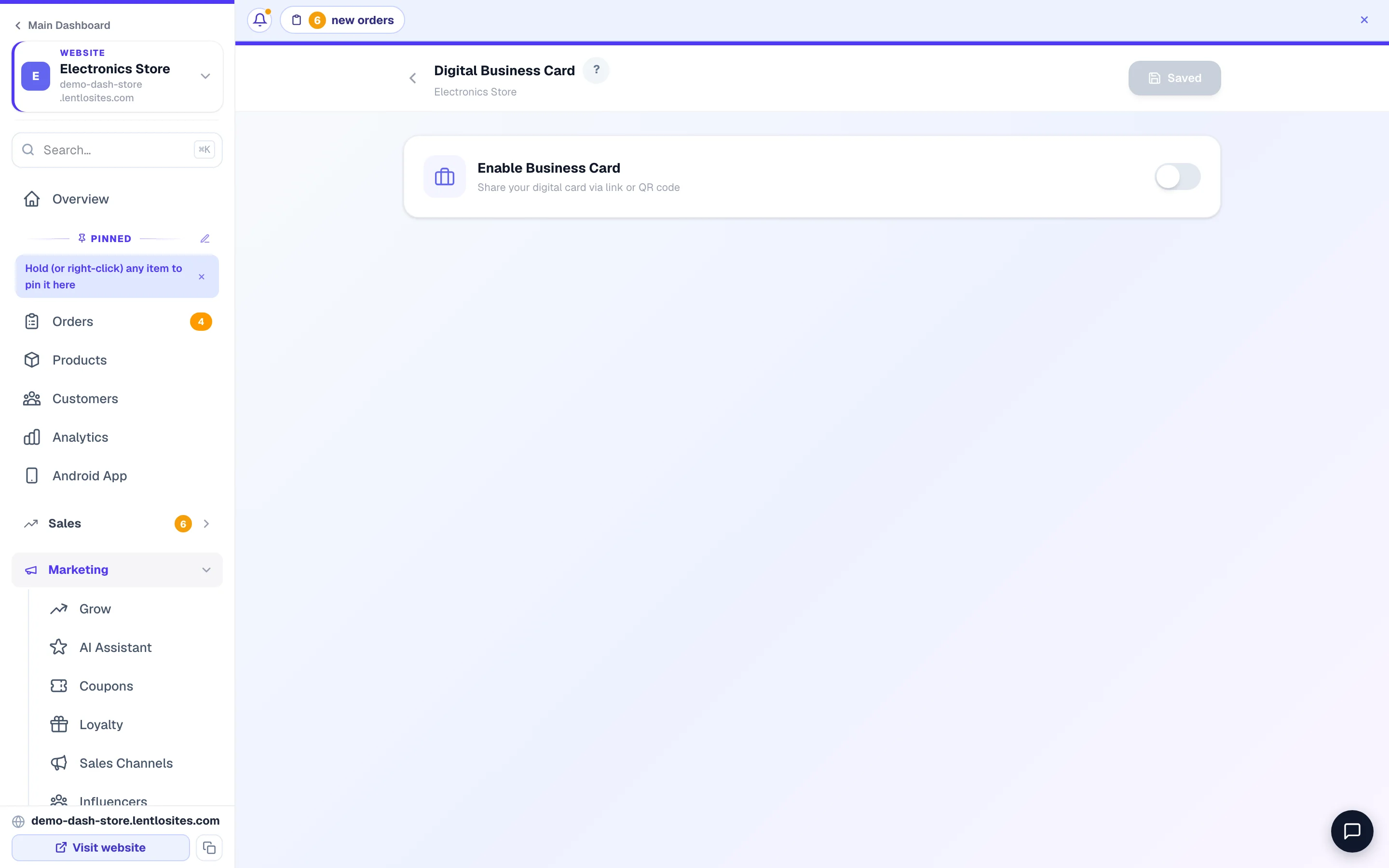
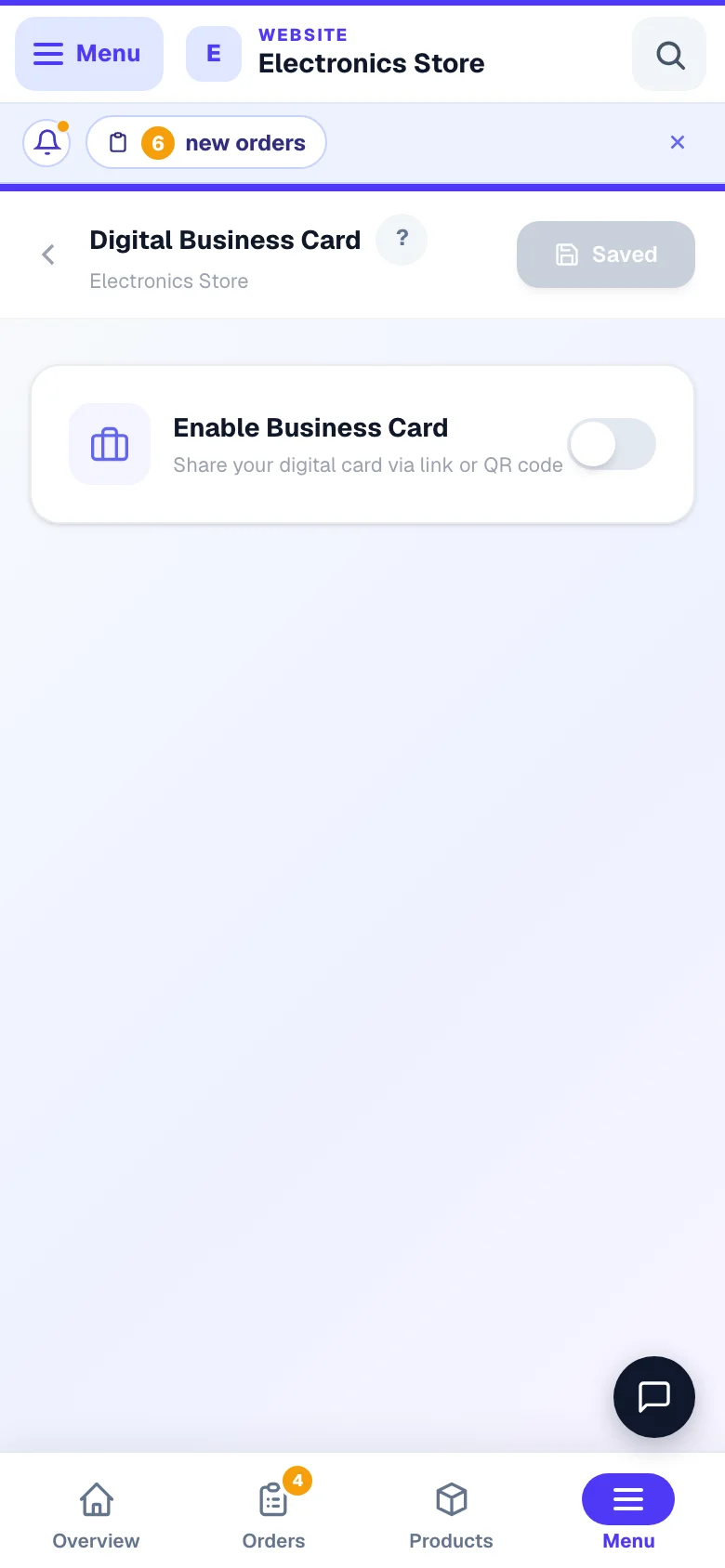
Card completion at the top tells you what is still missing. A half-filled card looks worse than no card — finish it before you share it.
Sharing it
Your Card Link shows the exact address, with Copy and a preview link; the Share Your Card panel below it has the QR and a Download QRbutton. The address is your card’s own page — /card/your-shop-name — and it moves onto your own domain the moment you connect one, so copy it from here rather than typing one out. Where each one earns its keep:
- WhatsApp — send the link instead of typing your details out.
- Your WhatsApp Business profile — put the link in the “Website” field.
- Instagram bio — one link that holds everything.
- The QR on a real card — paper for the handshake, link for the details.
- Your email signature.
Example · Suresh, an electrician in Chennai
He puts the QR sticker on his toolbox. Customers scan it while he works, save his number, and see his rates — “Fan installation ₹350, wiring per point ₹250”. He stopped being asked for a rate card, and repeat calls went up because his number is now actually saved in their phones.
Do this
- Use a clear face photo or a clean logo — nothing dark and busy
- Write what you do and where, in plain words
- List 4–8 services with real prices
- Check the card on your own phone before sharing it
Not this
- A blurry group photo as your profile picture
- Vague taglines like 'Quality & Trust Since 1998'
- Twenty services in a list nobody reads
- Leaving the address blank if you have a shop
Common questions
Is the card separate from my website?
No — it is a page of your own website, at /card/your-shop-name, with the same padlock and nothing extra to pay for. Copy the exact address from Your Card Link; once you connect your own domain the card sits on it too.
Can I have a card without a full website?
Yes. Create a site, turn on the card and share only that link. You can build out the rest whenever you like.
Do changes need publishing?
No — there is no Update Website step for the card. Press Save Business Card and the live card carries the change.
Can I turn it off later?
Yes, with the same switch (and Save). Your details stay saved for when you turn it back on.
More in Customers & marketing
Did this answer your question?
It takes one tap and it genuinely changes what we write next.