
Video tutorials — from sign-up to a live website
Short films recorded on the real product: create the account, pick a design, set up, edit, publish and connect a domain — one per business type.
5 min readUpdated 25 Aug 2026
In this guide
Short videos — one per job
Watch the one you need, do it on your own website, come back for the next. Every film is also linked from the written guide it belongs to, so you can read the same steps.
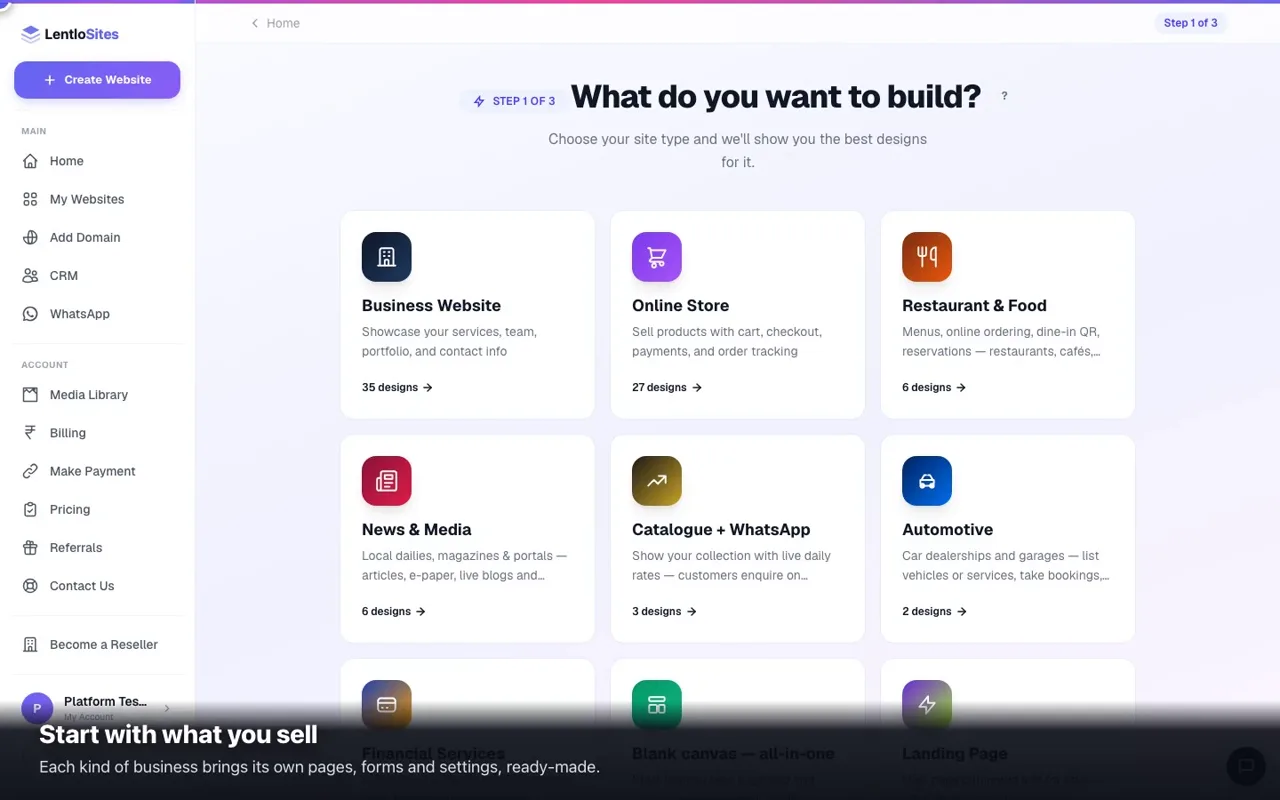 0:47Which design is right for your businessPick your trade first — the design follows.
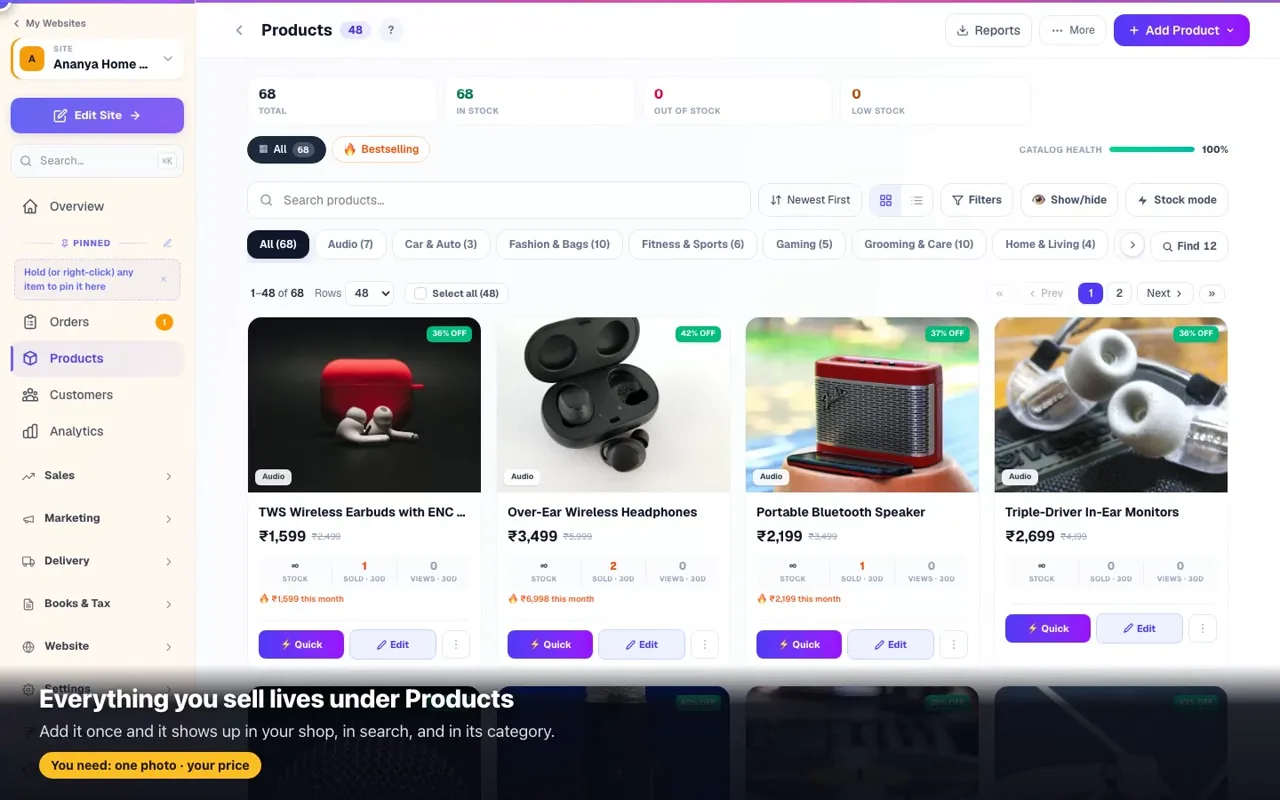 0:57Add a productName, price, photo — live on your shop in seconds.
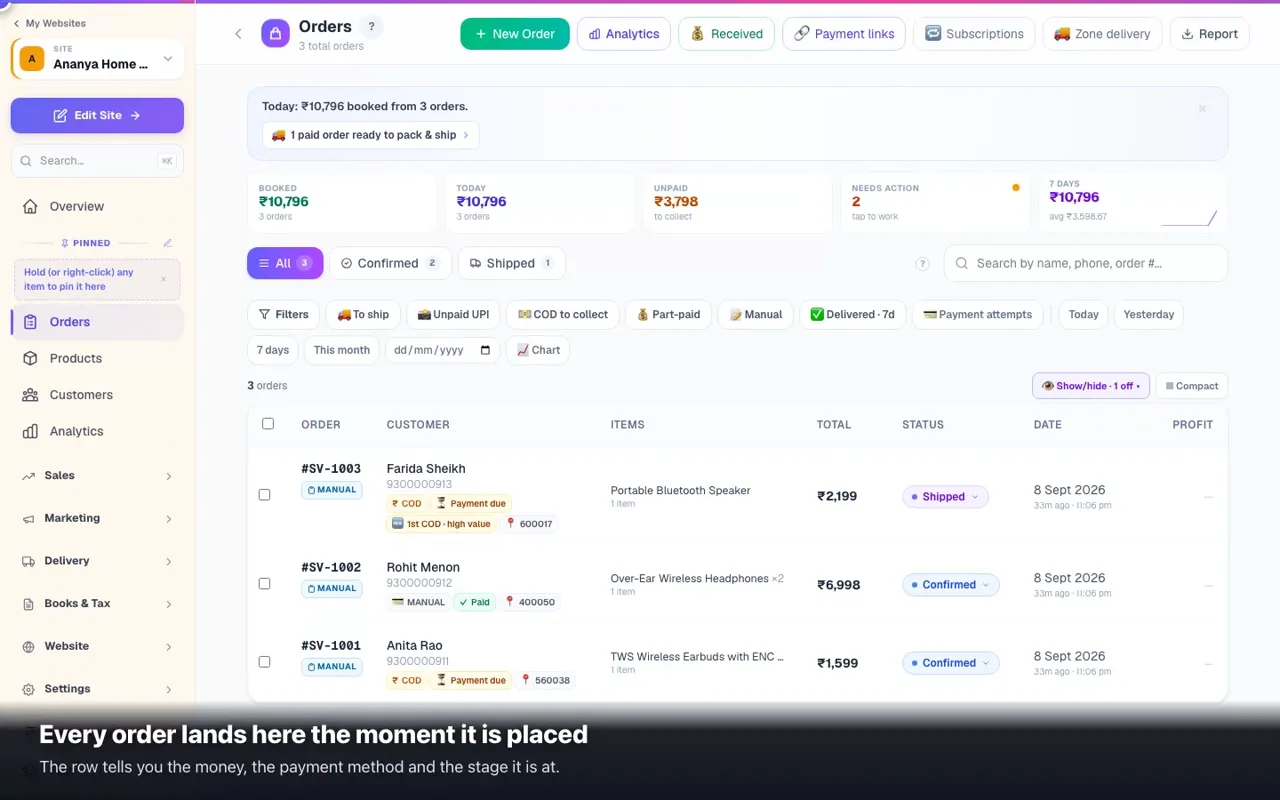 0:41Where orders arrive, and how to send one outNew order to delivered: open it, move the stage, collect the money, print the label.
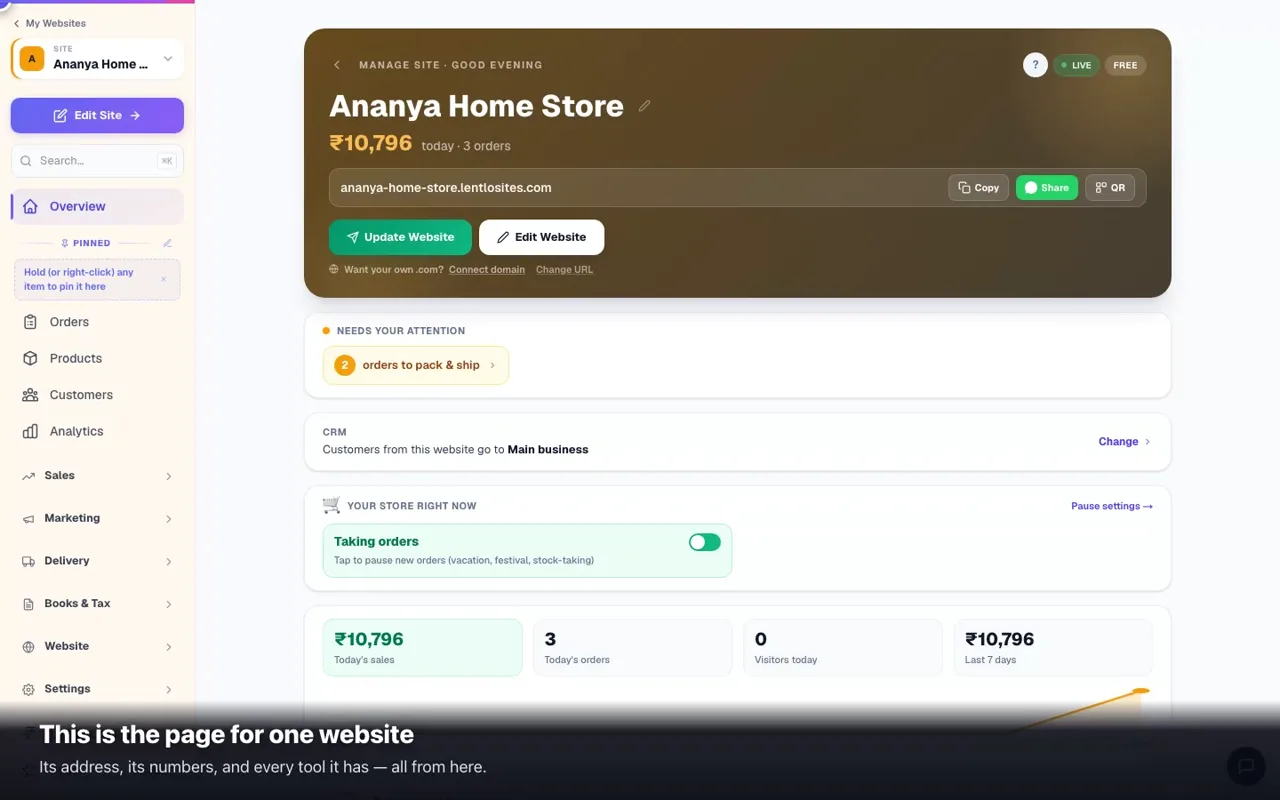 0:45Your dashboard in one minuteEverything about one website on a single page.
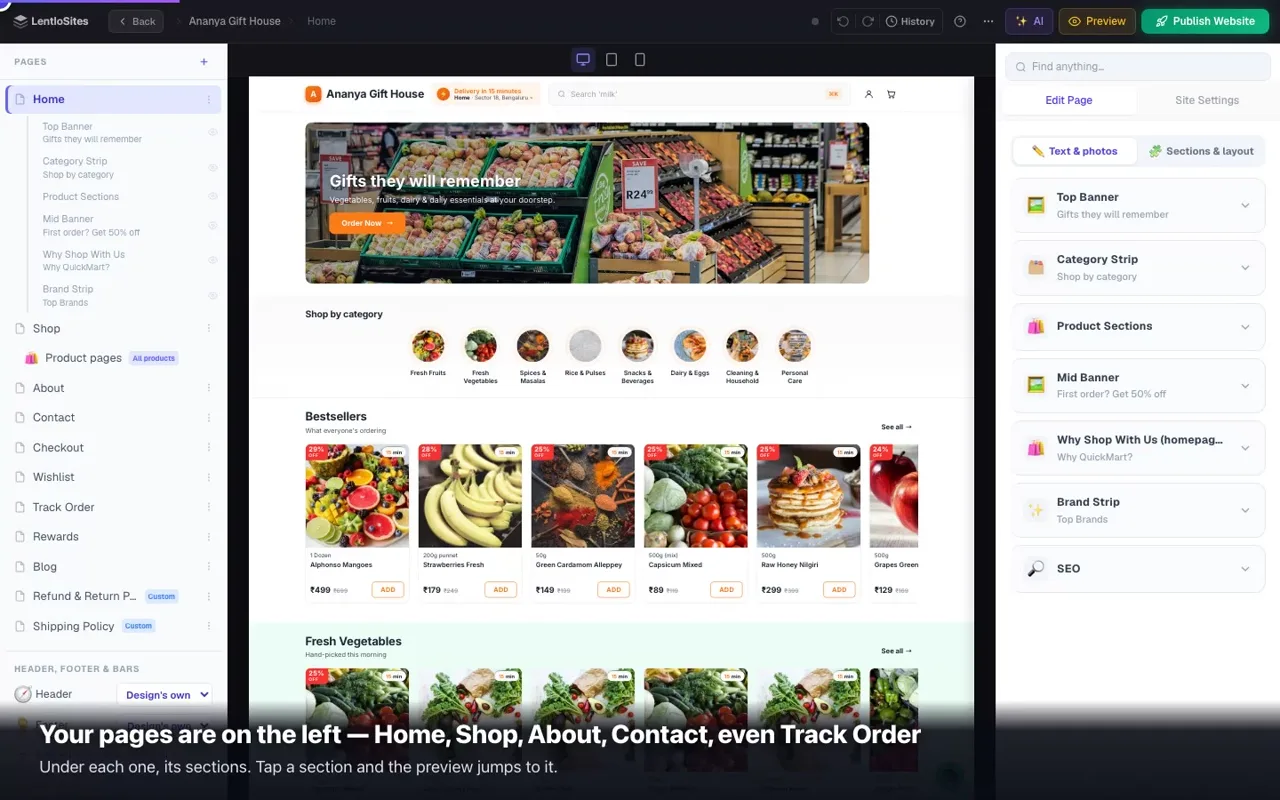 0:44A tour of the editorYour pages on the left, your site in the middle, the controls on the right.
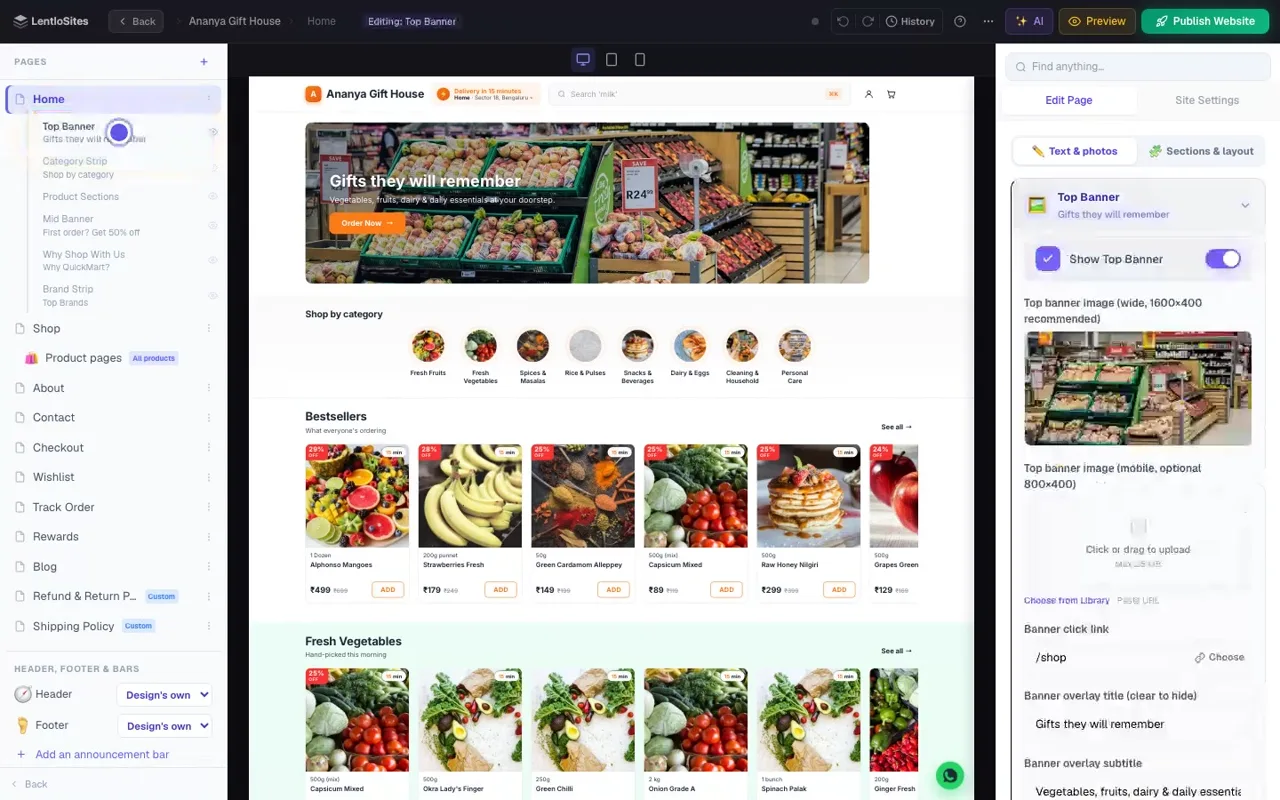 0:43Change any word or photoOpen a section, type your own words, watch the preview change.
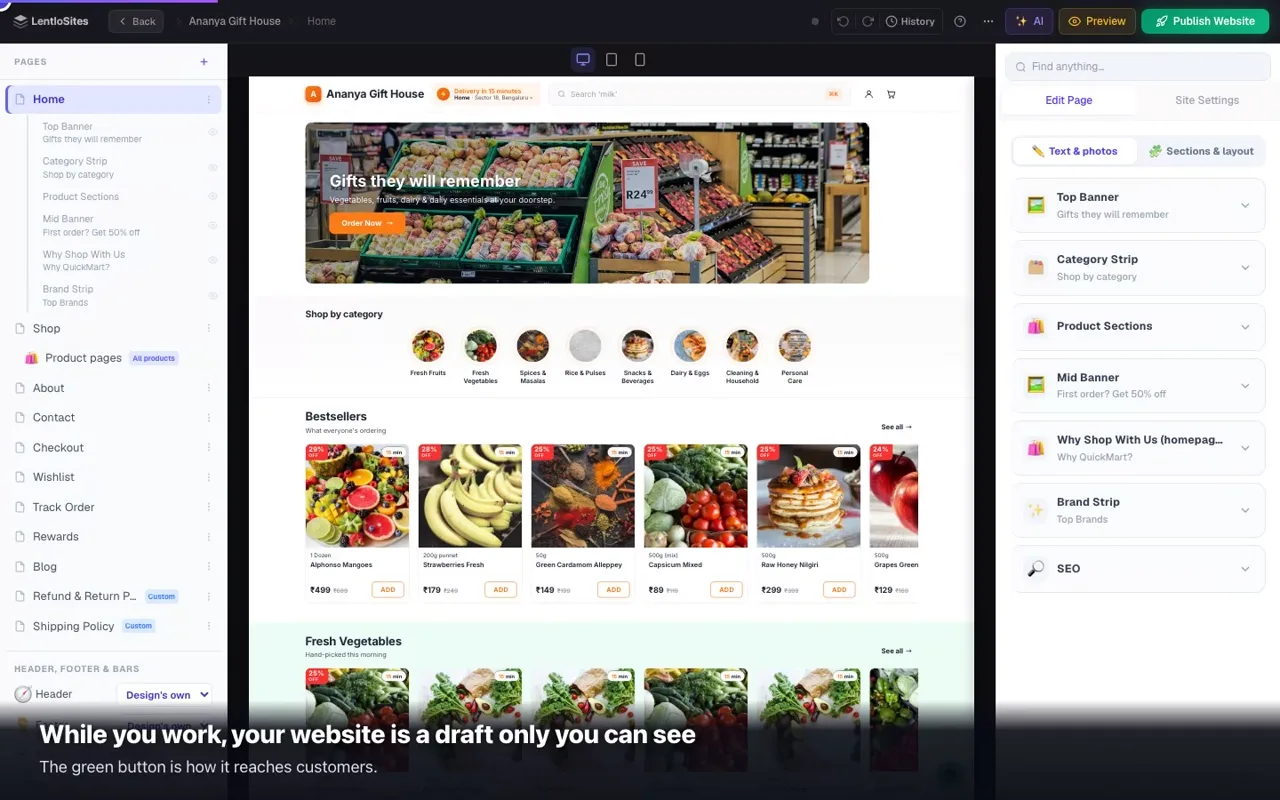 0:49Publish and share your linkOne button, and your website is online.
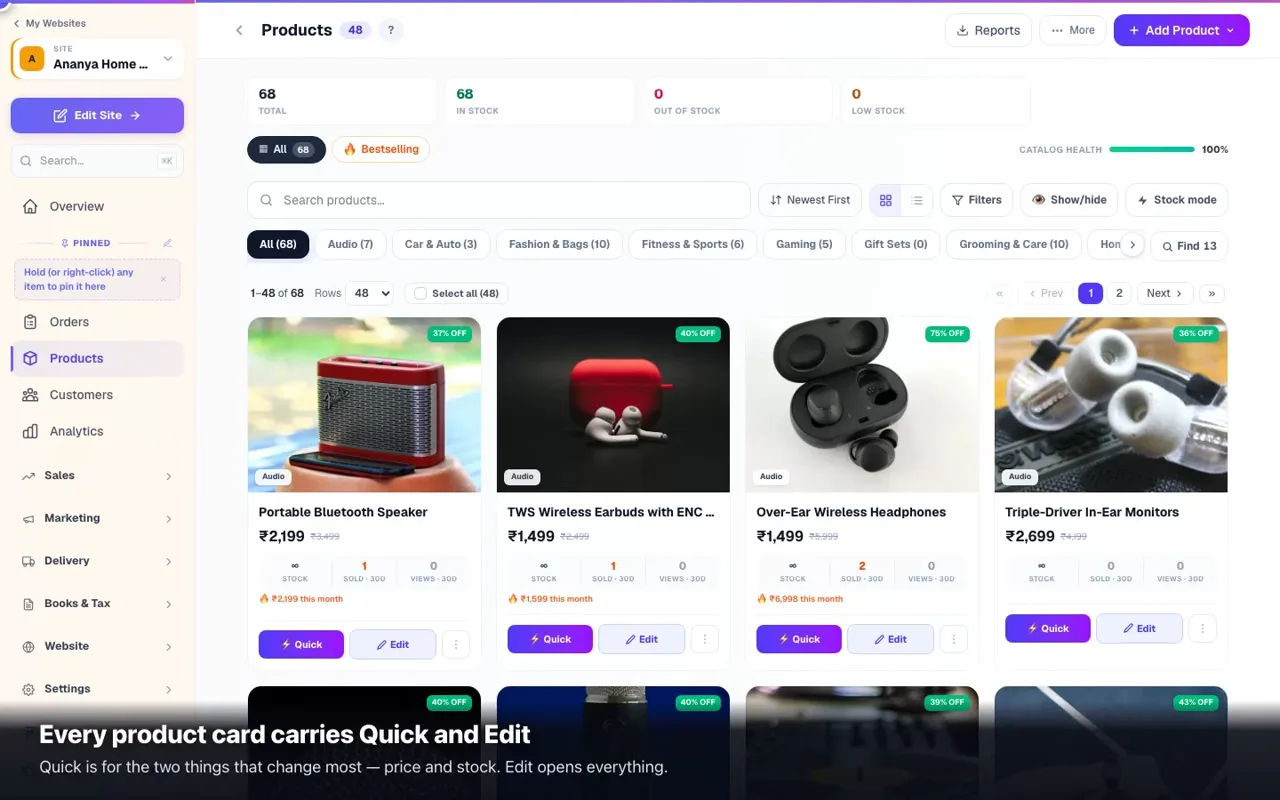 0:45Change a price, a photo or the stockOpen the product, change it, save — the shop follows.
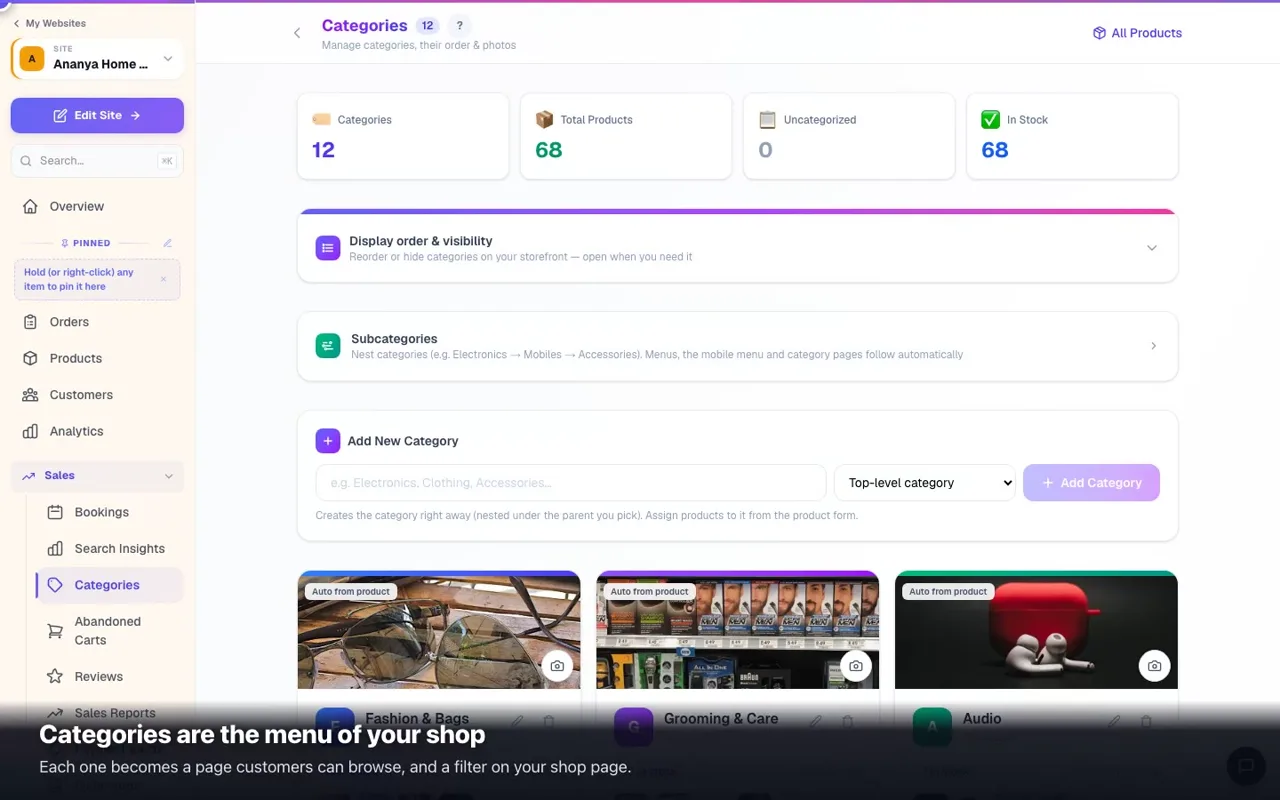 0:46Categories, and your shop menuGroup what you sell — the menu and the filter pages follow.
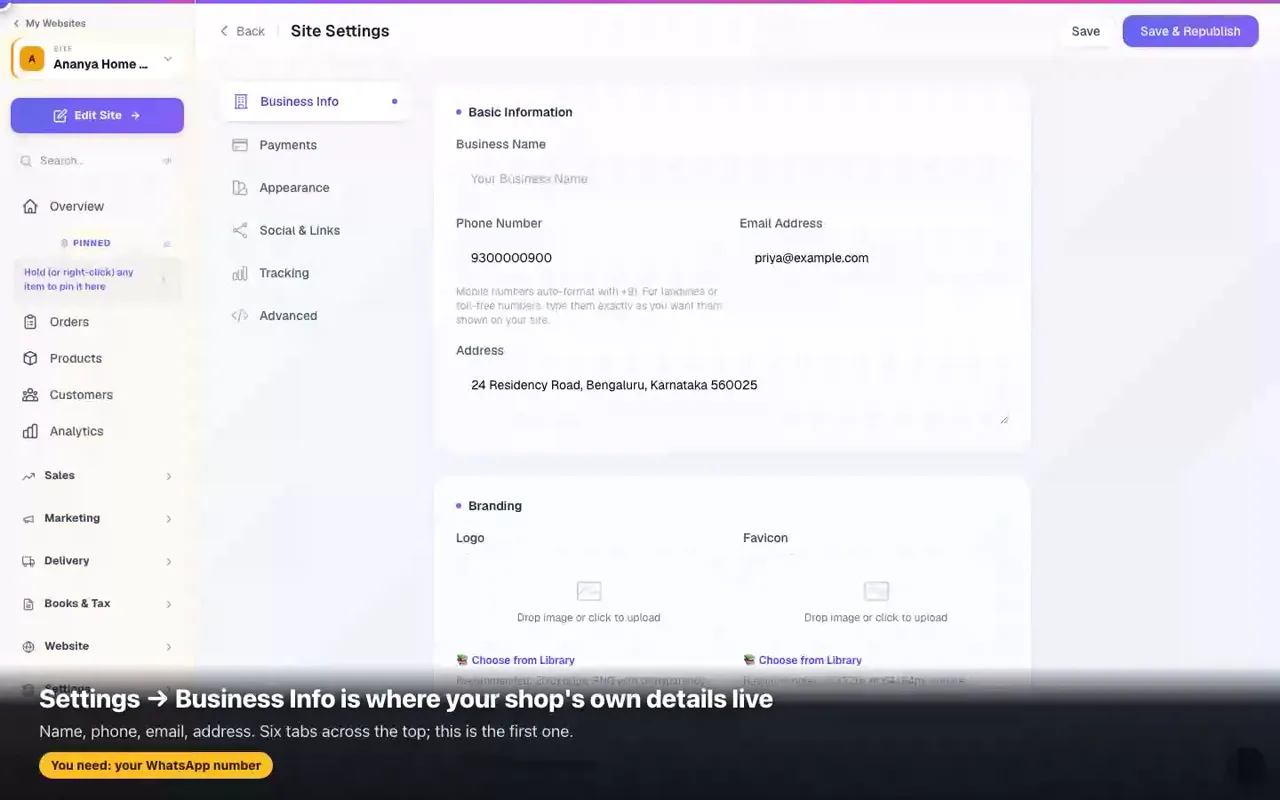 0:46Your name, number and address, in one placeChange it once — the WhatsApp button, the contact page and your bills all follow.
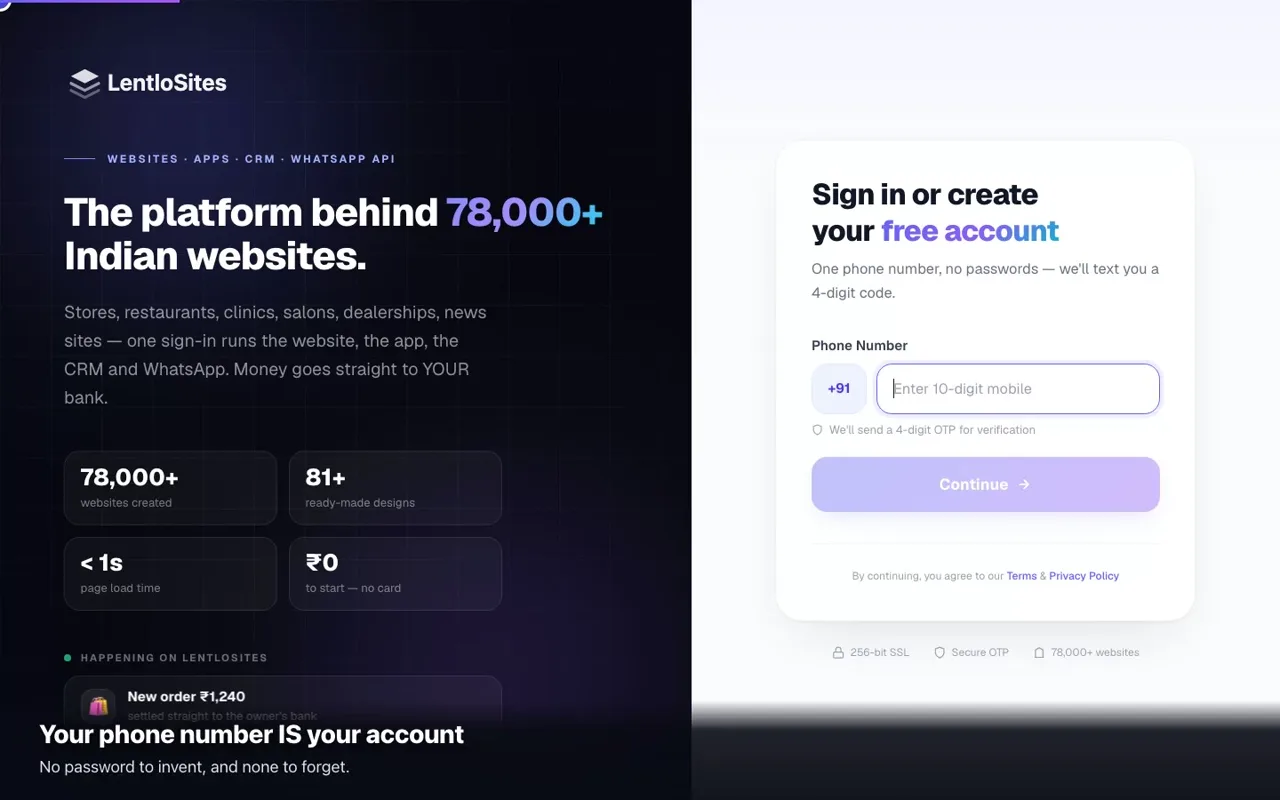 0:43Create your accountOne phone number, no passwords — and the three questions that follow.
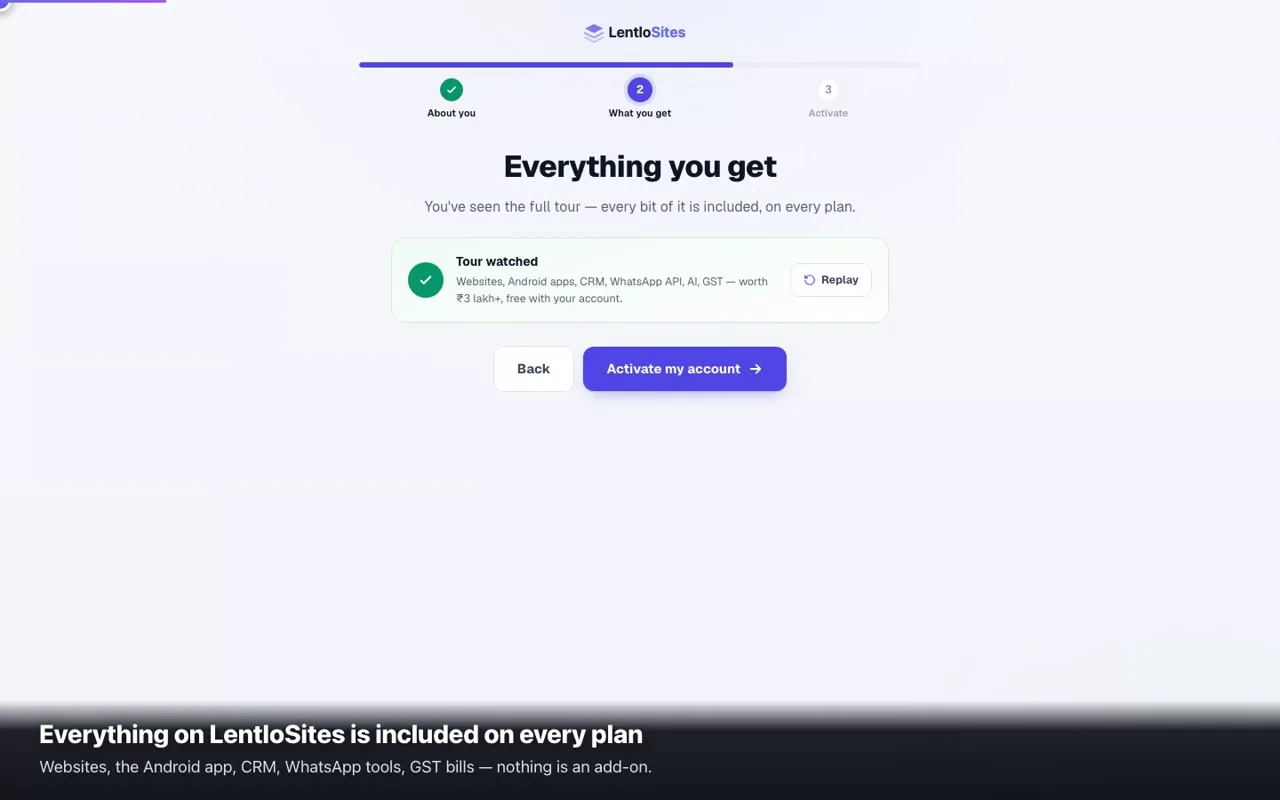 0:53Activate with ₹500 creditsWhat the ₹500 is, where it sits, and what happens to it — we stop before the payment page.
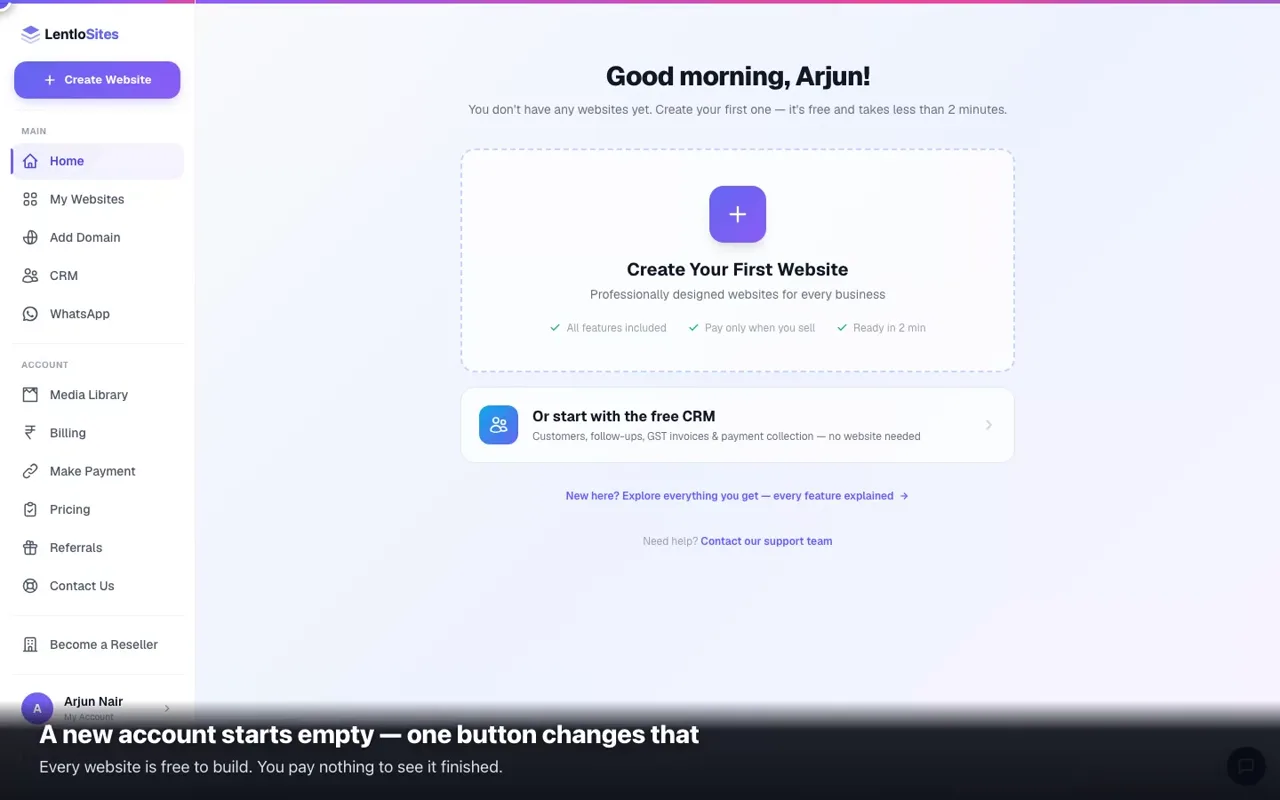 0:49Create your websiteType, design, name — and every page is built for you.
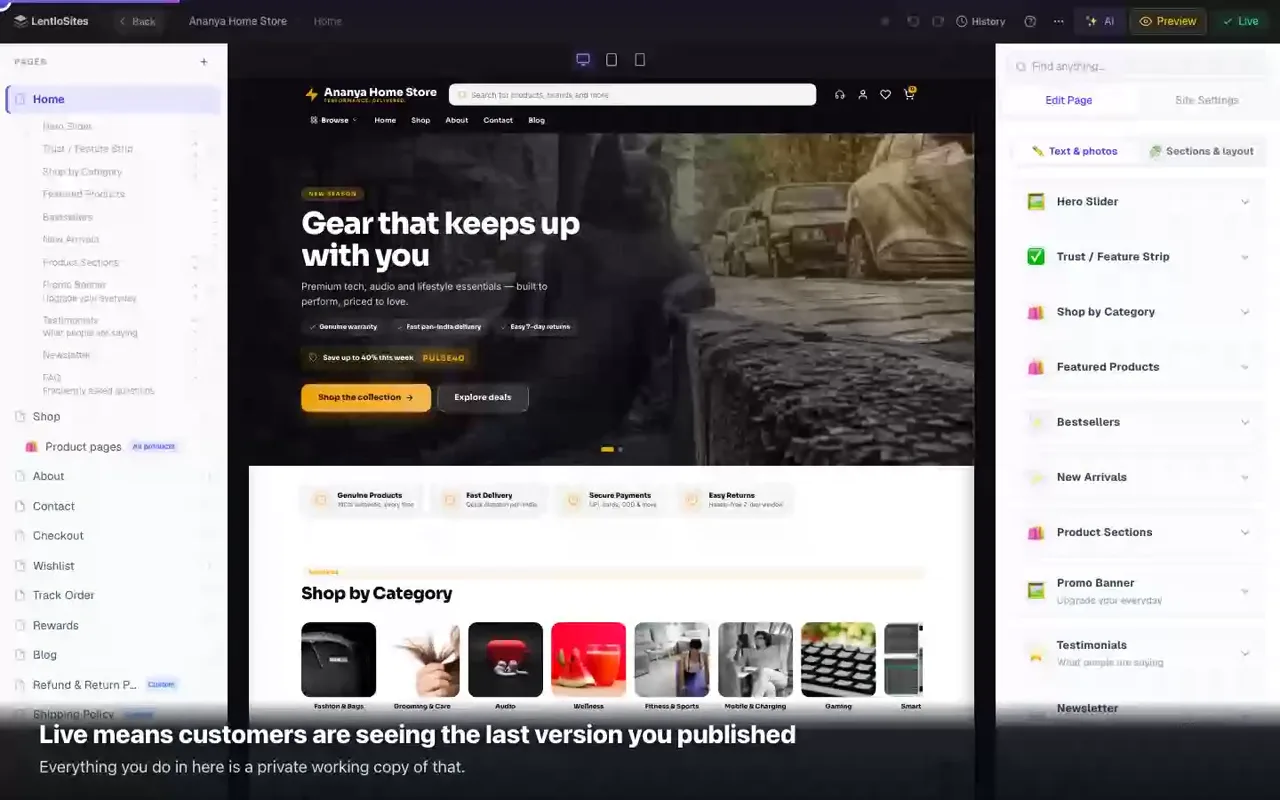 0:43Preview, publish, and going backEdits stay private until Update Website — and History puts back any earlier version.
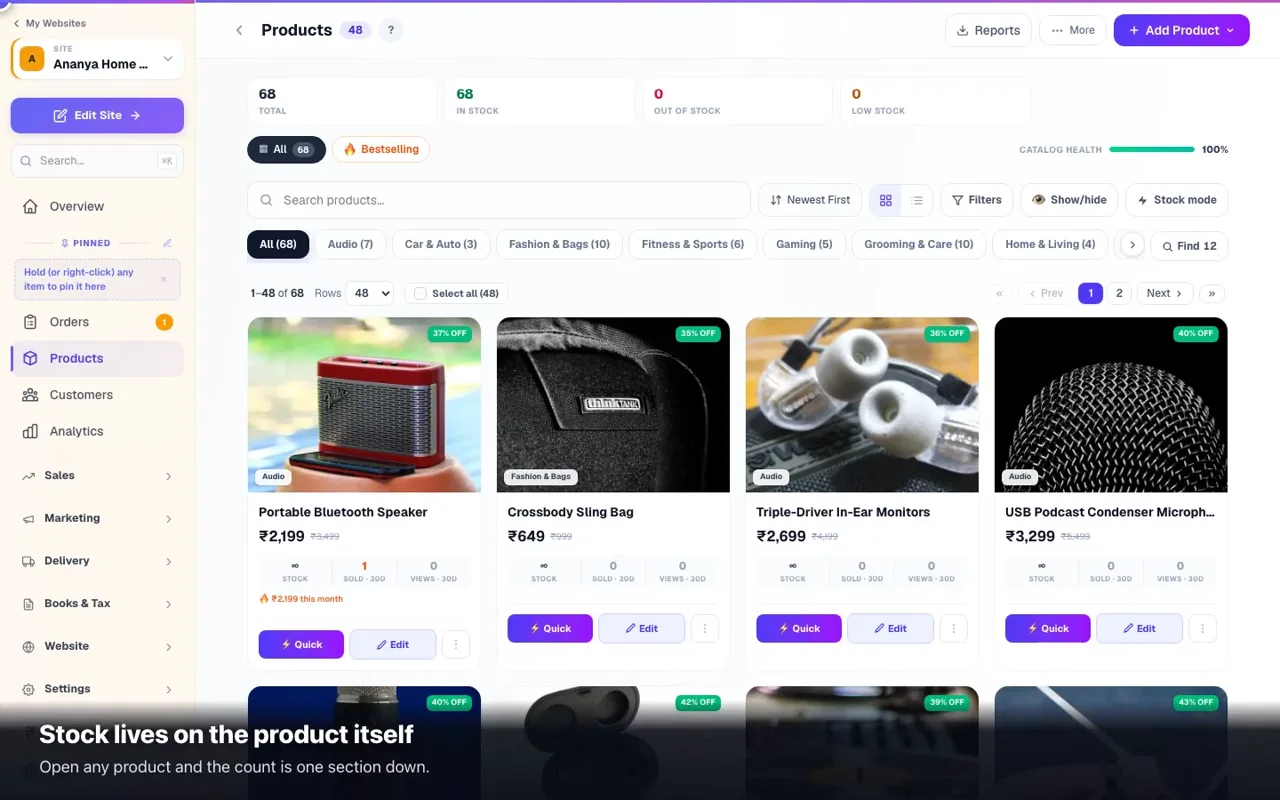 0:41Keep the stock count honestTrack what is left, and let the shop say Sold Out for you.
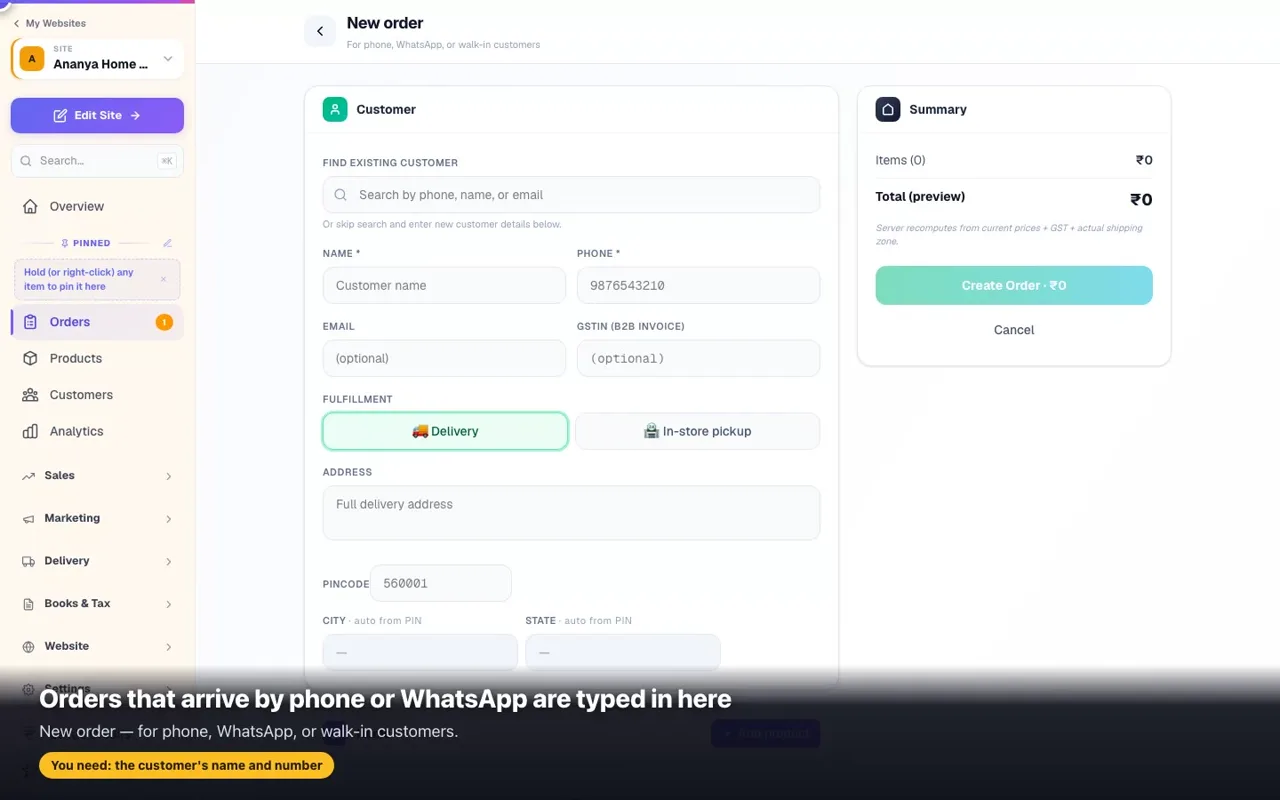 0:46Take an order on WhatsApp or at the counterType it in yourself — it lands in the same list, with the same bill and reports.
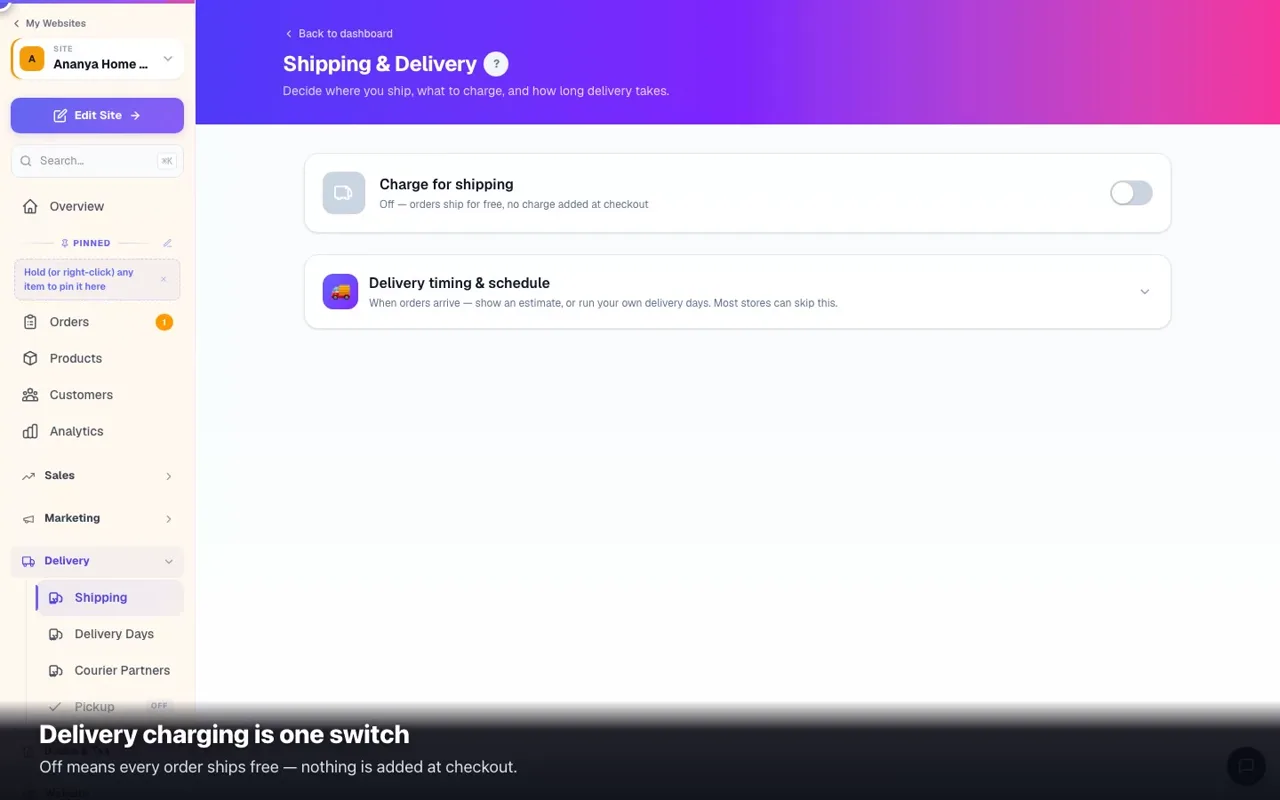 0:45What you charge for deliveryOne switch, one rate, and free delivery above an amount.
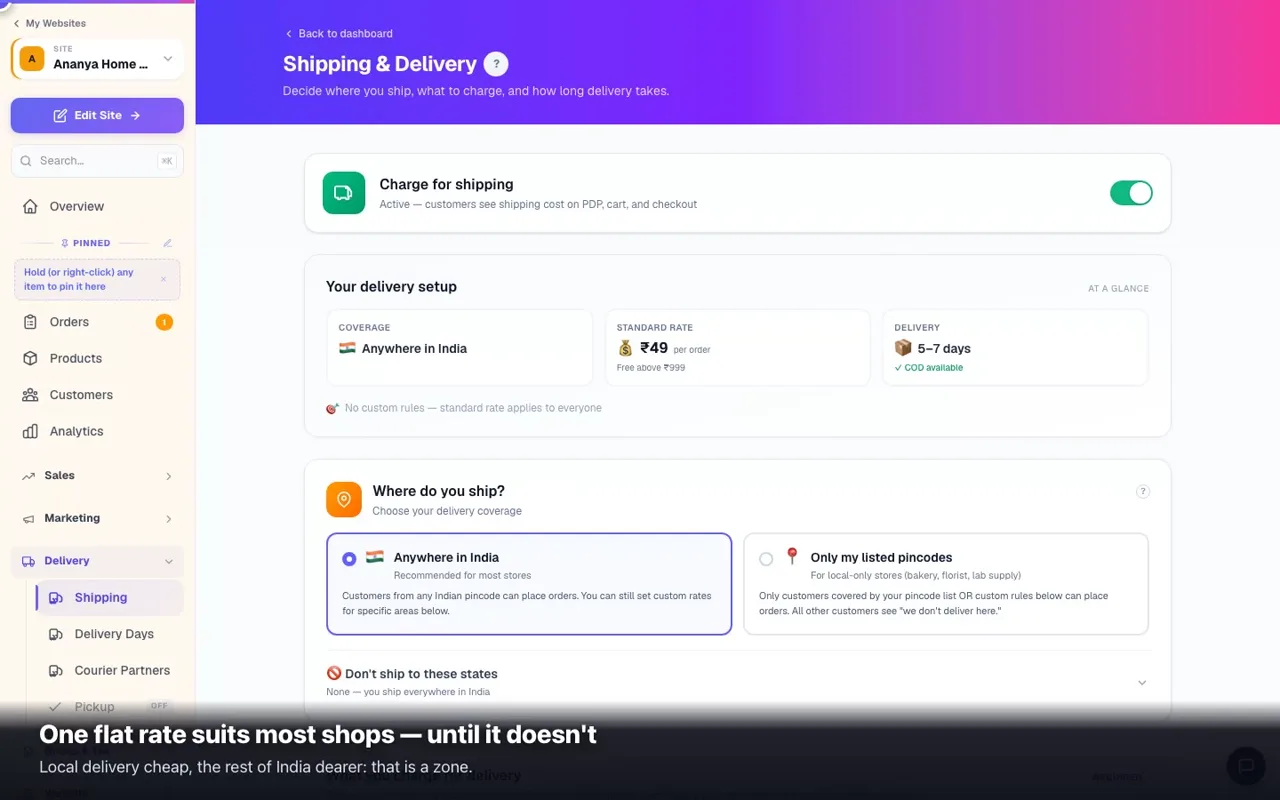 0:46Different charges for different areasCheap for your city, more for far away — a zone is a group of areas with one rate.
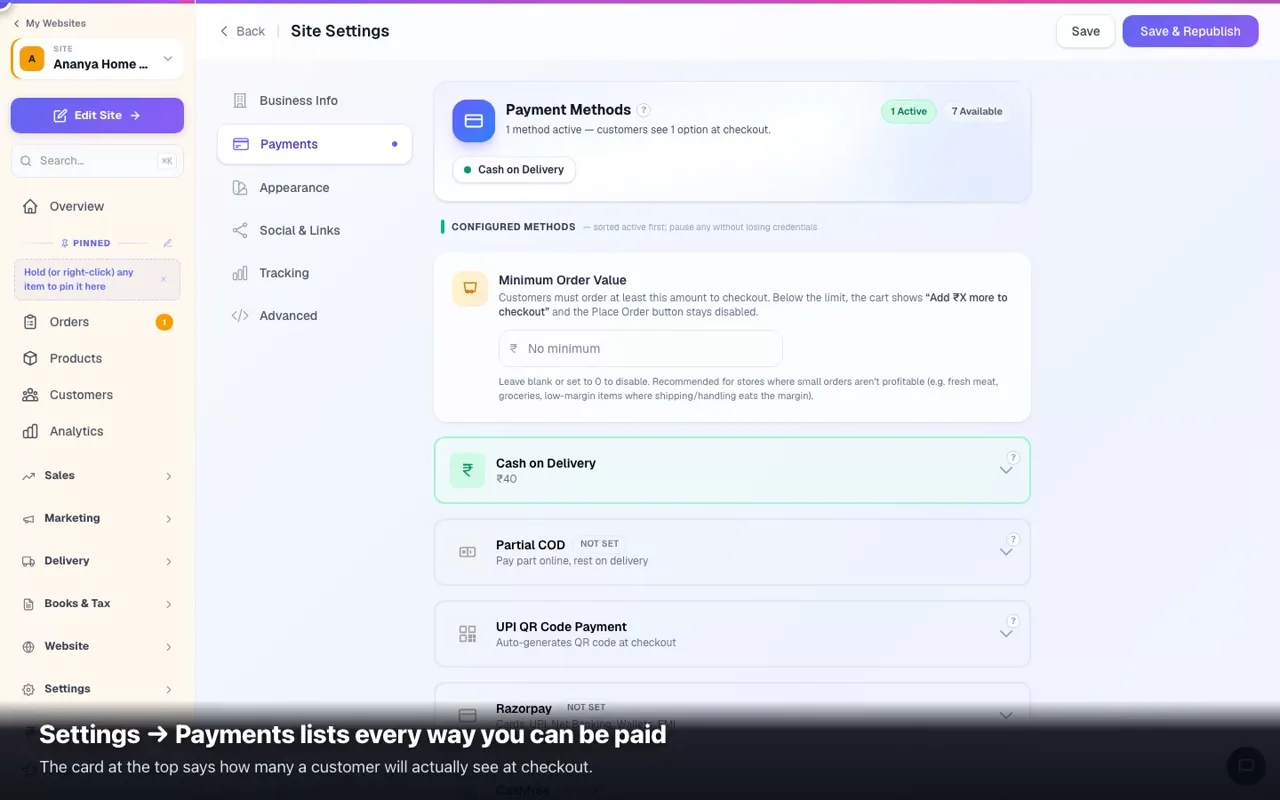 0:41Get paid: cash, UPI and cardsCash on delivery, your own UPI QR, and your own gateway keys — one screen.
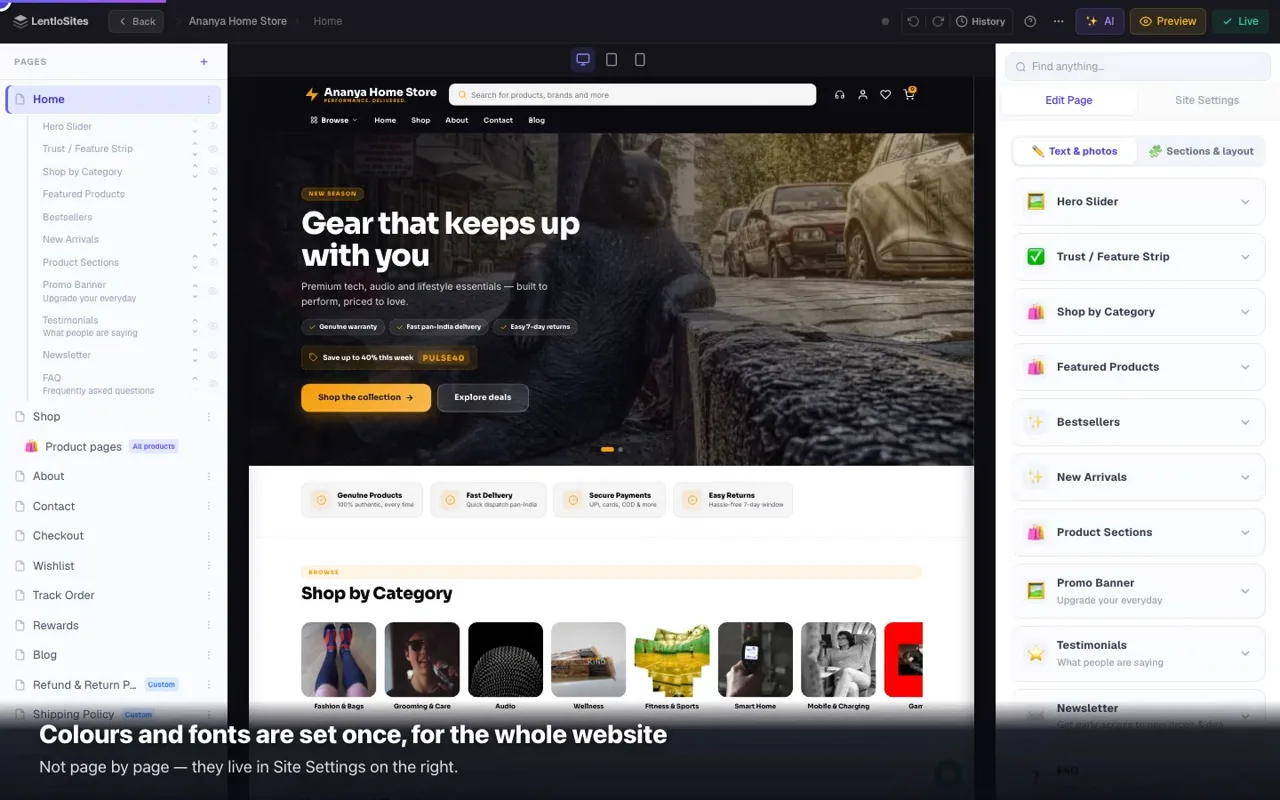 0:47Your colours and fontsSet them once in Site Settings — every page follows.
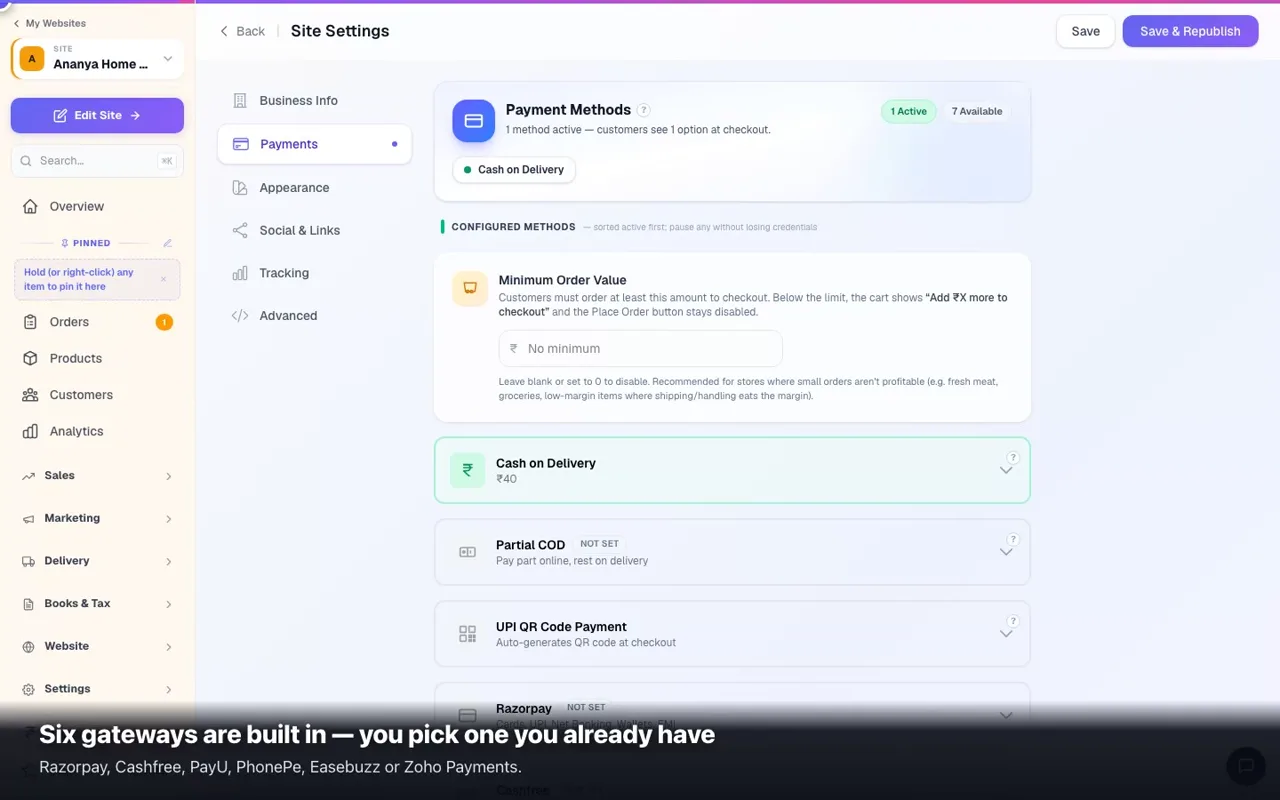 0:42Connect Razorpay, Cashfree or PhonePeYour own gateway account and keys — the money lands in your bank.
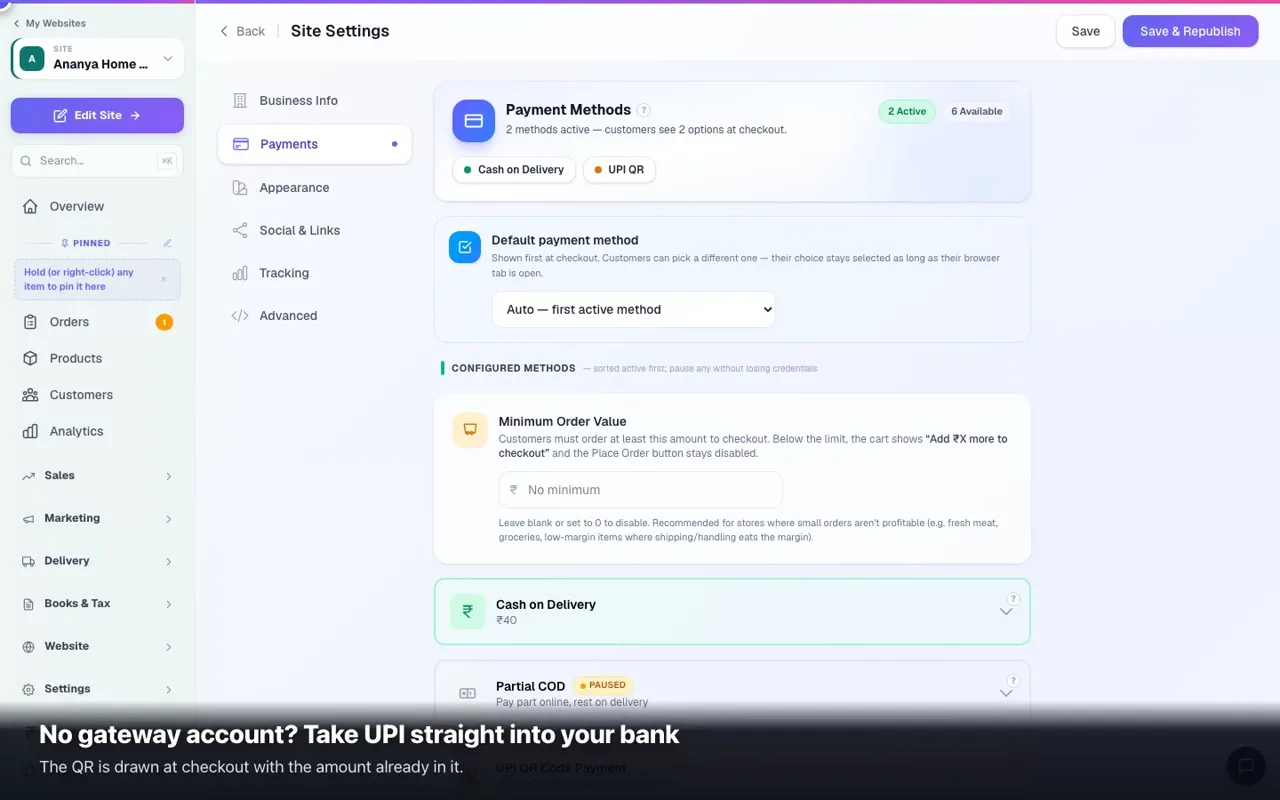 0:41Take UPI without a gatewayYour own UPI ID, a QR at checkout, and you confirm the money.
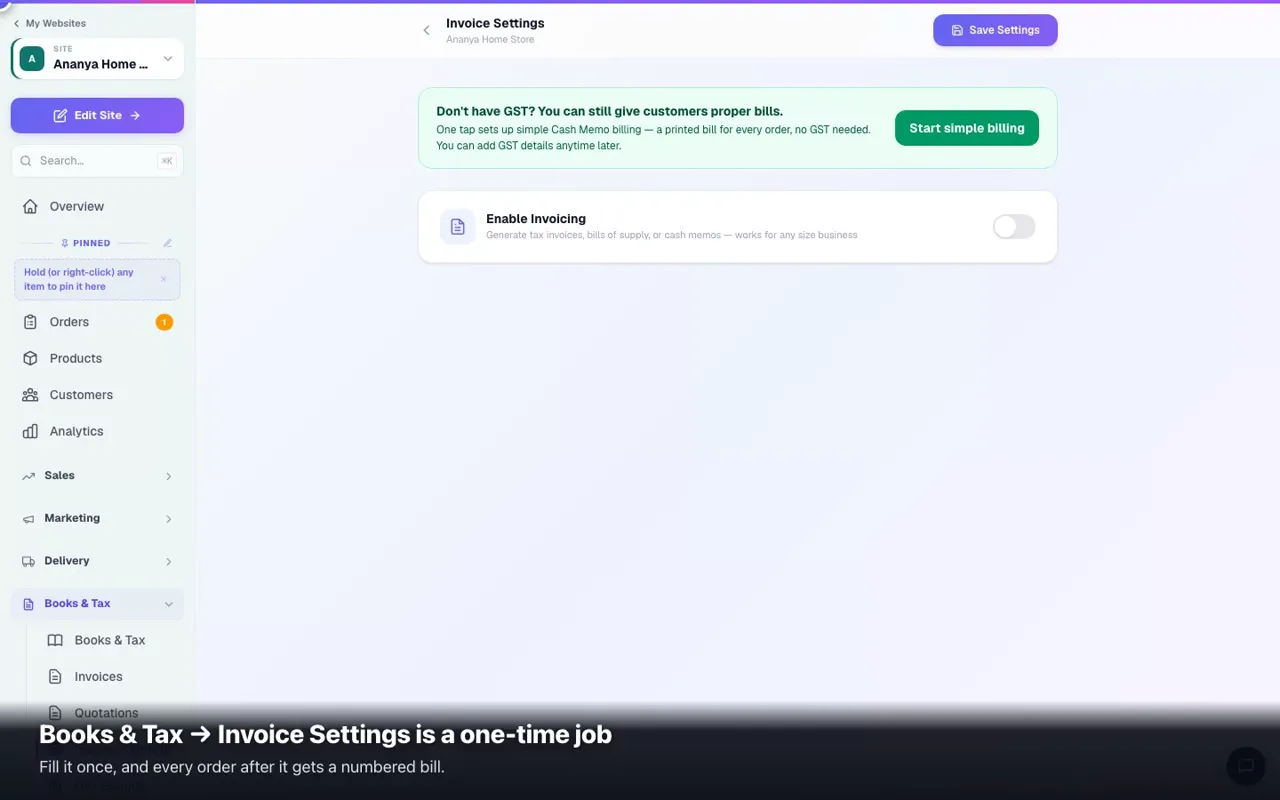 0:53Put your GSTIN on every billOne setup, and every order after it gets a numbered tax invoice.
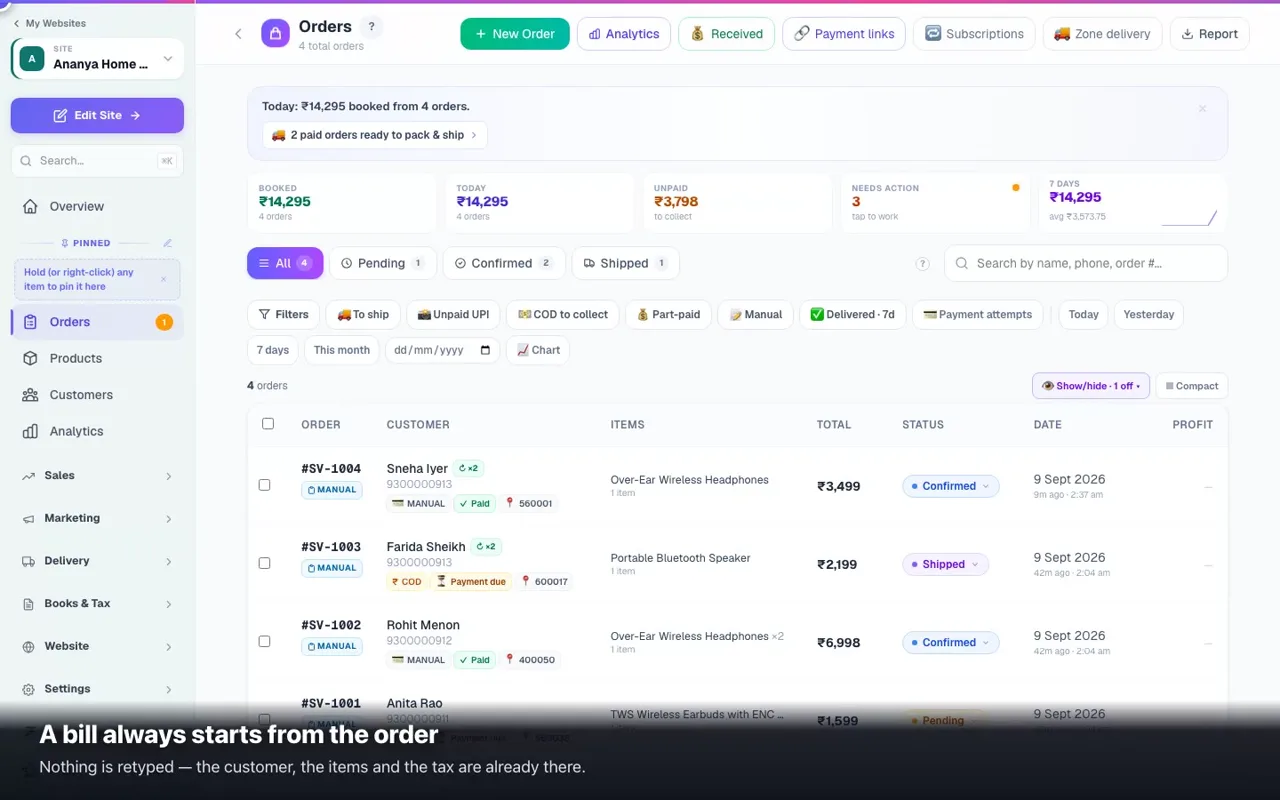 0:51Make and share a GST billOne tap on the order — the bill is written, numbered and ready to send.
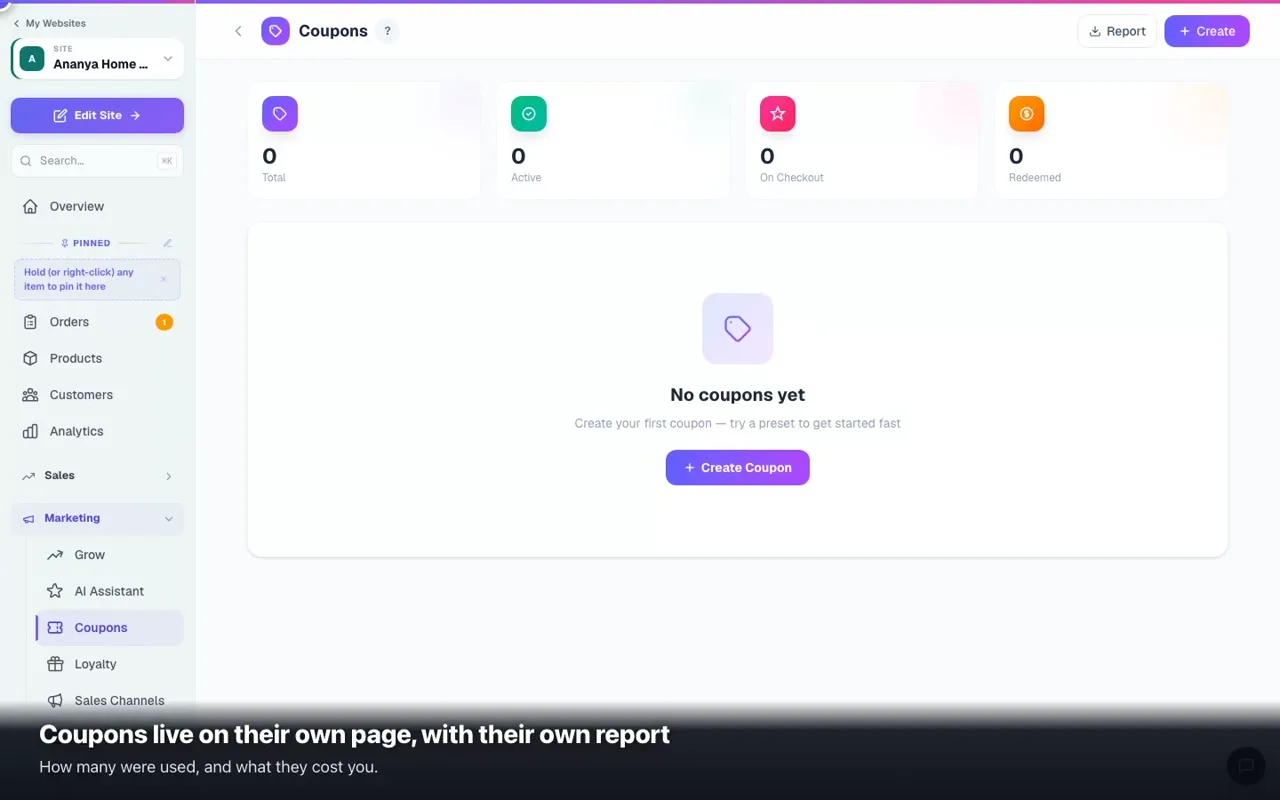 0:46A discount code in two minutesPick a preset or build your own — with the limits that protect your margin.
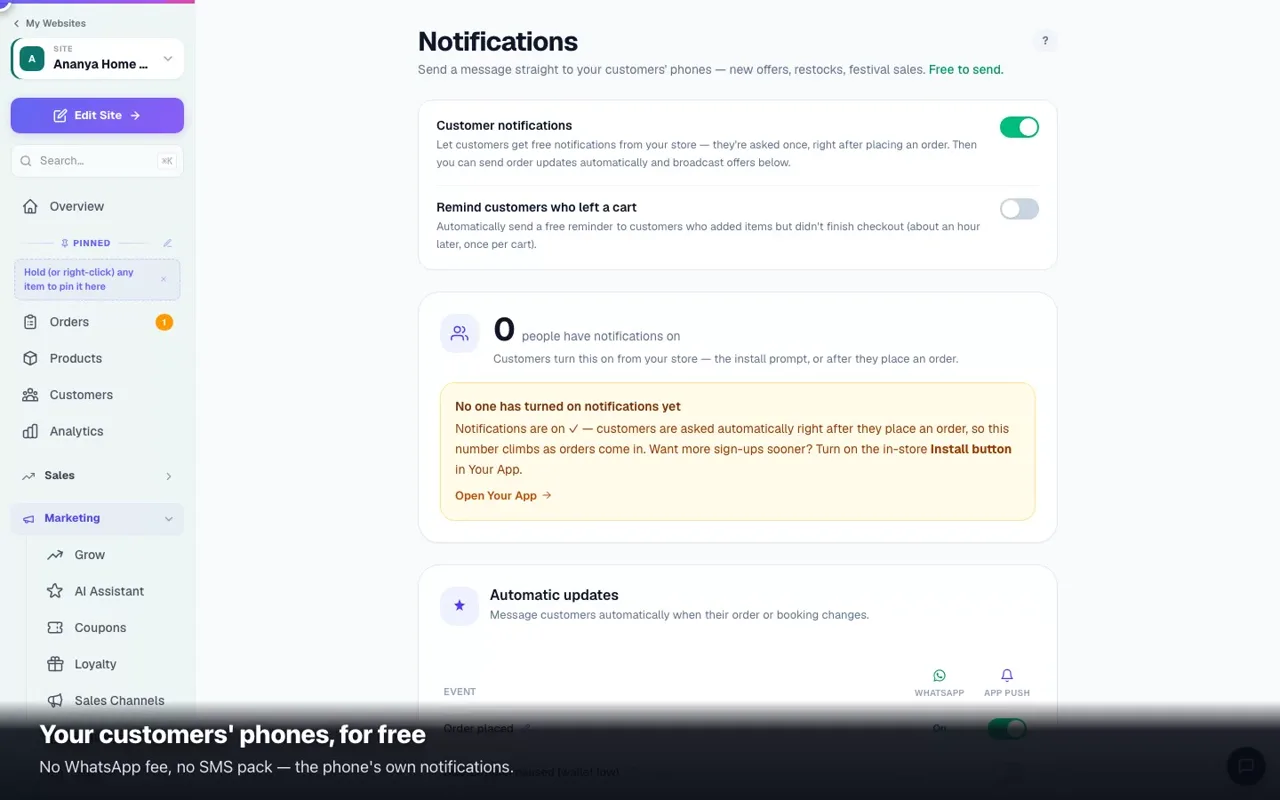 0:46What your customer hears from youFree phone notifications: order updates by themselves, and your own offers.
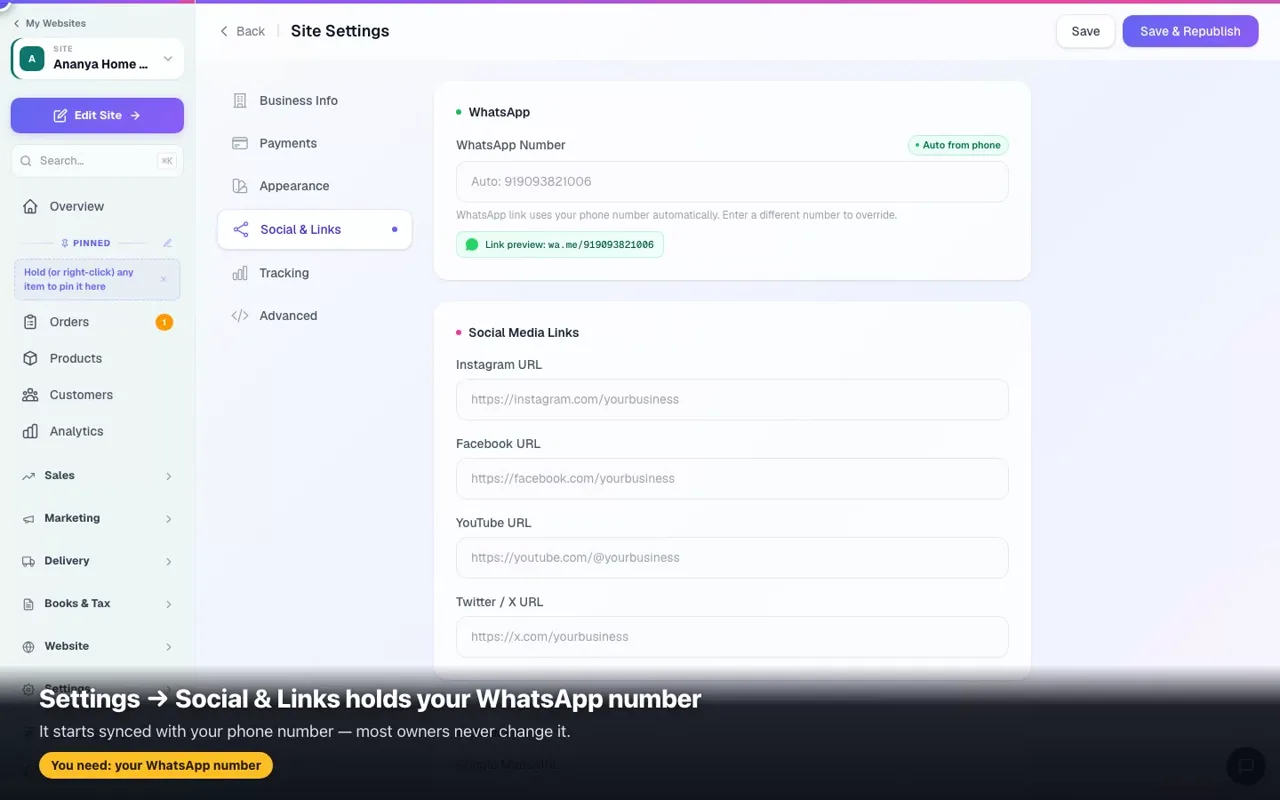 0:56The WhatsApp button on your websiteOne number in Settings, and customers reach you from every page.
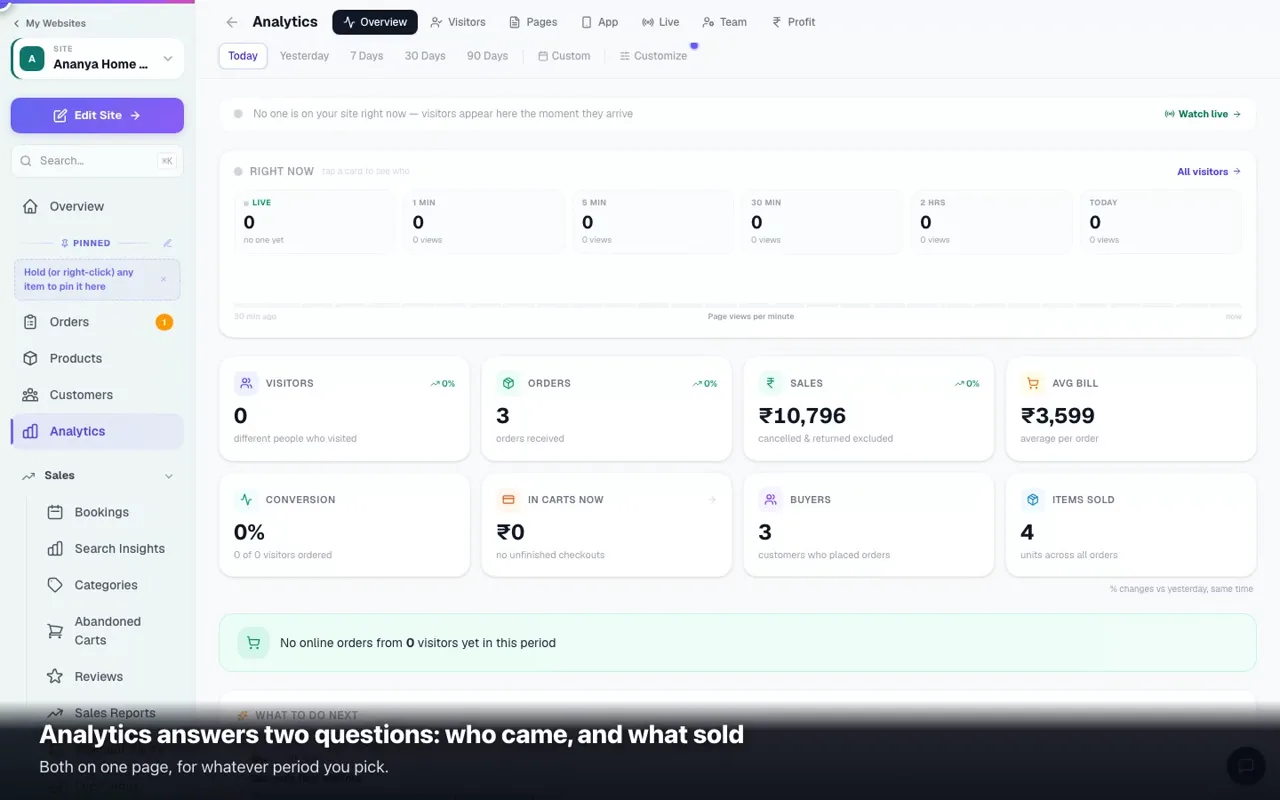 0:44Who visits, and what sellsLive visitors, the period you pick, and sales counted from your real orders.
Stuck on a step? Every screen in these films has a written guide too — start with Create a site and Edit your website.
The whole journey, start to finish
One film per kind of business, about five minutes each: create the account, answer the set-up questions, activate, pick a design, add your details and your first item, polish it in the editor, publish, and connect your own domain. Watch this once before you start; use the short films above for anything specific afterwards.
Online store — sign-up to live website (with your own domain)
Create the account, answer the set-up questions, activate, pick a design, add your business details, logo and first product, polish the site in the editor, publish, and connect a domain — end to end, about five minutes.
Restaurant & food — sign-up to live website
The same journey for a restaurant, café, bakery or cloud kitchen: your dishes instead of products, delivery and takeaway set up from day one, and the menu design that customers order from.
Clinic, salon & services — sign-up to live website
For clinics, salons, coaching, repair and every service business: photos of your place instead of products, appointment booking on every page, working hours on the contact page.
News & media — sign-up to live website
A news portal: masthead photos, sections, the first stories, the News Desk where you publish — then live and on your own domain.
Catalogue + WhatsApp — sign-up to live website
A jewellery or dealer catalogue where customers enquire on WhatsApp instead of paying online: your pieces with photos and prices, enquiry buttons everywhere.
Car dealer — sign-up to live website
A dealership site: your first car with photos, price and kilometres, enquiry and sell-your-car forms, then live and on your own domain.
Finance & loans — sign-up to live website
A loan-advisor or finance site: your services and photos, the loan application form that collects leads, then live and on your own domain.
Once your website exists
The long films stop the moment your site is live. Everything after that — products, payments, delivery and couriers, orders, marketing, reports, GST and your own domain — is covered film by film in the complete video course for online stores, and one job at a time in the short video library.
Common questions
Which one should I watch first?
If you have not created your website yet, watch the long film for your kind of business — it shows the whole path in one go. If you already have a website, go straight to the short film for the job you are doing: they are 0:46 long on average.
The film shows a step my screen doesn't have.
Designs differ slightly by business type — the order of steps is the same. If a control has moved, the written guide for that screen is always current.
Can I watch on my phone?
Yes. The films are recorded on a computer screen so every control is visible; turn the phone sideways for the best view.
More in Start here
Did this answer your question?
It takes one tap and it genuinely changes what we write next.