
Marketing Kit — social images, QR poster & catalog PDF
Ready-to-post product images for Instagram and WhatsApp, festival greetings, a printable QR poster for your counter, and a product catalog PDF — all generated free from your own products.
Watch0:475 min readUpdated 21 Oct 2026
In this guide
What's in the kit
Open Dashboard → your site → Marketing Kit and the page builds a grid of images from your in-stock products (the ones that have photos) — nothing to design, nothing to upload. What you get:
- Product post images — each selected product drawn in your selected styles. Nine styles to pick from: Photo Hero, Clean Card, Bold Dark, Studio Split, Elegant, Offer Blast, Color Pop, Polaroid and Playful.
- Stories — tall 1080×1920 images sized for WhatsApp Status and Instagram stories, including a ready Status Story for your first selected product. Most product styles can also be switched to Story or Portrait size from the image's edit panel.
- Offer cards — Sale Blast, Price Drop (appears when a product has an MRP higher than its selling price — set the MRP on the product form, see Adding products), New Arrival, Back in Stock, Buy 1 Get 1, Free Delivery and Weekend Special. The offer wording on every one is editable — change “On all orders above ₹499” to whatever you actually offer before posting.
- Branding cards — a printable Store QR poster, a festival greeting (automatically picks the next Indian festival within 30 days — Diwali, Holi, Eid, Raksha Bandhan and more), a contact card with your phone/website/address, a store-hours card, a customer-review card, a product collage grid (needs 4 or more products) and category banners for categories with 3 or more products.
Use the filter row on top — All, Products, Stories, Offers, Branding, each with its own count — to see one kind at a time. No e-commerce store yet? The QR poster, offer cards and greeting card still work for every site.
Make it yours — the Customise panel
The Customise panel above the grid controls every image at once. Change anything and the whole grid redraws in a few seconds:
- Brand colour — starts on your website's colour; tap a swatch or the + circle for any custom colour.
- Font style — Modern, Friendly, Elegant (serif) or Bold.
- Show on images — switch your logo, website address and phone number on or off; the phone number is editable right there, so you can print your WhatsApp number instead.
- Products — tick exactly which products get cards (the first few are picked for you; All selects everything and First … goes back to the first few).
- Product card styles — pick which of the nine styles to generate. More styles × more products = more images.
Posting, editing and downloading
Regular posting is what keeps a small shop visible on WhatsApp and Instagram — the kit removes the “I don't have a picture” excuse. Every image already carries your brand colour, logo, name, website and phone.
Open Marketing Kit
Dashboard → your site → Marketing Kit. Images generate on their own in a few seconds. Tap any image to see it full-screen.
Edit an image (optional)
Tap the pencil icon on any image to change its Headline and Tagline, switch the Product it features, or change its Size (Post, Portrait or Story). Offer cards have their own extra lines — the BOGO text, delivery threshold, store hours, review text and so on. Apply changes redraws just that image.
Download or share
PNG downloads that one image at full quality. Download All grabs every ready image in the current filter, one after another. On a phone, the share icon opens your normal share sheet — send an image straight to WhatsApp Status without saving first.
Refresh after changes
Refresh rebuilds everything fresh — do this after changing prices or photos, because each image freezes the price at the moment it was made.
Sending to many customers at once? Pair these images with a WhatsApp broadcast — see WhatsApp broadcasts.
Store QR poster
A printed QR code is the cheapest bridge from your physical shop to your online one — customers scan it at the counter and land on your website, even when you're busy with someone else. Find it under the Branding filter in Marketing Kit.
- The QR is drawn in your brand colour and opens your live website — your own domain when you've connected one, else your free web address. Publish your site first (see Publishing your site).
- The headline (“Scan & order online”) and tagline are editable via the pencil icon, and it shows simple 1-2-3 scan steps plus your phone number.
- It's a tall portrait image (1080×1350) that prints cleanly on A4 — stick it on the counter, the shop wall, or hand copies to delivery partners. A small “Powered by LentloSites” line sits at its foot.
Need a QR for one specific page or product? That's the separate QR Codes tool, under Marketing in your site's sidebar (and a tile on the Manage page) — it makes QR codes for your full site, any page, any product, or a custom link, in four sizes up to 1000px for print. See QR codes. The Marketing Kit poster always points at your homepage.
Where the files go
Nothing is stored on your website or sent anywhere — images are drawn right in your browser and saved like any normal download, so there's no cost and no limit.
- On a computer — PNG files land in your Downloads folder, named by style and business name (e.g.
qr-poster-sharma-stores.png). - On a phone — downloads go to your Files/Downloads (and gallery on most phones). Quicker: tap the share icon on an image and pick WhatsApp directly.
- Regenerate anytime — the kit rebuilds from your current products, prices and photos, so yesterday's downloads never limit today's.
Digital business card
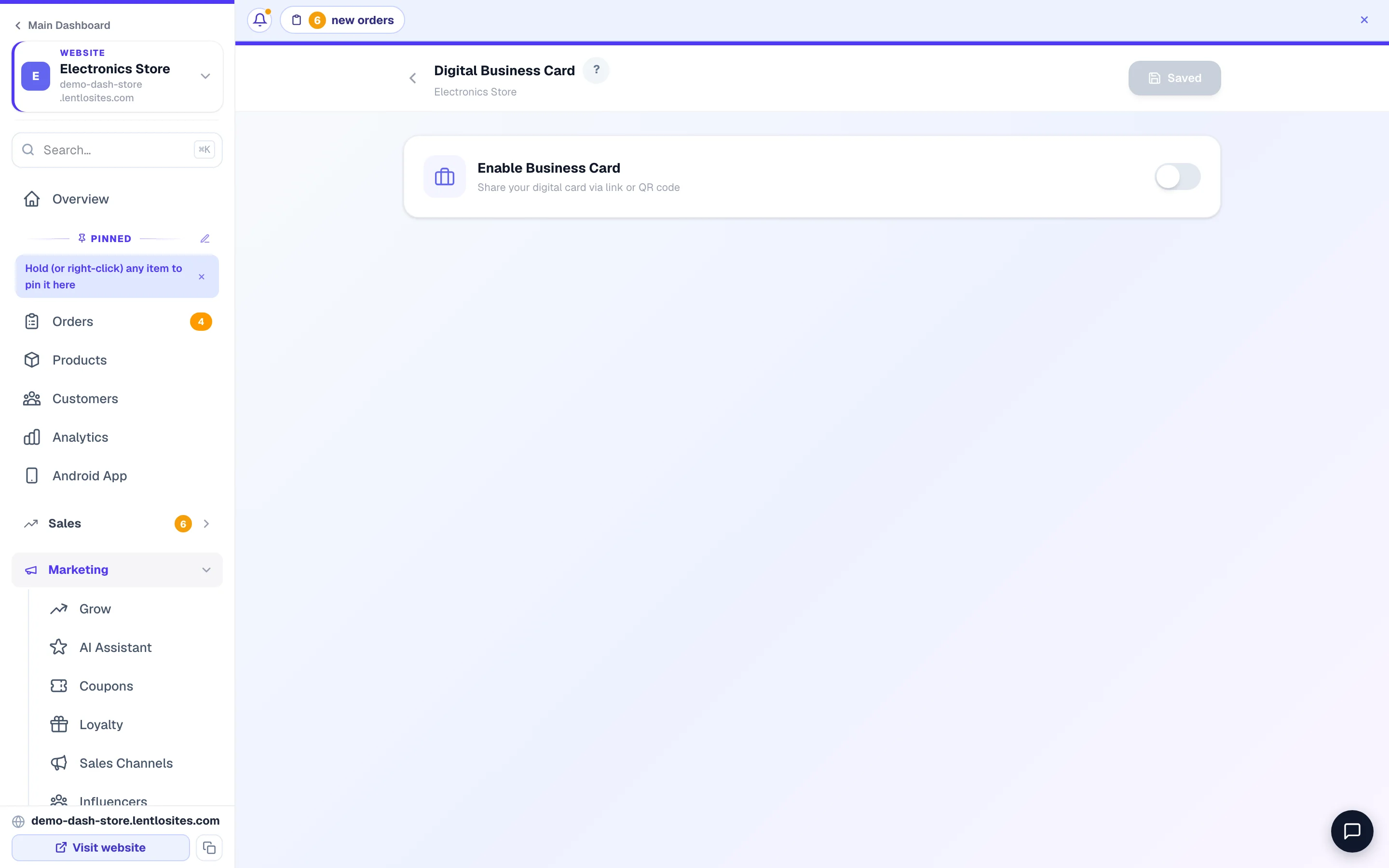
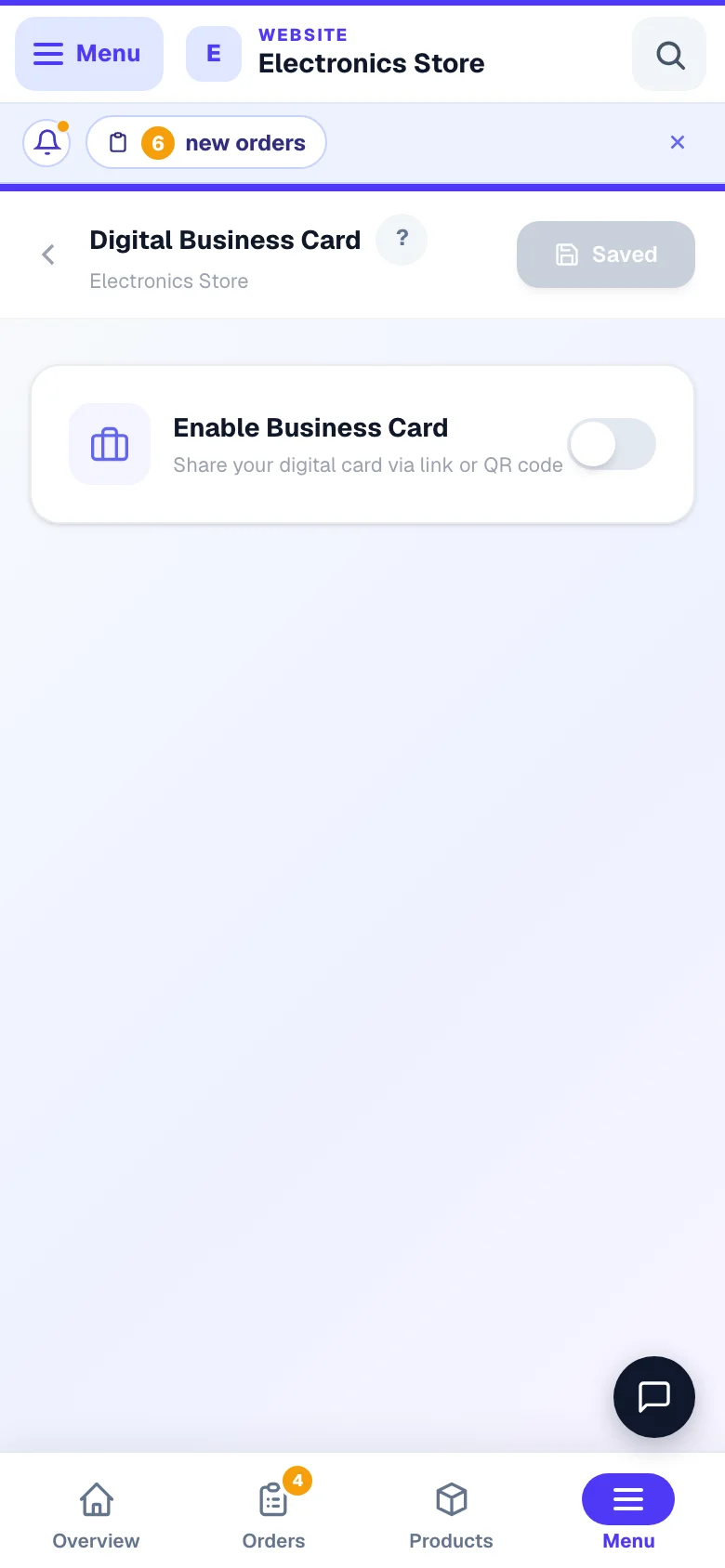
A digital business card is a single link you WhatsApp to anyone who asks for your details — it opens a mini page with tap-to-call, tap-to-WhatsApp, your address on the map, and a Save Contact button that adds you to their phone book. Set it up at Dashboard → your site → Business Card.
- Turn on Enable Business Card, fill your details across the four tabs — Business Info, Social, Content, Style — and Save Business Card. Your share link and its QR code appear once saved (share it before saving and visitors get a “Page Not Found”). Full guide: Digital business card.
- The card can show: tap-to-call phone, WhatsApp, email, address with map link, working hours with a live Open Now / Closed badge (it even says “Opens tomorrow at 10 AM”), services with prices, customer testimonials, a YouTube video, photo gallery, a booking link, and a UPI Pay Now QR.
- Social buttons for Instagram, Facebook, LinkedIn, YouTube and X (Twitter).
- Save Contact downloads a vCard (.vcf) the customer's phone saves in one tap.
- The link lives on your own domain when you've connected one (see Connecting a domain), else on www.lentlosites.com/card/your-shop-name — your free shop address does not open it, so copy the link from the Business Card page.
Share strategy: WhatsApp the card link whenever someone asks for your number. It's friendlier than a bare contact file, and it quietly shows your services, hours and payment QR too.
Your catalog as a PDF
The catalog is your full price list as a neat PDF — photos, prices, MRP strike-throughs and categories — ready to WhatsApp to a customer who asks “what all do you have?”. Two places to get it:
- Your site's Manage page → Product Catalog tile (“Download as PDF”; a catalogue website calls it Catalogue PDF) — the whole store.
- Products page → More → Catalog PDF — All, with every category listed under it and its product count — handy for a customer who only wants sarees, or only electronics.
It opens as a print-ready page and the print dialog appears by itself (closed it? press Print / Save PDF at the top) — choose Save as PDF as the printer and you have the file. The header carries your logo, the phone, email and address from your Business Info, and a QR to your website; out-of-stock items show greyed with an “Out of stock” badge so customers don't order what you can't supply.
The catalog uses live data — prices and stock are whatever they are the moment you generate it. Changed prices? Just generate a fresh one; it takes seconds.
More in Customers & marketing
Did this answer your question?
It takes one tap and it genuinely changes what we write next.