Help Center

Ask it the way you’d ask a friend.

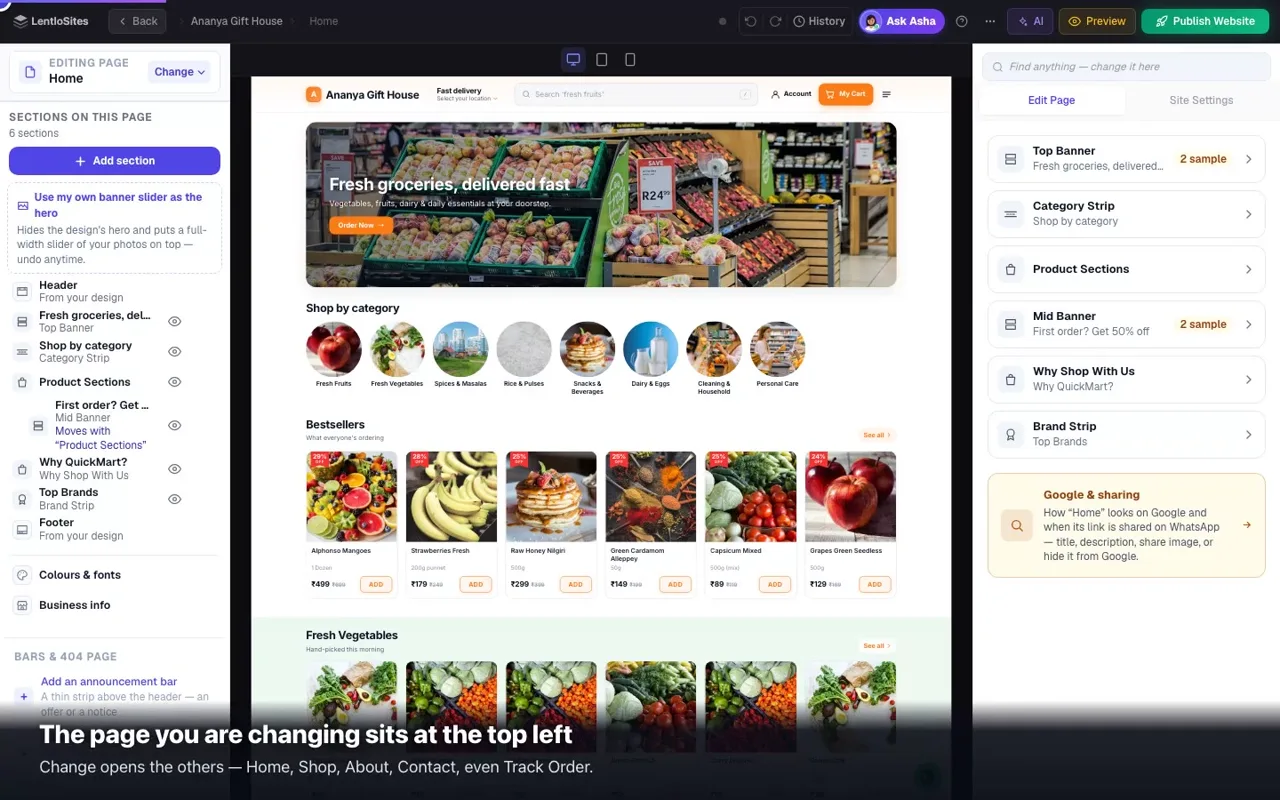
Type it in English, Hinglish or Hindi. Every answer is written from the real screens, with a short video wherever watching is quicker than reading.

170 guides, 72 short videos, 457 straight answers and 381 screenshots of the real product.

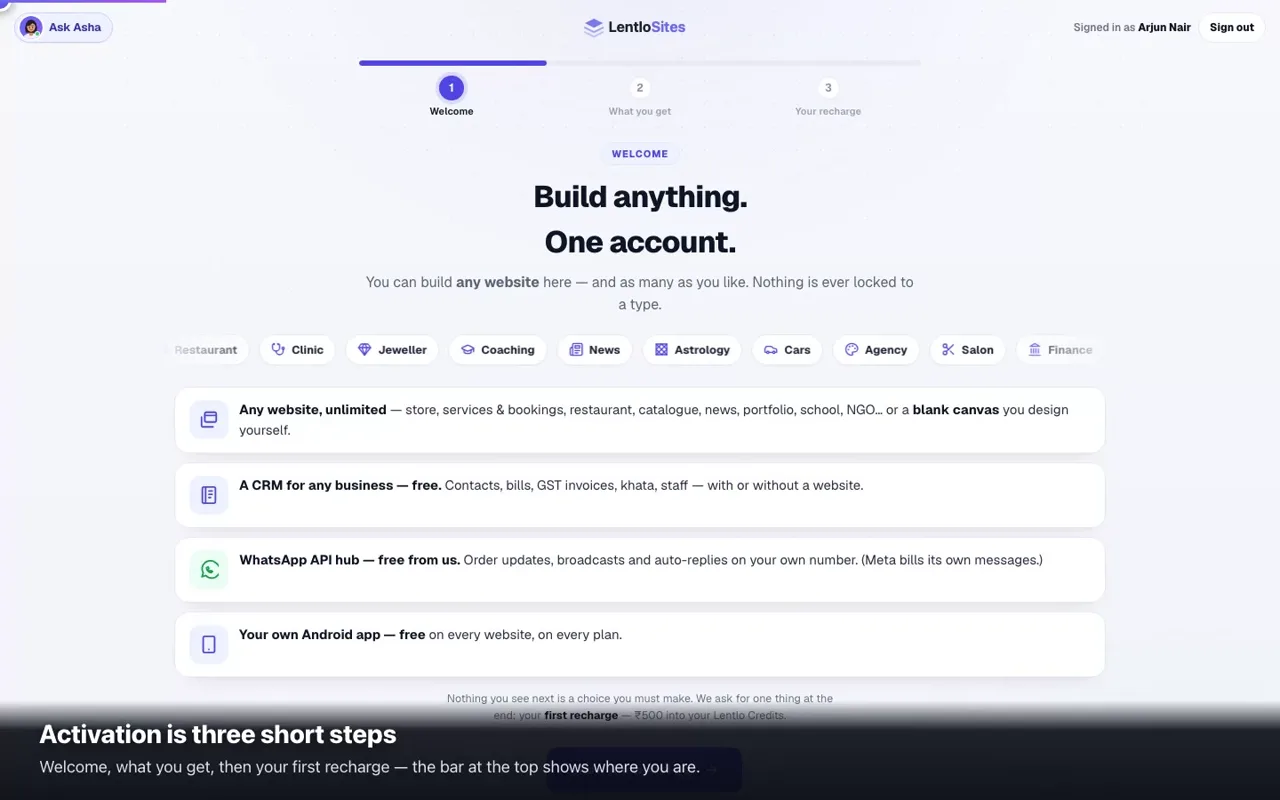
New here? Five steps to a live website

About half an hour from start to finish. Most people are done sooner.

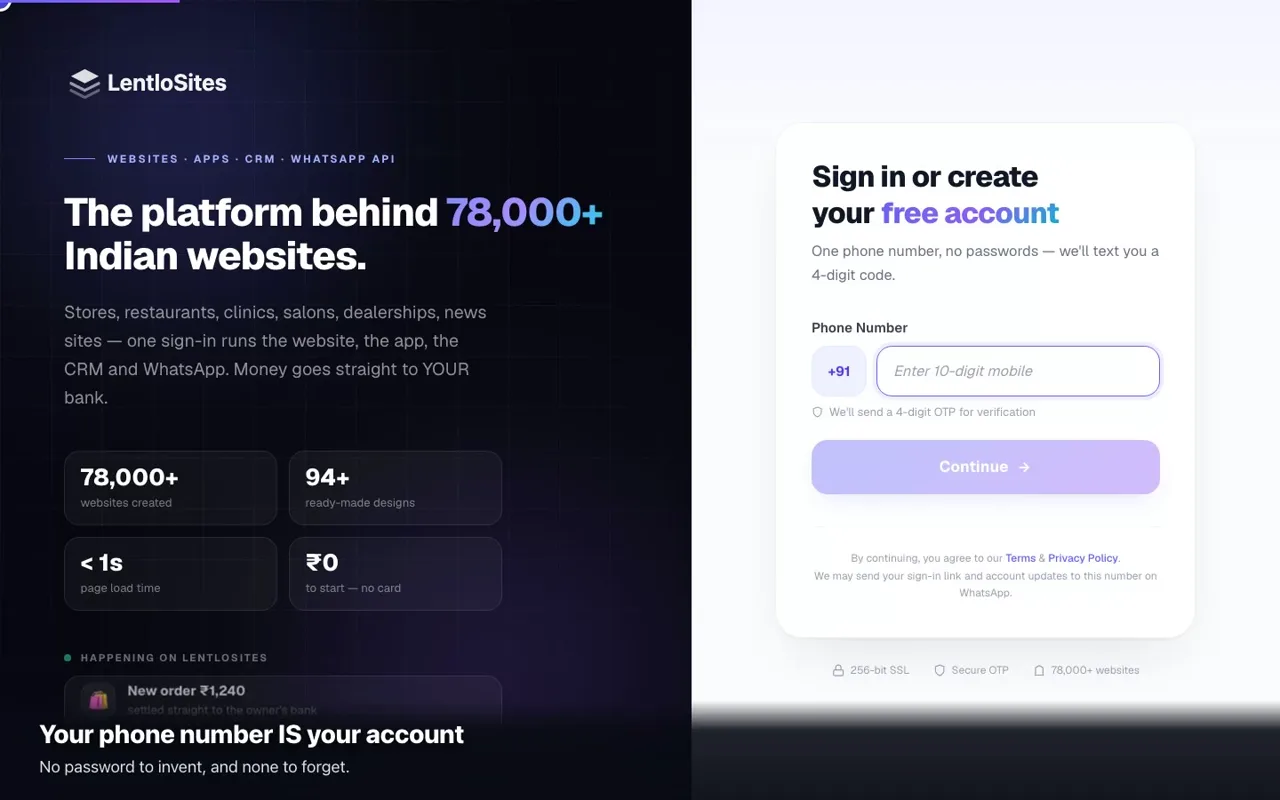
  1. Create your account

    Your phone number and a one-time code, then a ₹500 recharge into Lentlo Credits — spendable, not a fee.

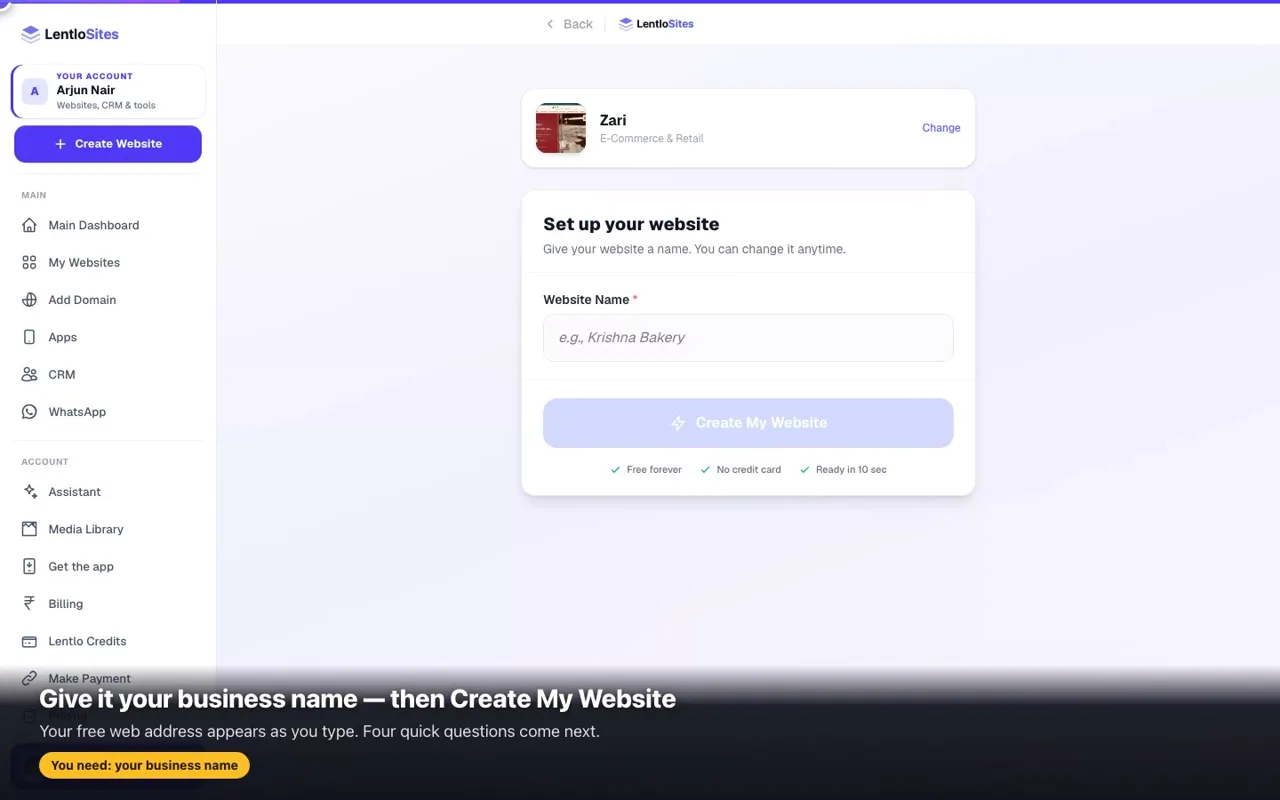
  2. Pick a design

    Answer a few questions about your business and the website is built.

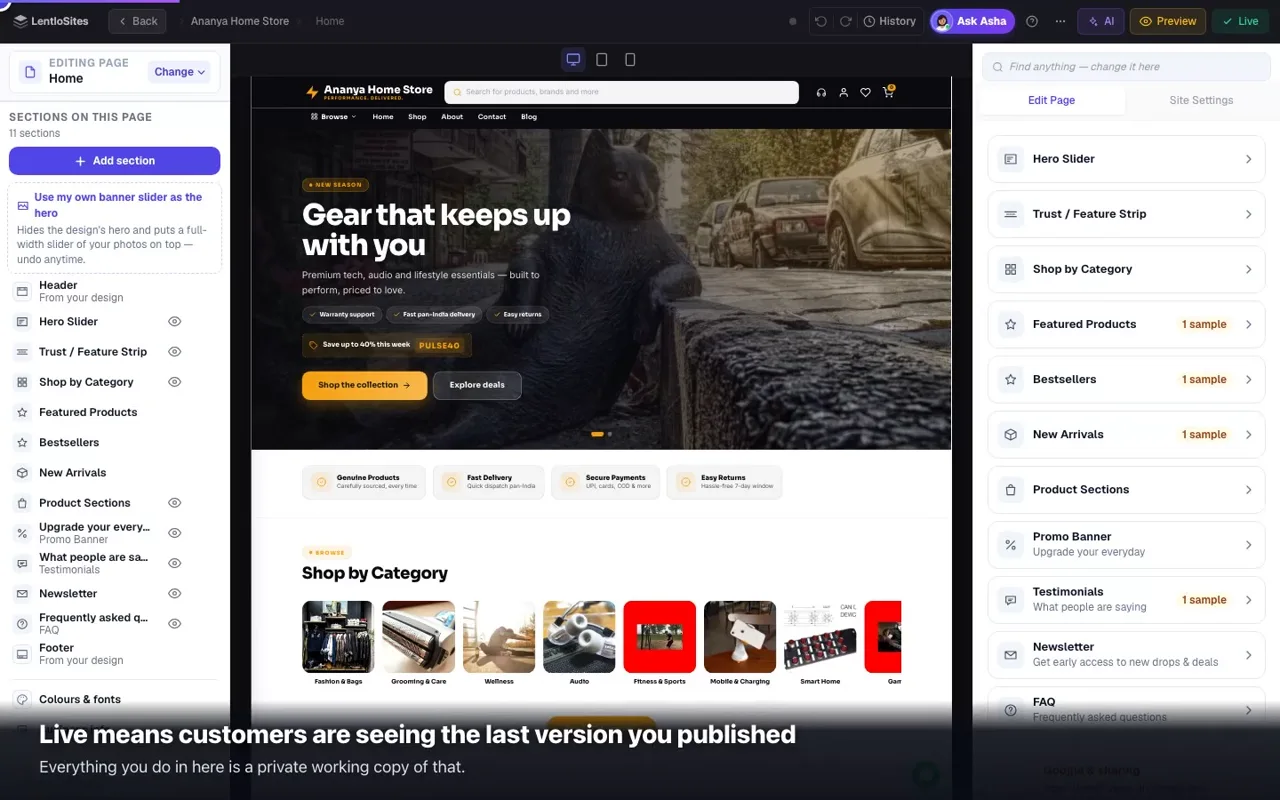
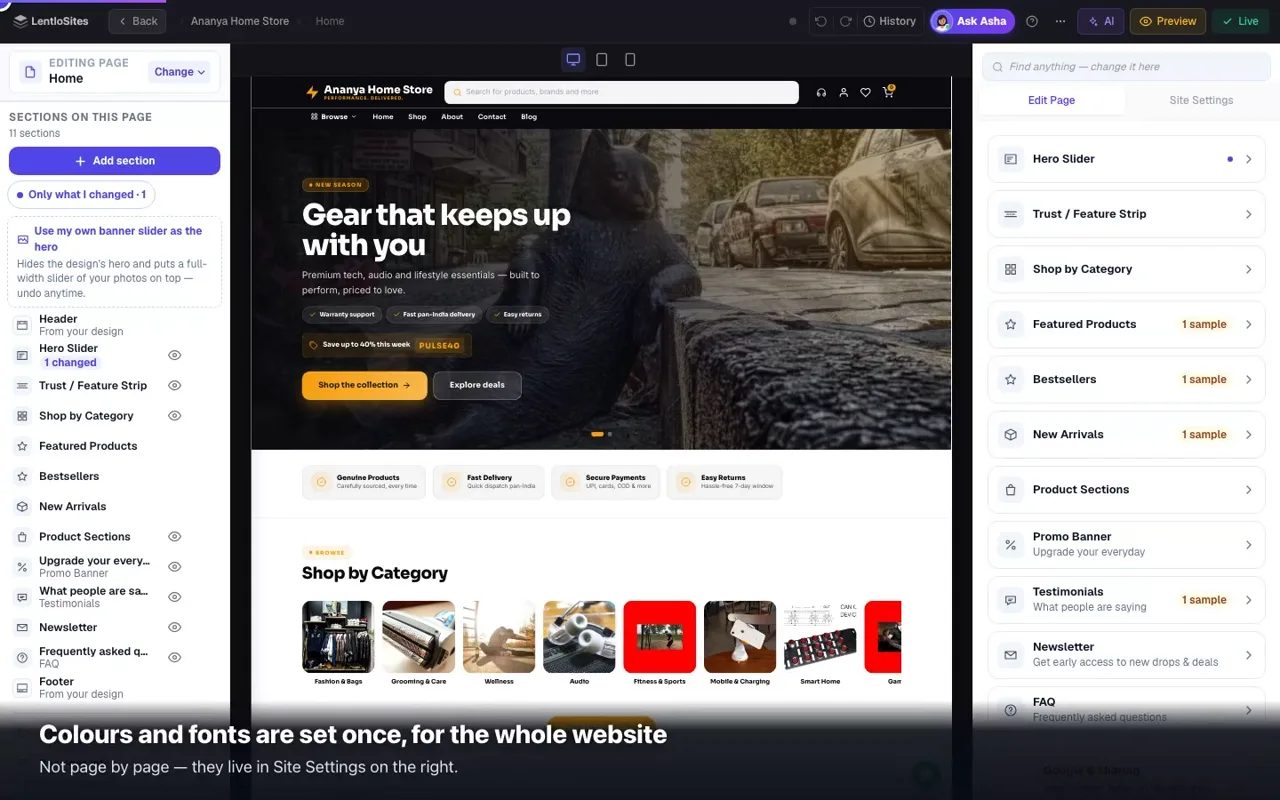
  3. Make it yours

    Your words, your photos, your colours.

  4. Add what you sell

    Products, services or your menu.

  5. Go live and share

    One tap to publish, then put the link everywhere.

Rather watch? 72 short videos

Recorded on the real product, about a minute each — 54 minutes in all. Every instruction is on the screen, so they work with the sound off.
Open the video library
0:45

Start with this one

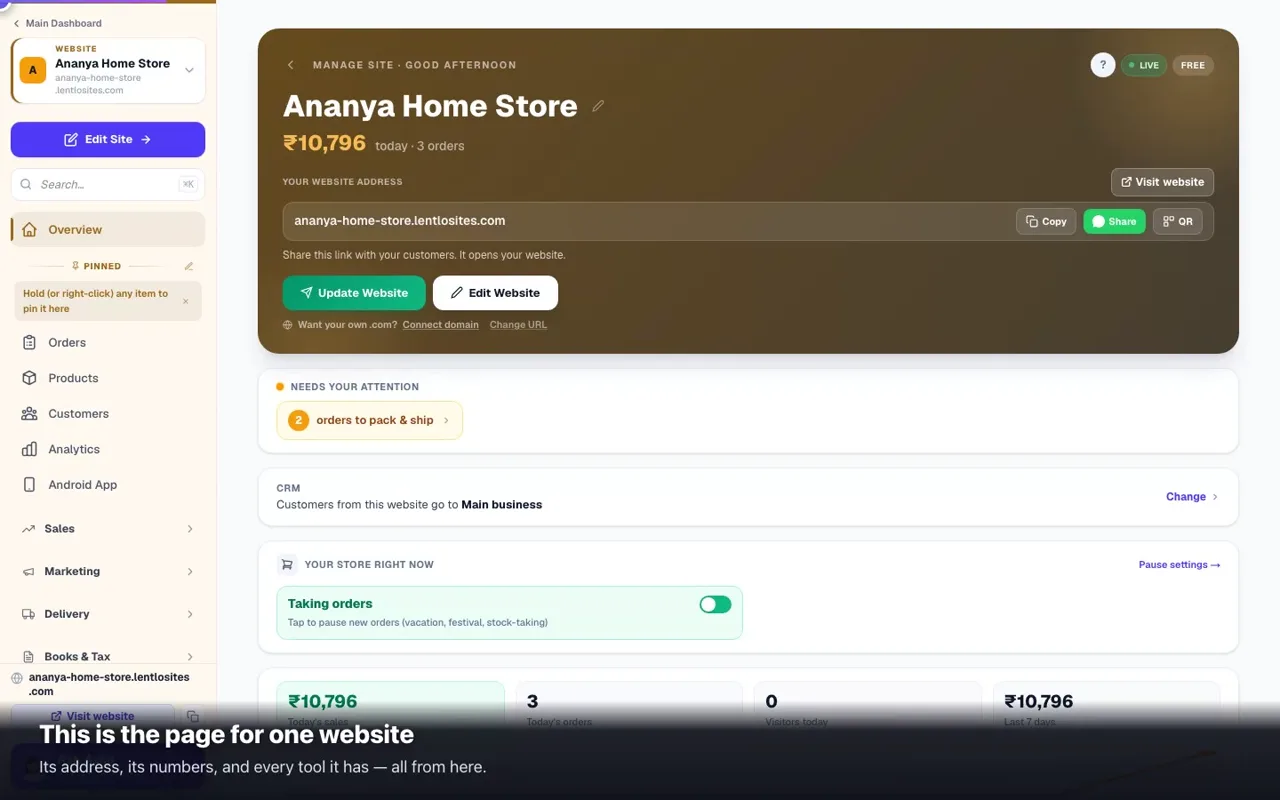
Your dashboard in one minute

Everything about one website on a single page.

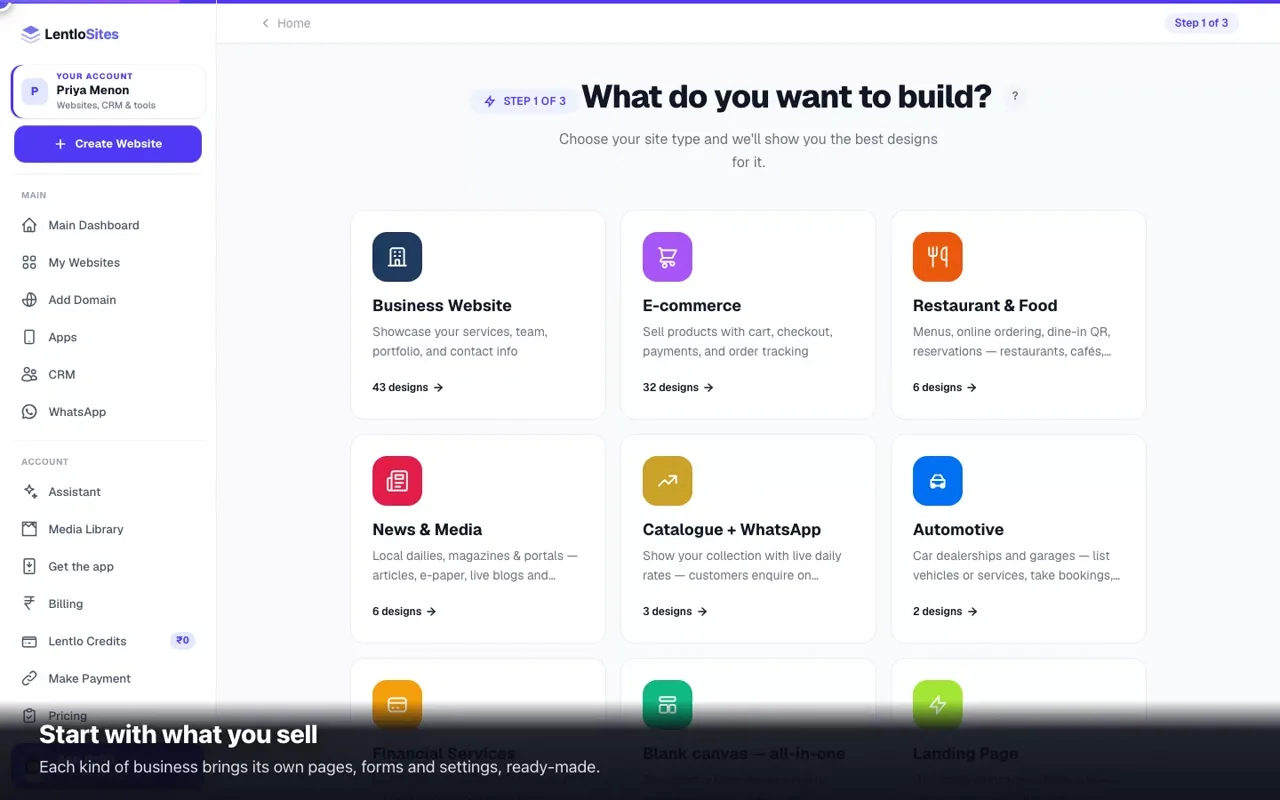
Find your kind of business

Each one walks through the whole set-up for that trade, in the order you will do it.

Every guide, by topic

All 170. Pick your kind of business to hide what does not apply to you.

Start here

Create your account, pick a design, edit it, put it online.

10 guides
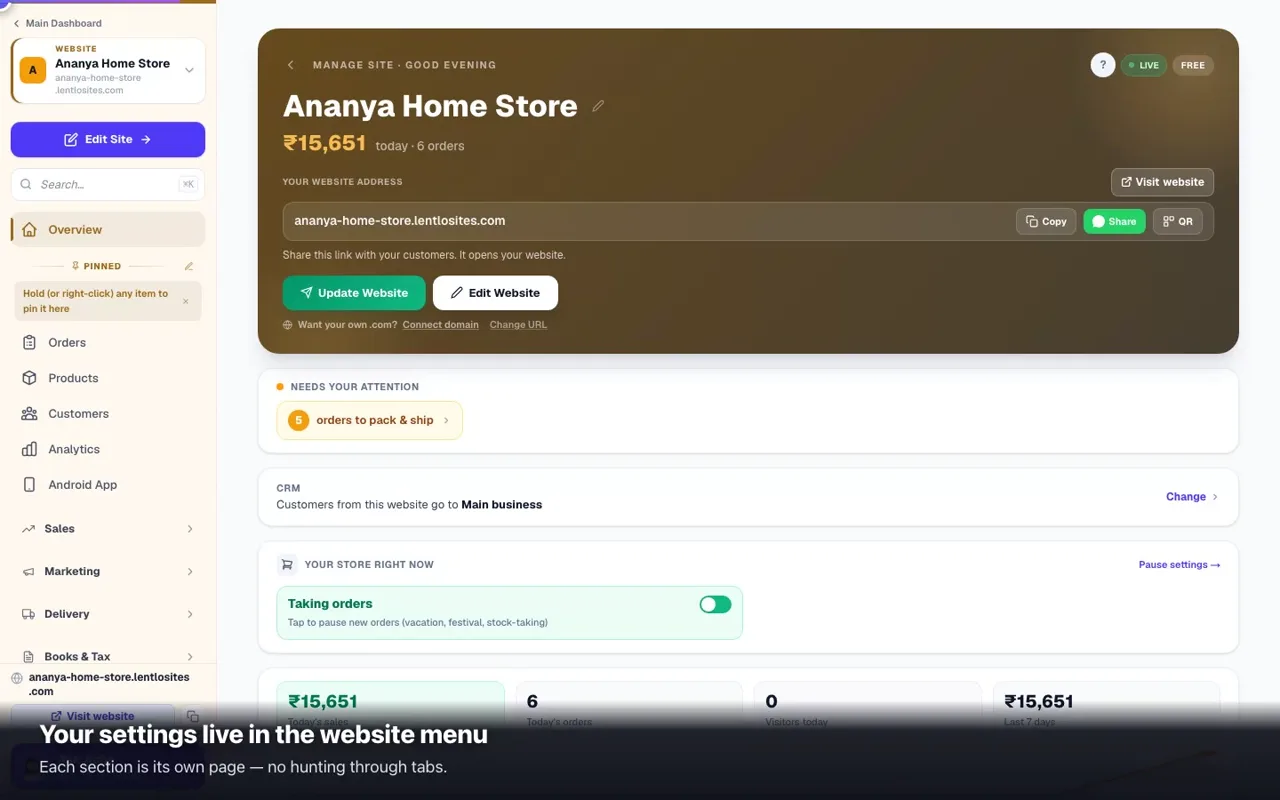
Which design is right for your businessPick by what you want a visitor to DO — buy, book, enquire, read — and the right card, design and dashboard follow.0:528 minSign up & log inCreate your LentloSites account with just a phone number — no password needed.1:016 minPick a design & create your sitePick a ready-made design, answer a few quick questions, and publish your new website in minutes.1:056 minVideo tutorials — from sign-up to a live websiteShort films recorded on the real product: create the account, pick a design, set up, edit, publish and connect a domain — one per business type.5 minE-commerce — the complete video courseEvery part of running an e-commerce store, as short films you watch one at a time: creating it, the editor in full, products, payments, delivery, orders, marketing, reports and your own domain.12 minEdit your website — the complete editor guideText, photos, colours, the page outline, a full-width banner slider, pages, AI, phone editing — then Update Website to go live.0:5112 minPublish your site & go liveTake your site live, learn what Update Website does, and see which changes go live on their own.0:435 minTour of your dashboard & Manage pageYour site's control room — attention cards, quick switches, the sidebar, phone tabs, and where everything lives.0:456 minMain Dashboard — your account, your websites, your menuThe map of your dashboard: the three levels, switching websites, finding the menu on a phone, what every account item is for, and your own account page.7 minAsk Asha — the helper inside your dashboardAsk in plain words and Asha checks your own orders, products, delivery, domain and credits before answering. She can make small changes too — each one waits for your Confirm — and a real problem goes to our team with your question already typed in.4 min

Your website

Menus, pages, your own domain, the blog, and getting found on Google.

24 guides
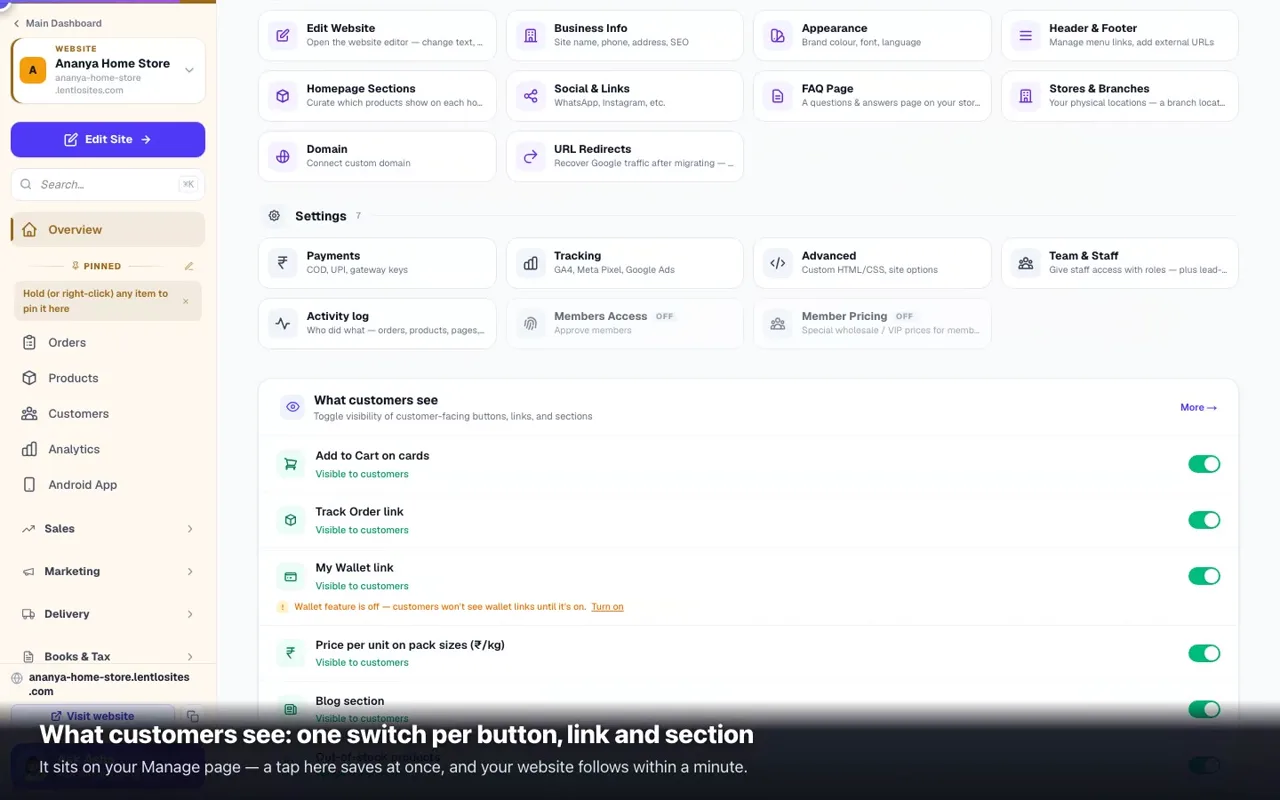
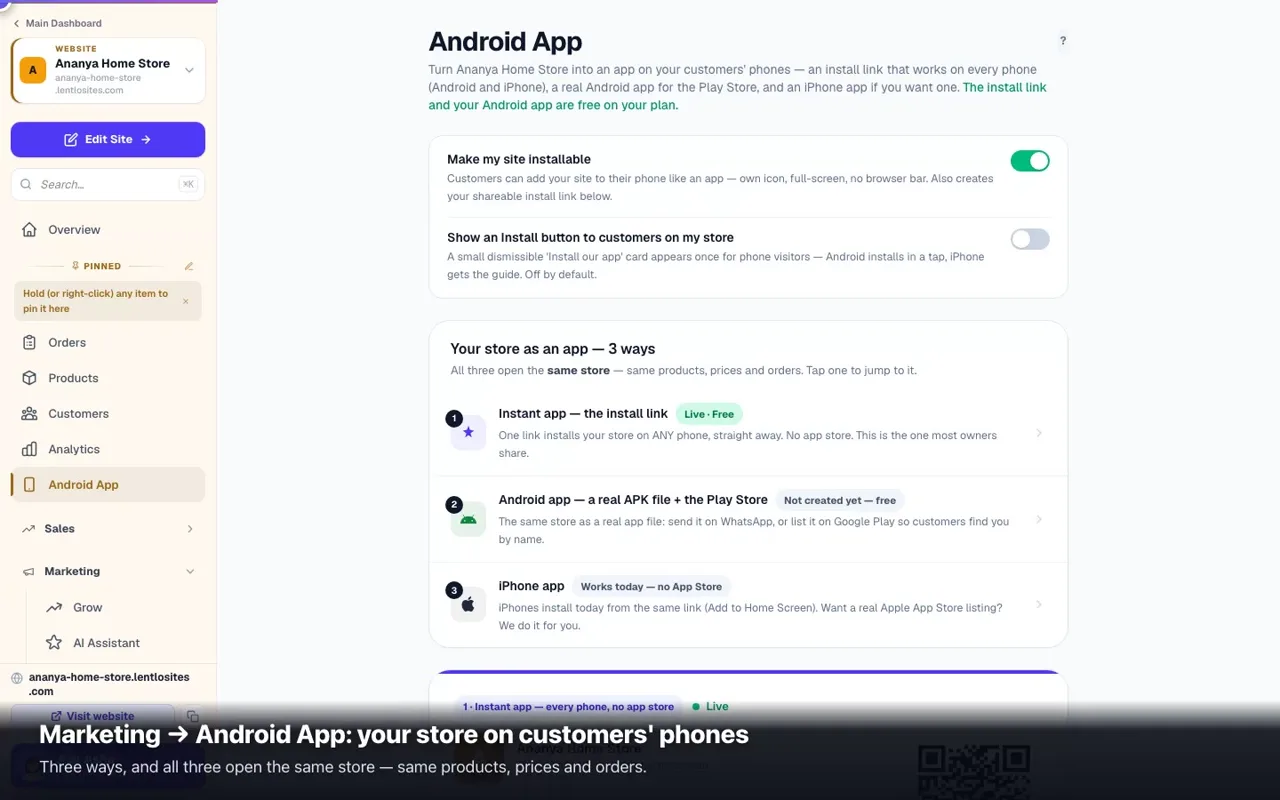
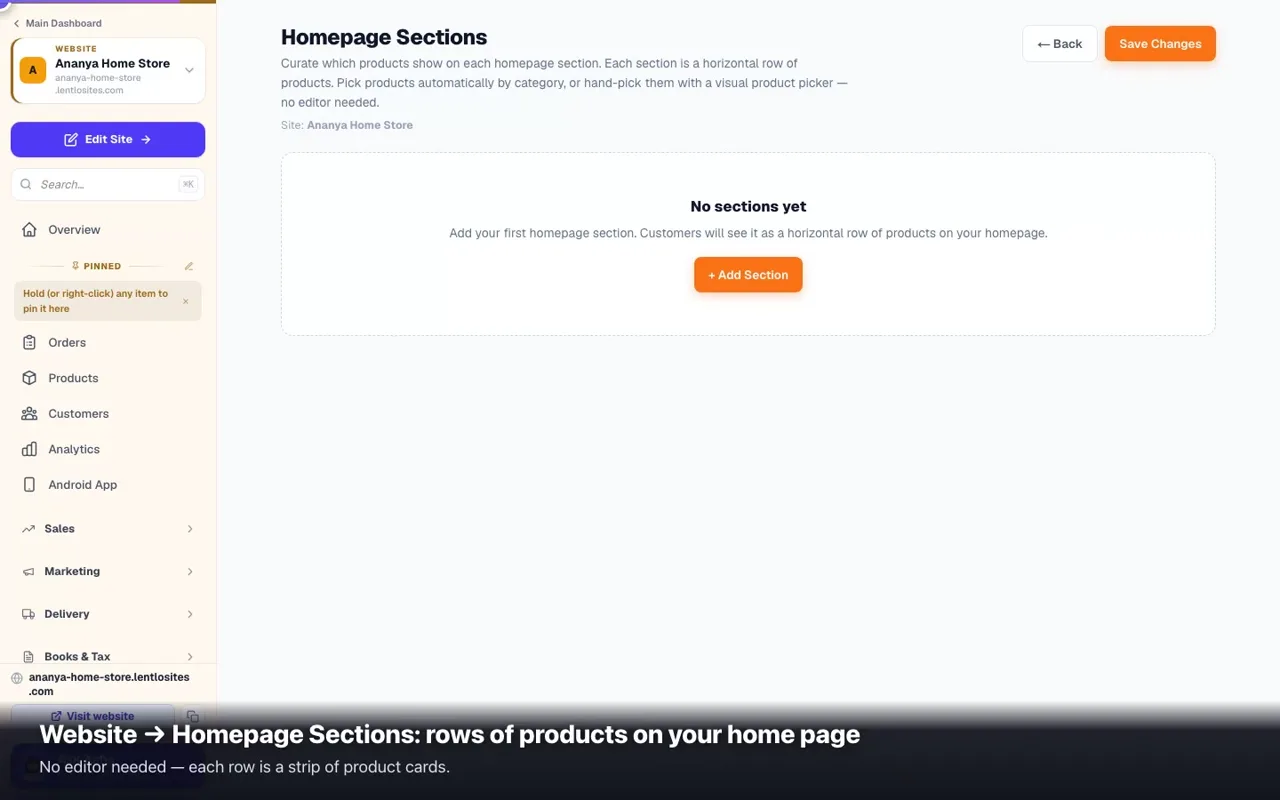
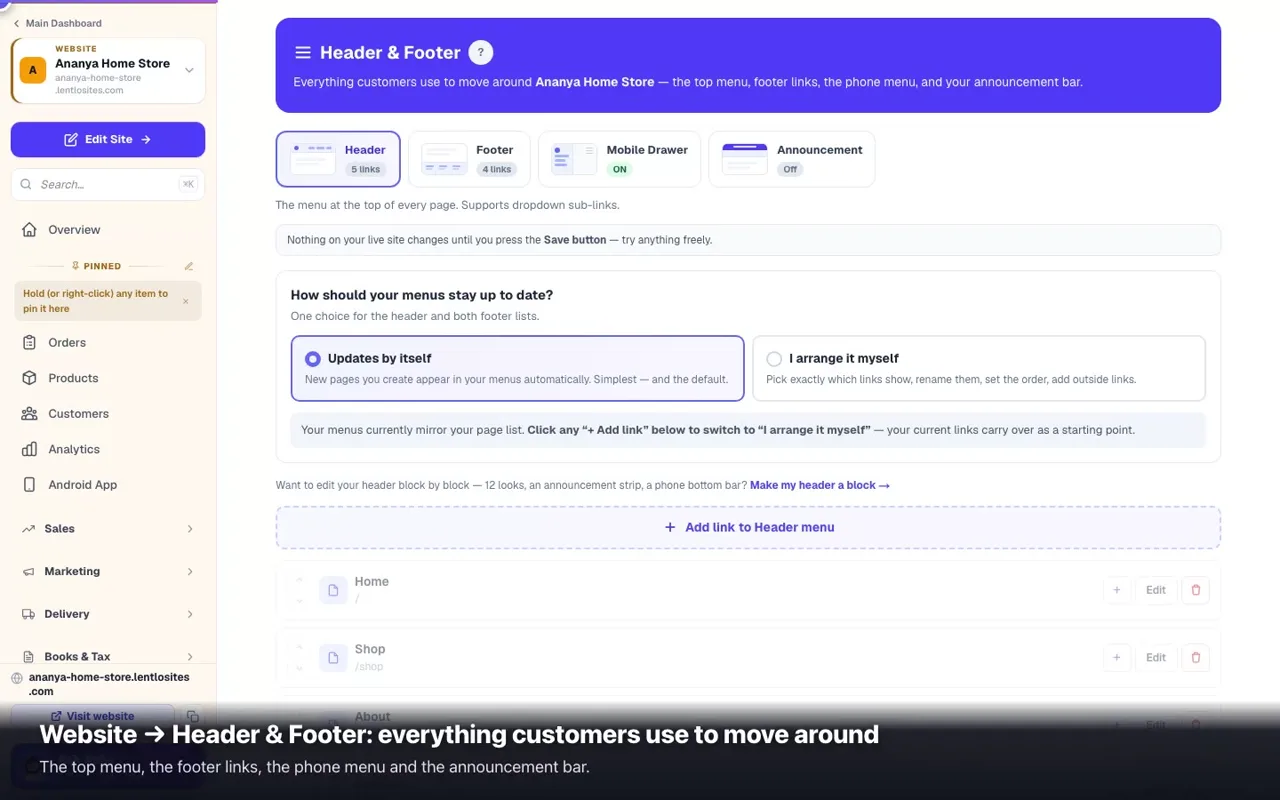
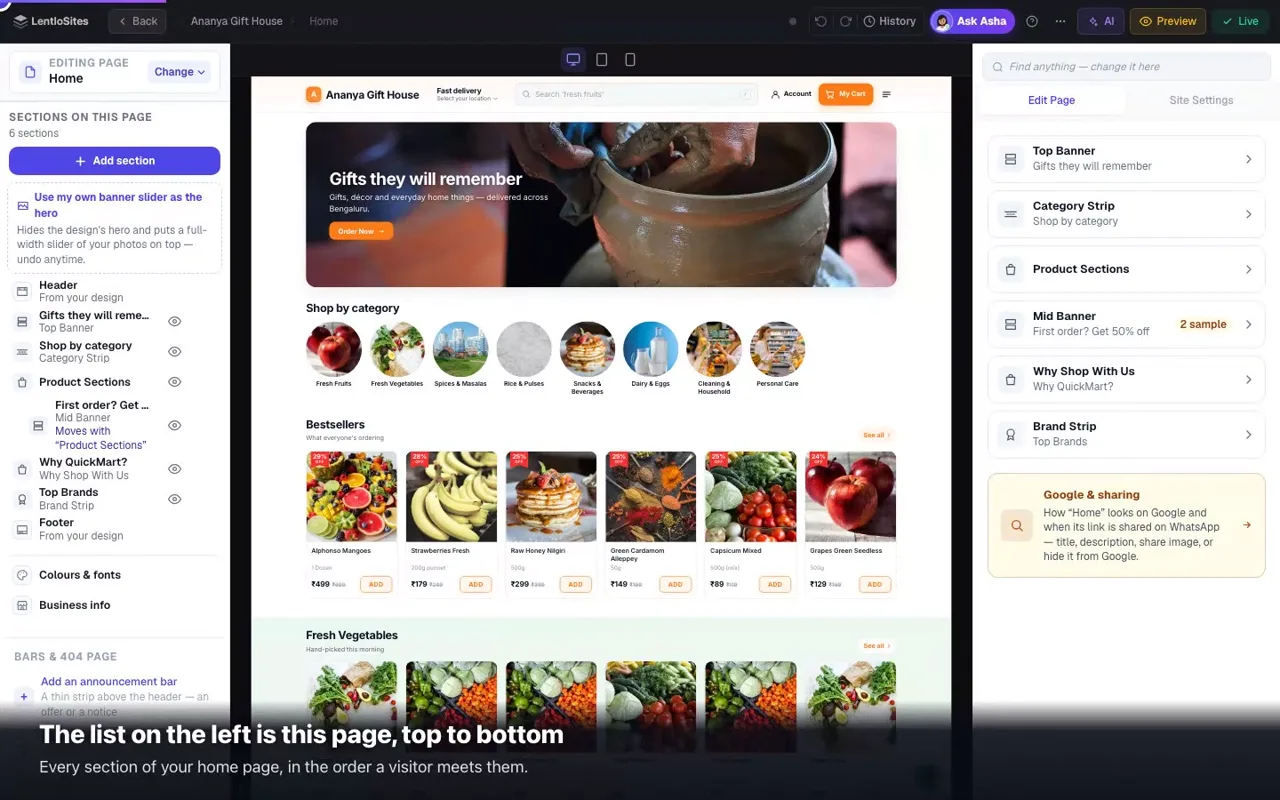
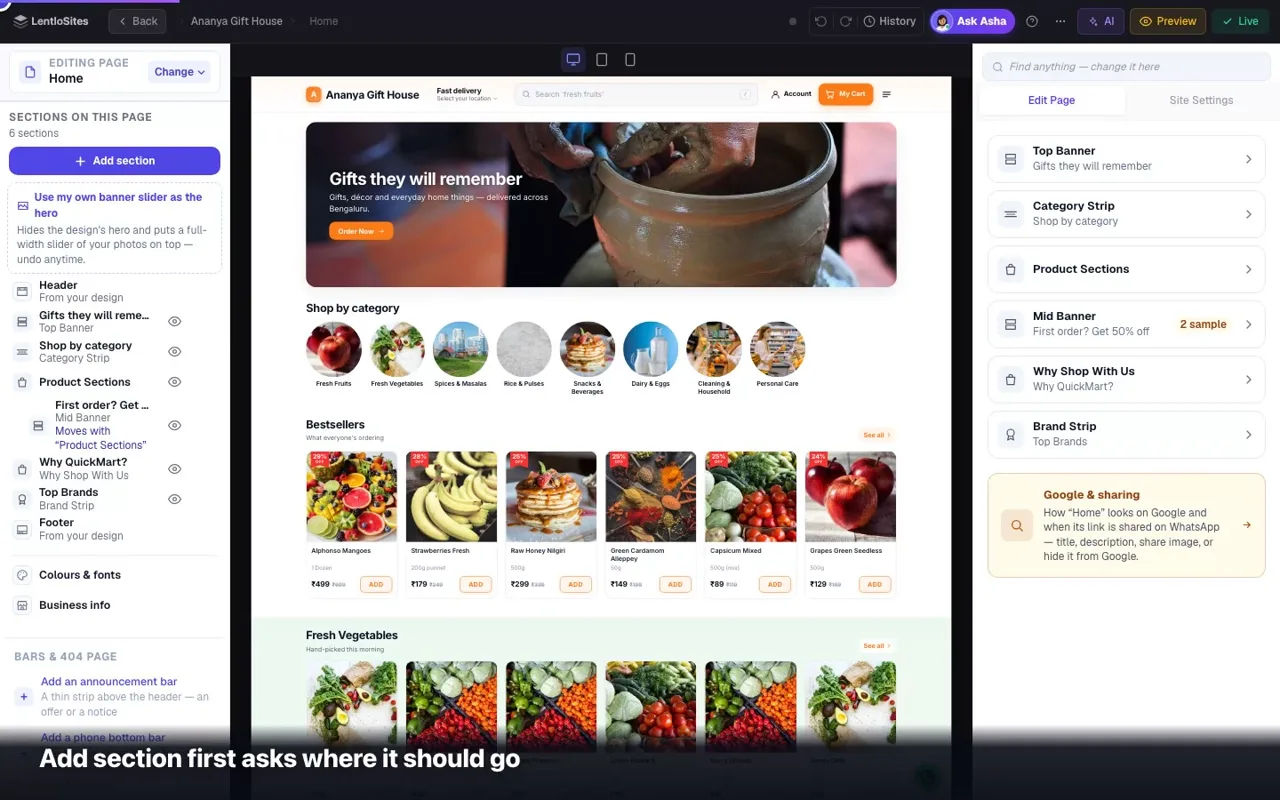
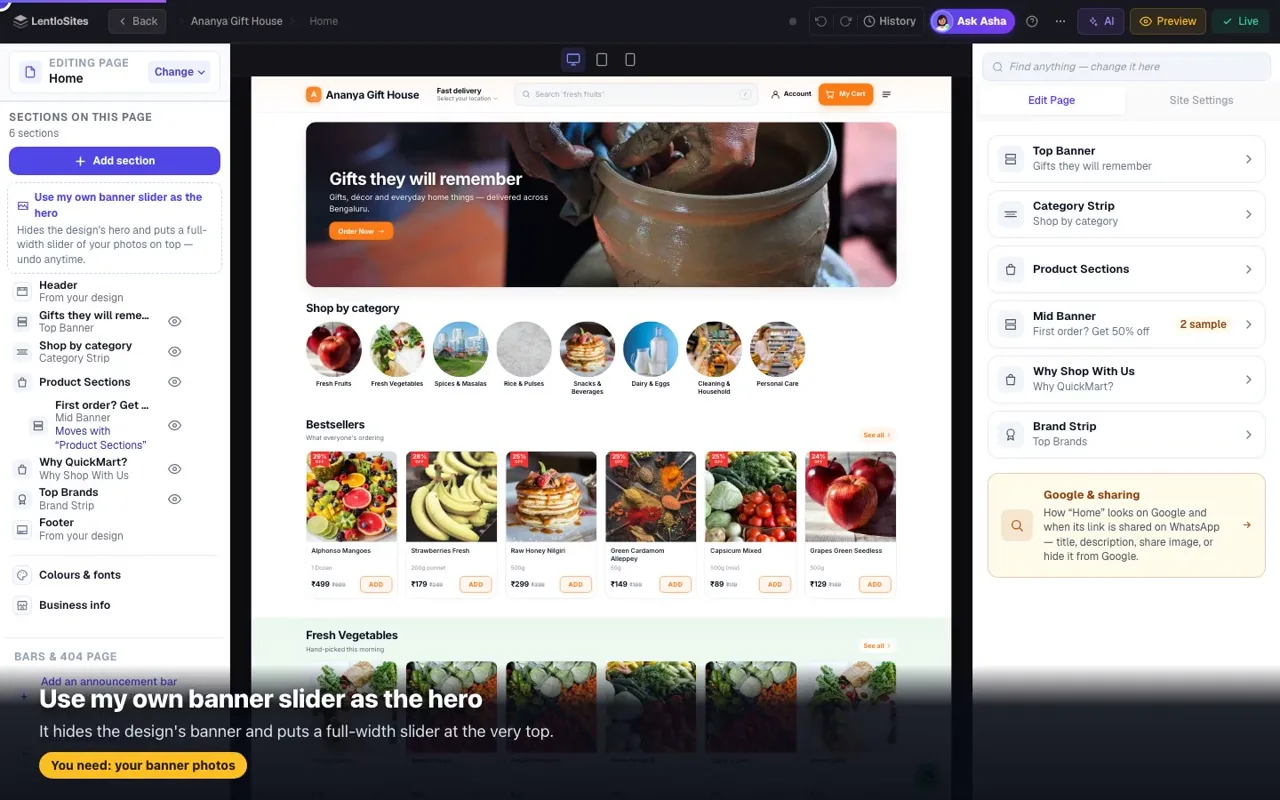
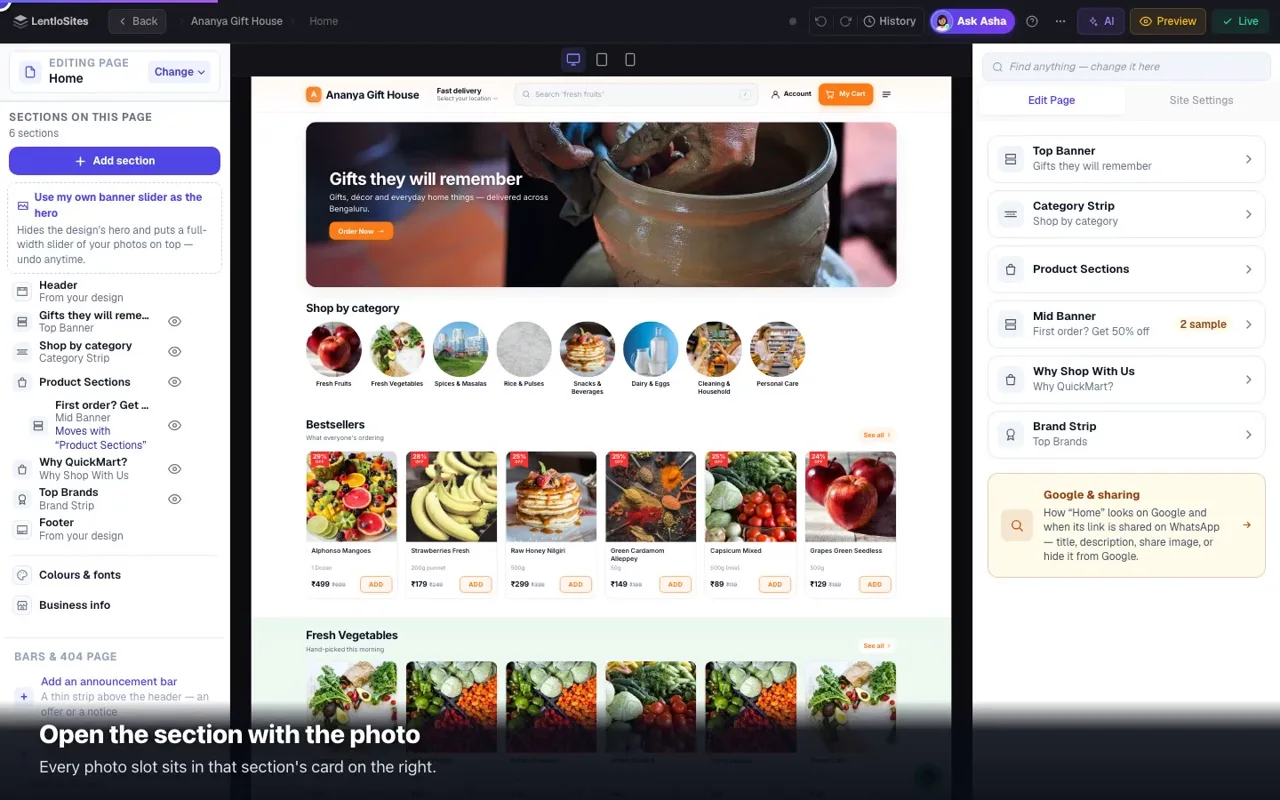
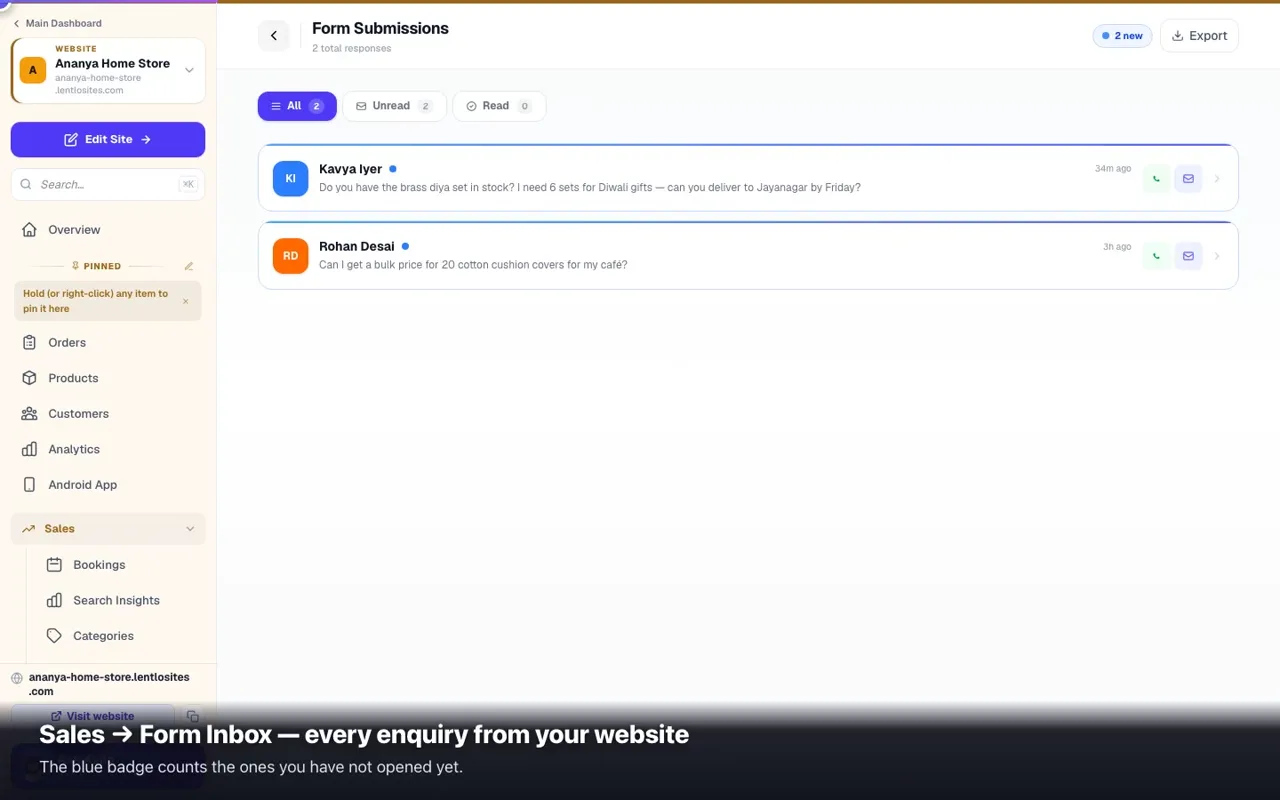
Start from a blank canvasAn empty Home and Contact page, a simple header and footer you can turn into blocks or switch off, and every capability behind a switch — for when nothing in the gallery fits.7 minPopups on your websiteA small box that opens over your website — an offer with a coupon code, a festival message or a nudge to a page. Made in Site Settings → Popups, live a minute after you save.3 minReady-made websites you can pull apartA preset is a finished website whose every page is a stack of blocks — same result for your customers, far more to change afterwards.6 minLanding pages — one message, one askThe page an ad click should land on: one promise, one form, and a fee charged per lead on the Free plan (or a flat year). Built on the Ignite design.7 minAdd & rearrange sections on any pageOver a hundred ready-made blocks you can drop above, between or below any page's sections — and reorder the ones your design came with.5 minMedia — every photo in one placeFind, re-use and recover every image you have ever uploaded — with a 60-day undo on anything you delete.1:024 minFAQ page — answer the same questions onceTurn the twelve questions you type on WhatsApp every week into a page at /faq — customers read the answer instead of messaging you.3 minHomepage sections — rows of productsAdd 'New arrivals', 'Under ₹499' or 'Festival picks' rows of products to your homepage — with colours, badges, countdowns and motion — right in the website editor, on the store designs that draw these rows.0:436 minSections & layout — add, arrange and style any blockThe section list, the 100+ block library, the banner slider, the width / space / show-on quick bar and every design option — with a worked example.1:1410 minHeader, footer & site-wide blocks — 404 page, announcement bar, phone bottom barTurn your header and footer into editable blocks (12 header looks, 10 footer looks), add an announcement bar or a phone bottom bar, design your own “page not found” page, choose where each one shows — and get the design's own chrome back any time.7 minWhat customers see — visibility togglesShow/hide Track Order, Wallet, Blog, out-of-stock products, Add-to-Cart on cards. All in one place.0:434 minBuy buttons on product pages (phone) — both, bottom bar only, or in-page onlySome designs show Add to Cart / Buy Now twice on a phone: under the price and in a bar at the bottom. Choose which your customers see.2 minProduct photos — shown whole, never cut offA wide or tall photo used to be cropped to fit its frame. Auto now shows it whole; choose Fill the frame or set it for one product.3 minCookie banner — optional, fully yours to designA small floating cookies-and-privacy card. Off by default (Indian law doesn't require one); turn it on and style every text, colour, font and button.3 minPublishing blog postsWrite posts that answer what customers ask — cover photo, category, tags and the Google title — live on your website the moment you press Publish.5 minContact form inboxEvery message your website's forms send — contact form, your own forms, notify-me, loan applications — in one inbox. Reply on WhatsApp in a tap, export to Excel.0:385 minGet found on Google — the Grow pageYour SEO Score with plain-English fixes, your title and share picture on Google & sharing, your Google rankings, automatic search-engine submission, tracking links, promoters, and where your visitors and sales come from.7 minConnect your own .com domainPoint yourbrand.com at your website — one nameserver change (recommended) or 2 DNS records, connected automatically, usually within minutes, with free https. Free on every plan.10 minURL redirects — keep your old links workingMoving to LentloSites? Point every old page address to its new page so Google rankings, ads, and shared links keep working.3 minYour title, description and the picture people see when your link is sharedWhere Title in Google, Description in Google, the share image and Hide from Google live — on pages, products and categories — which one wins when two are set, how to check the WhatsApp card in a minute, and how to describe your photos for Google.6 minGoogle isn't showing my website — what to checkWhat happens on its own, the three checks, adding the site to Search Console, what every 'not indexed' reason means, why Google still shows an old title, and what actually helps — no ranking promises.8 minYour website as an appCustomers install your site like an app — share an install link and QR, build a free Android app, and get on the Play Store and App Store.0:417 minStores & Branches — a branch locator for every locationList every shop/clinic/showroom once — get a /stores page with search, Near me, live Open-now badges, directions, and a Google-friendly page per branch.5 minHeader & Footer — menus, mobile drawer & announcement barControl your top menu, footer links, the phone ☰ drawer and an announcement bar. Add outside links, reorder, hide built-in links per location.0:417 min

Products & orders

Add what you sell, keep stock honest, and run every order start to finish.

22 guides
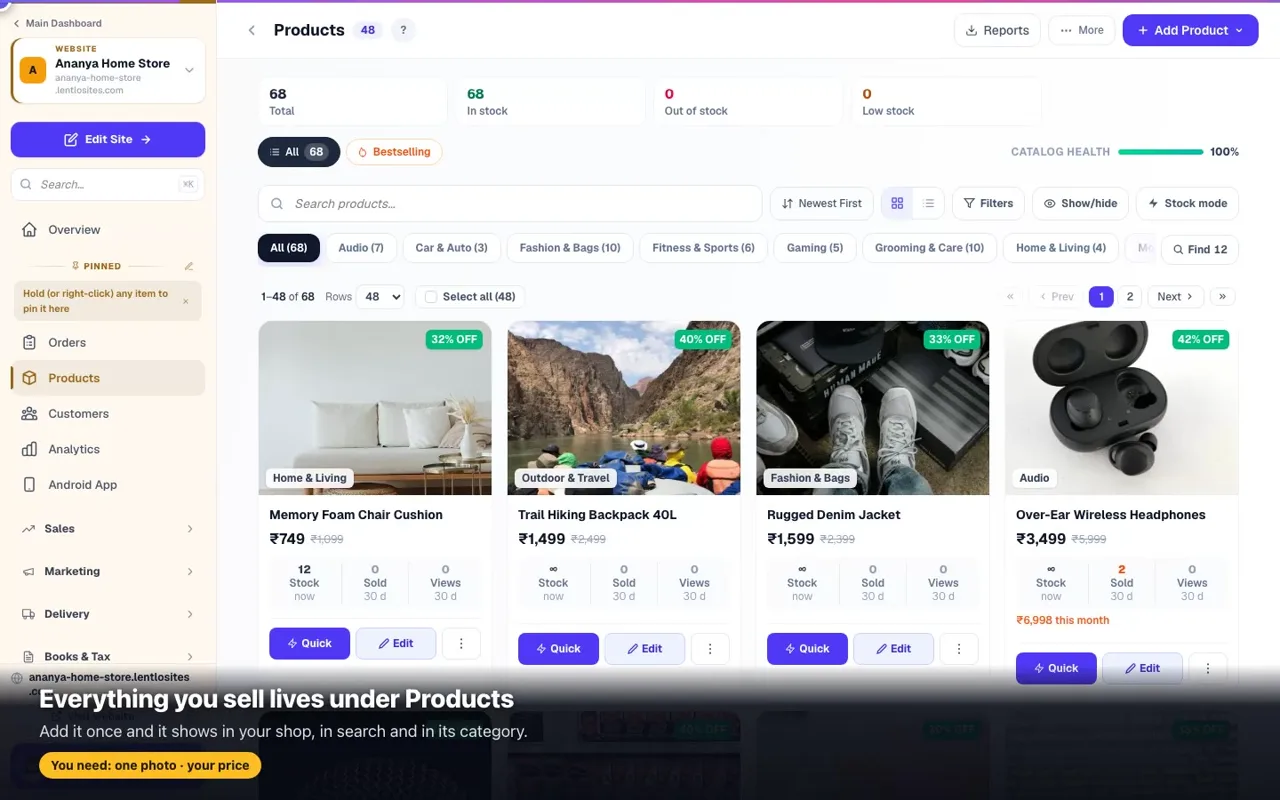
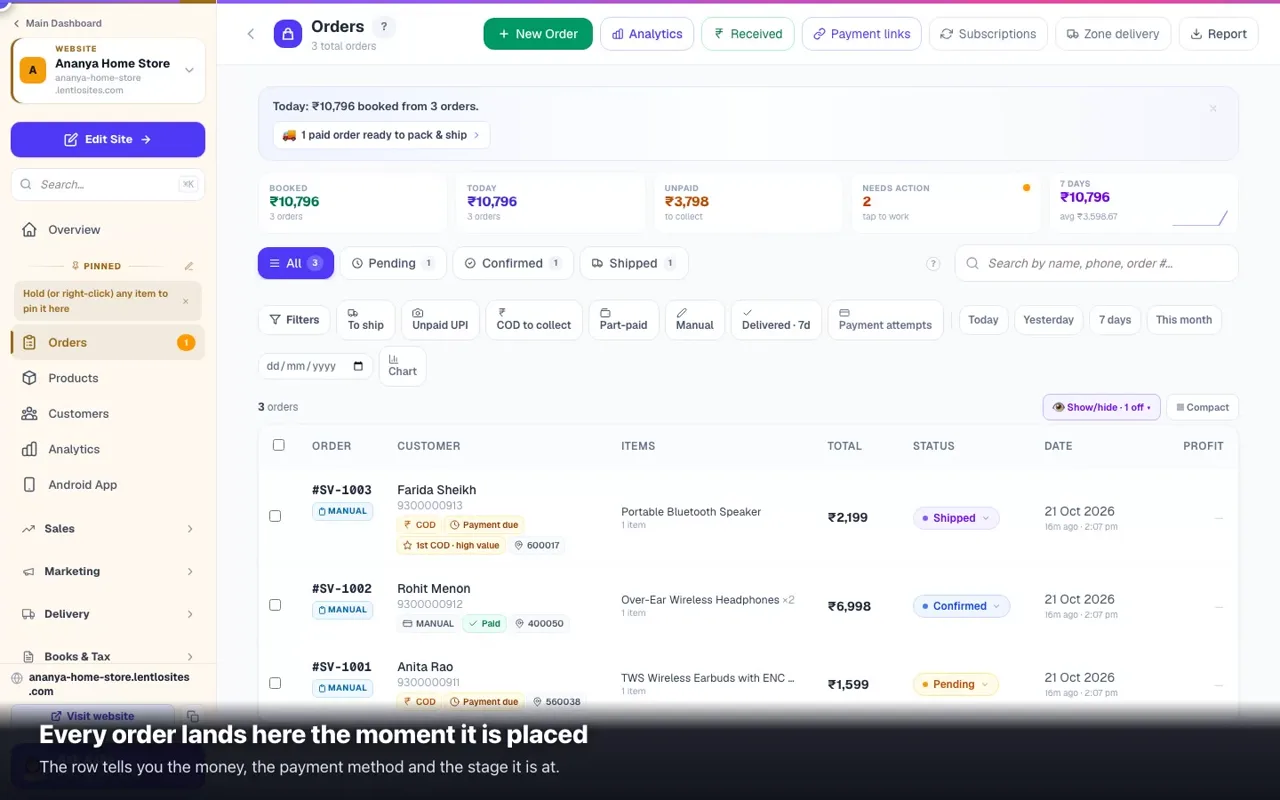
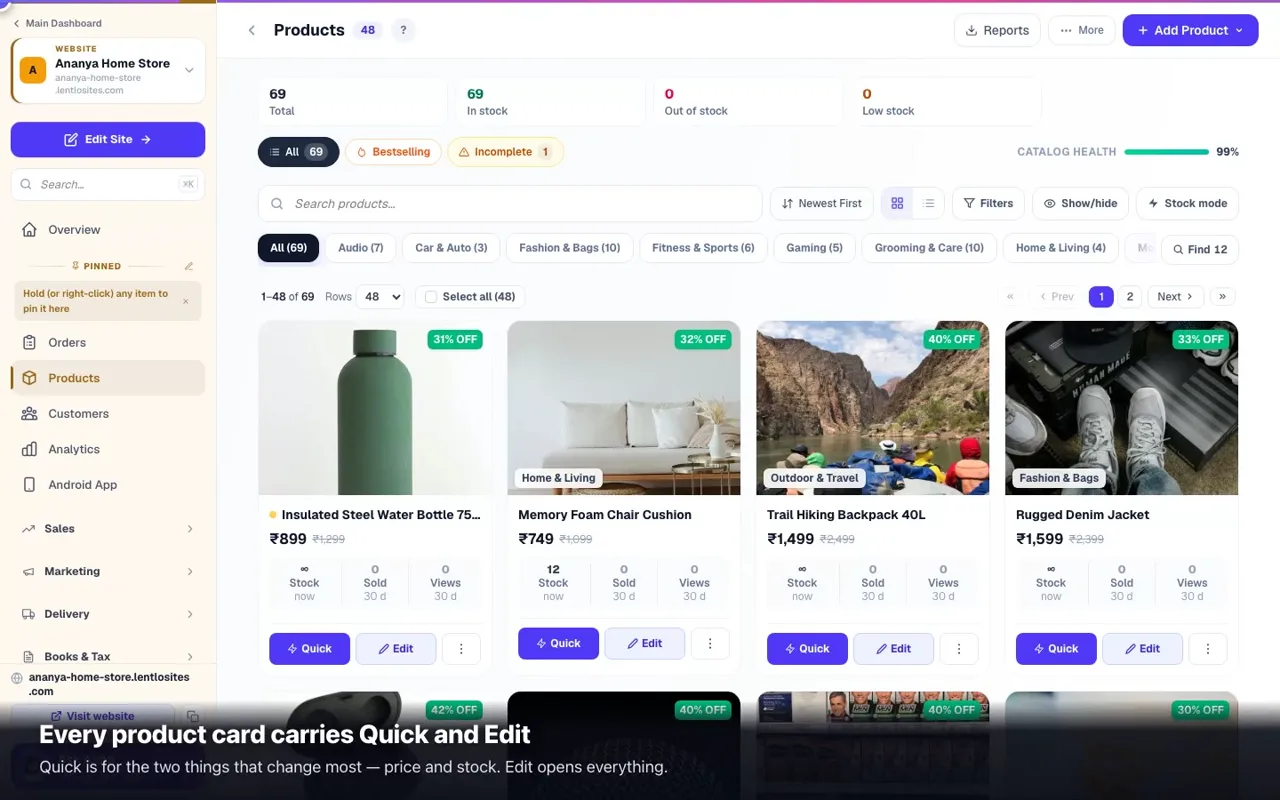
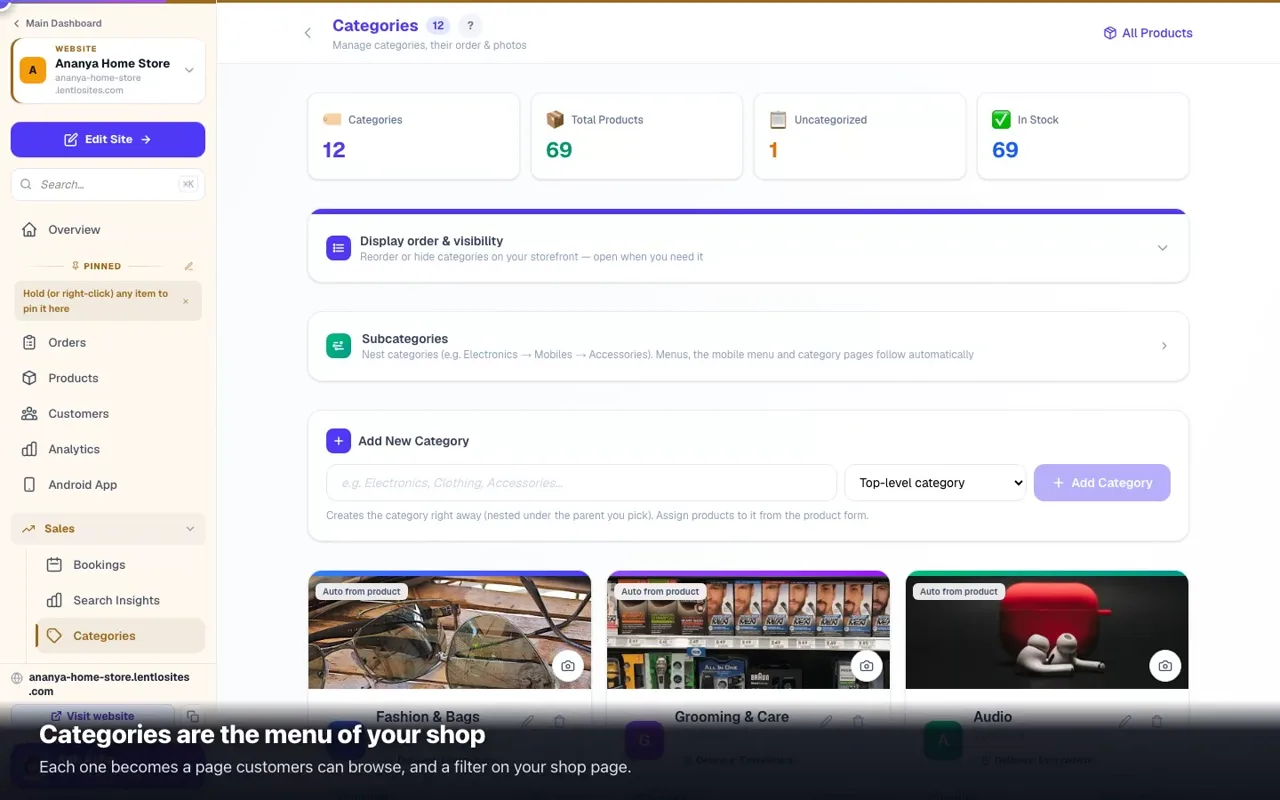
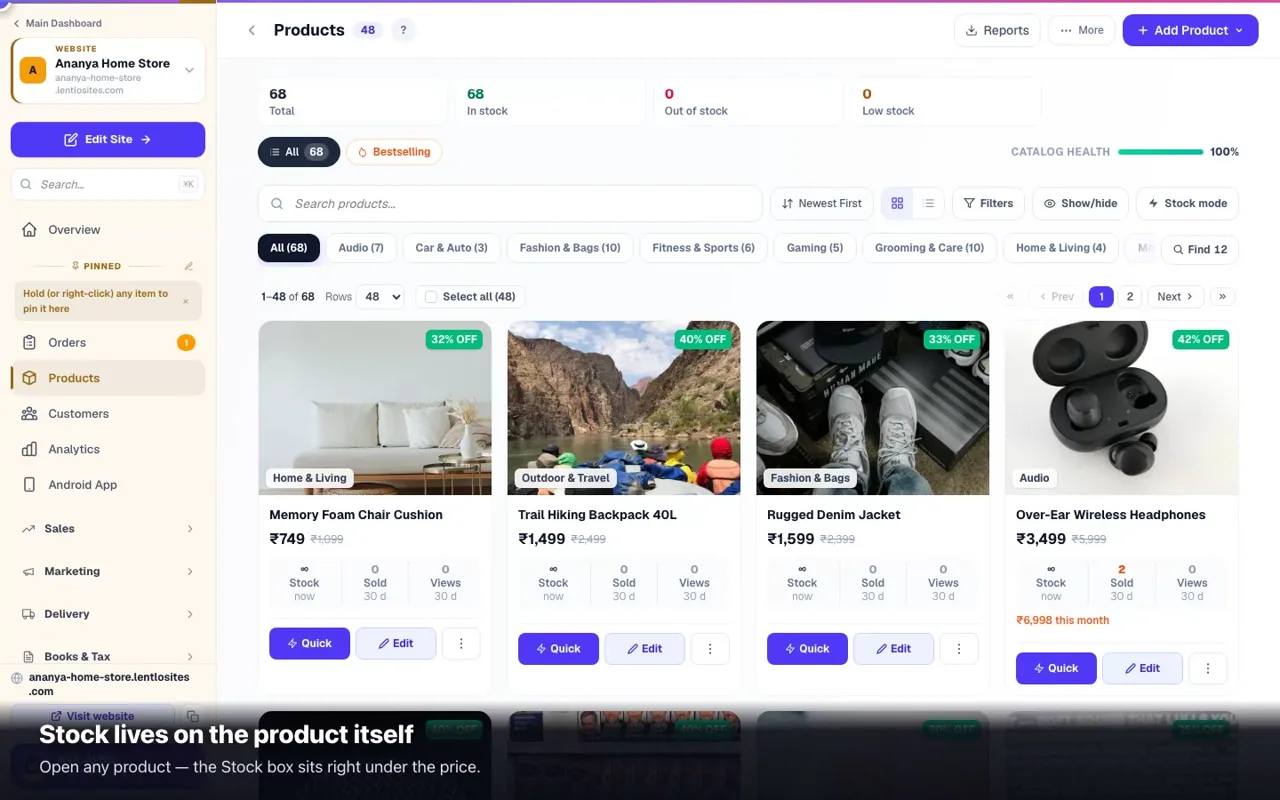
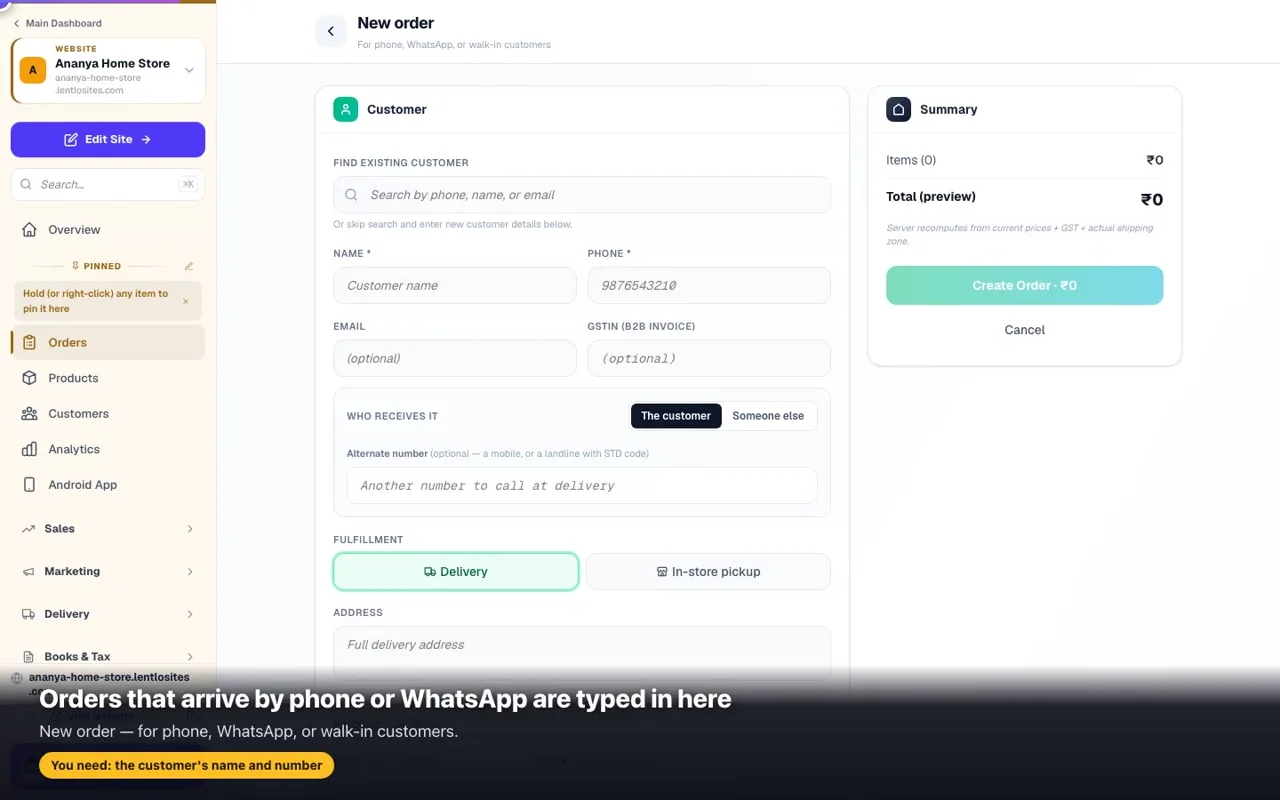
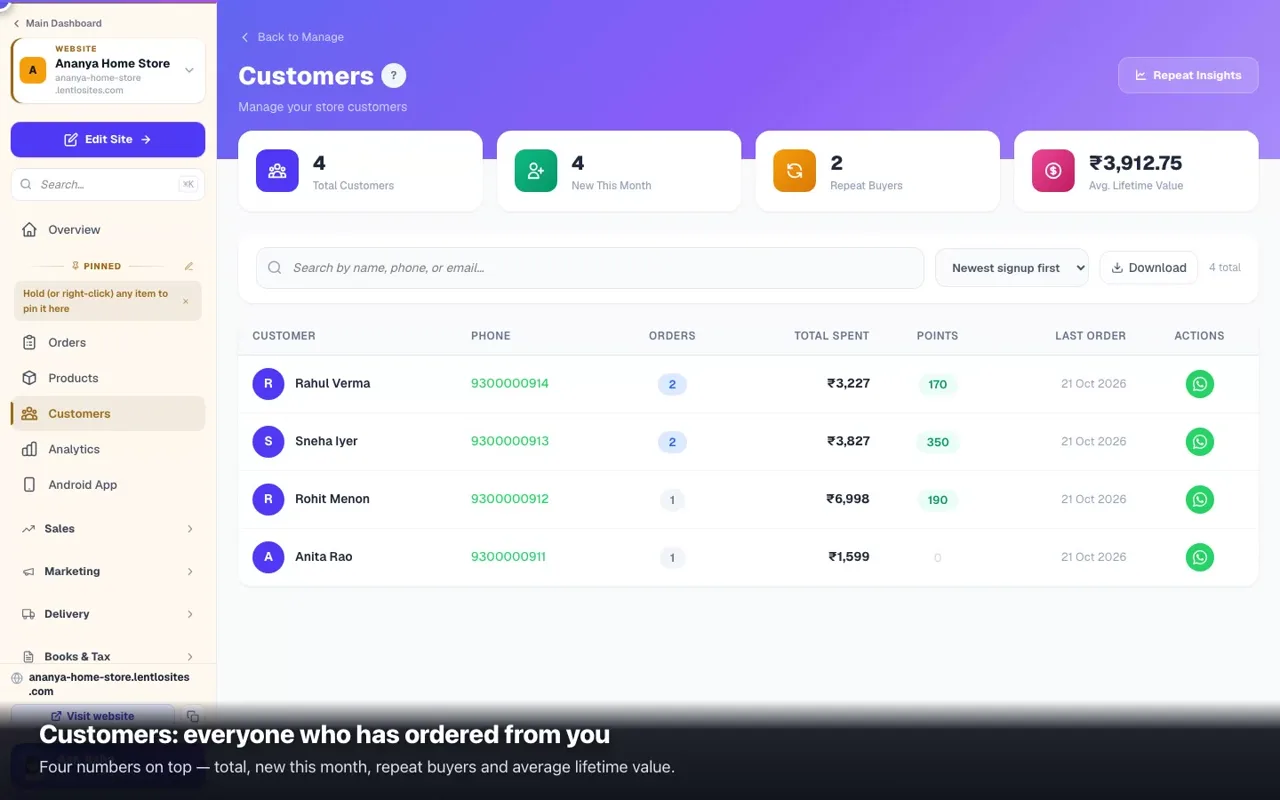
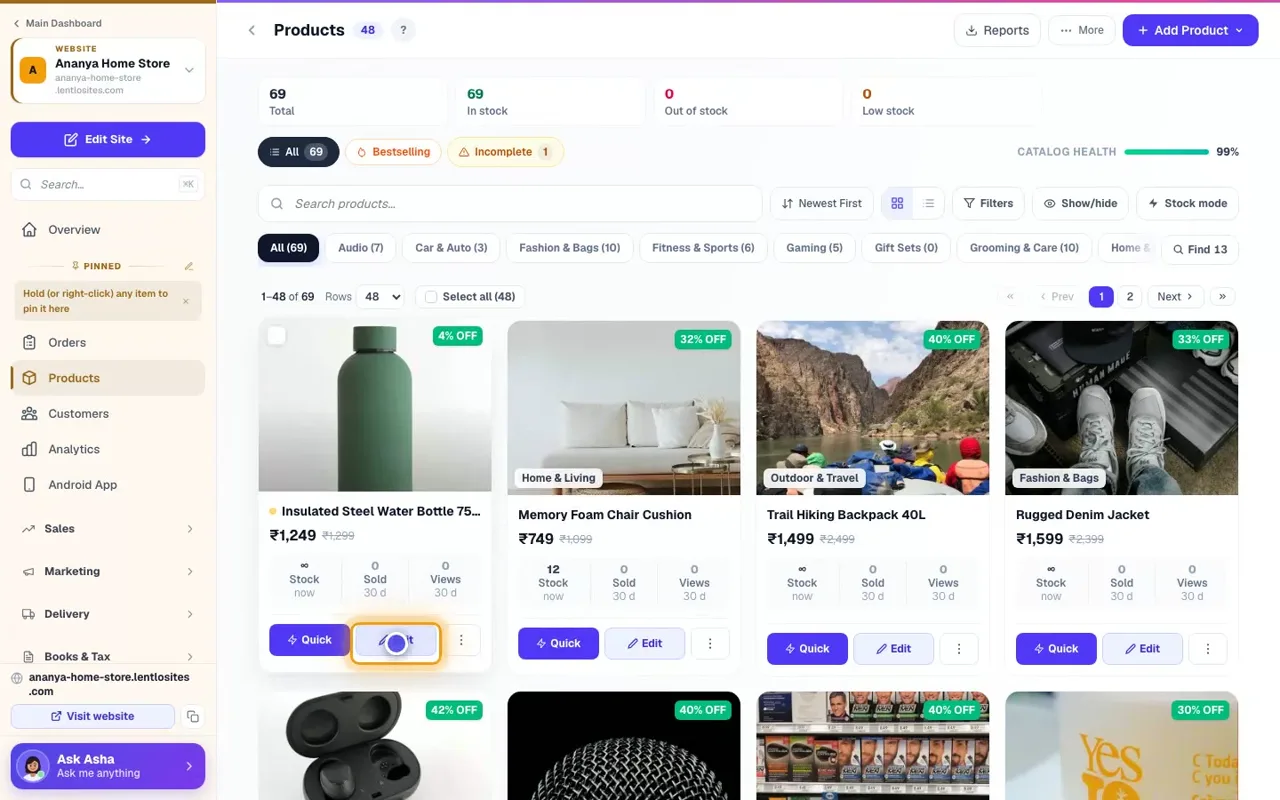
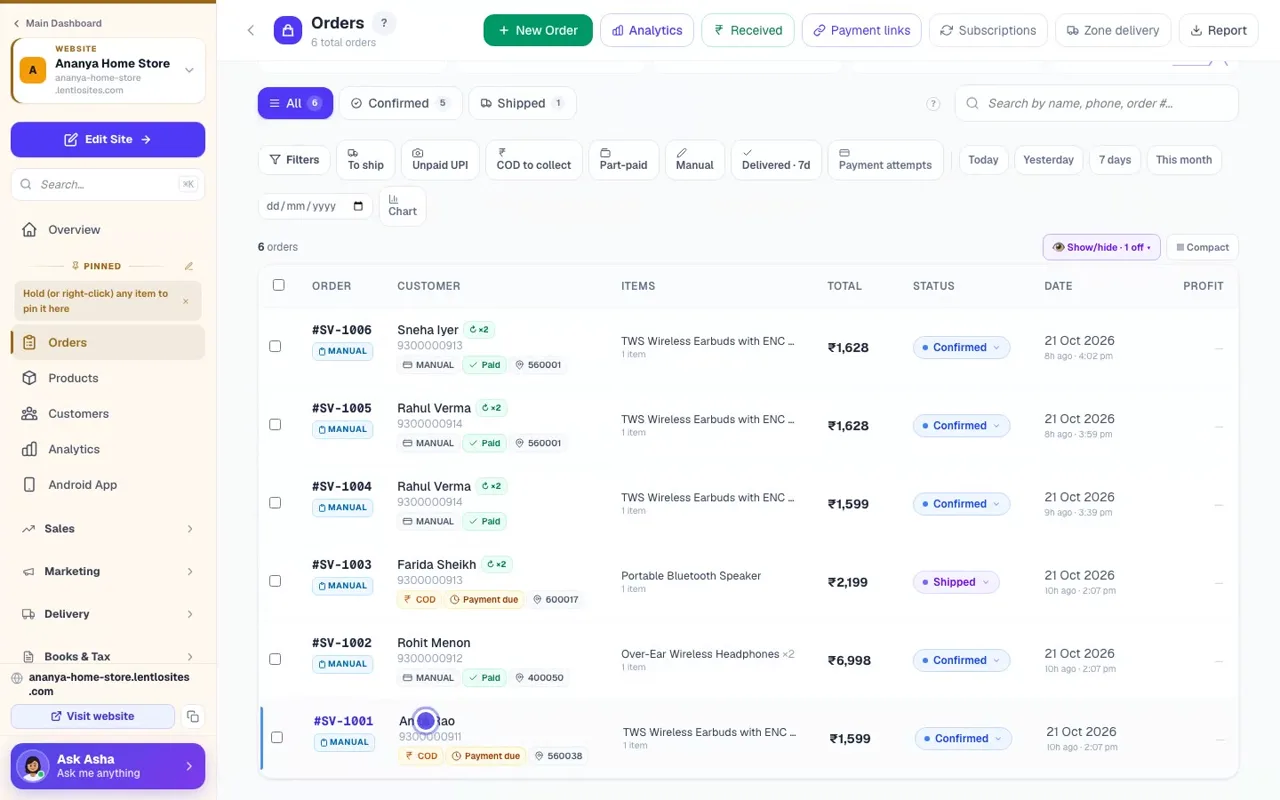
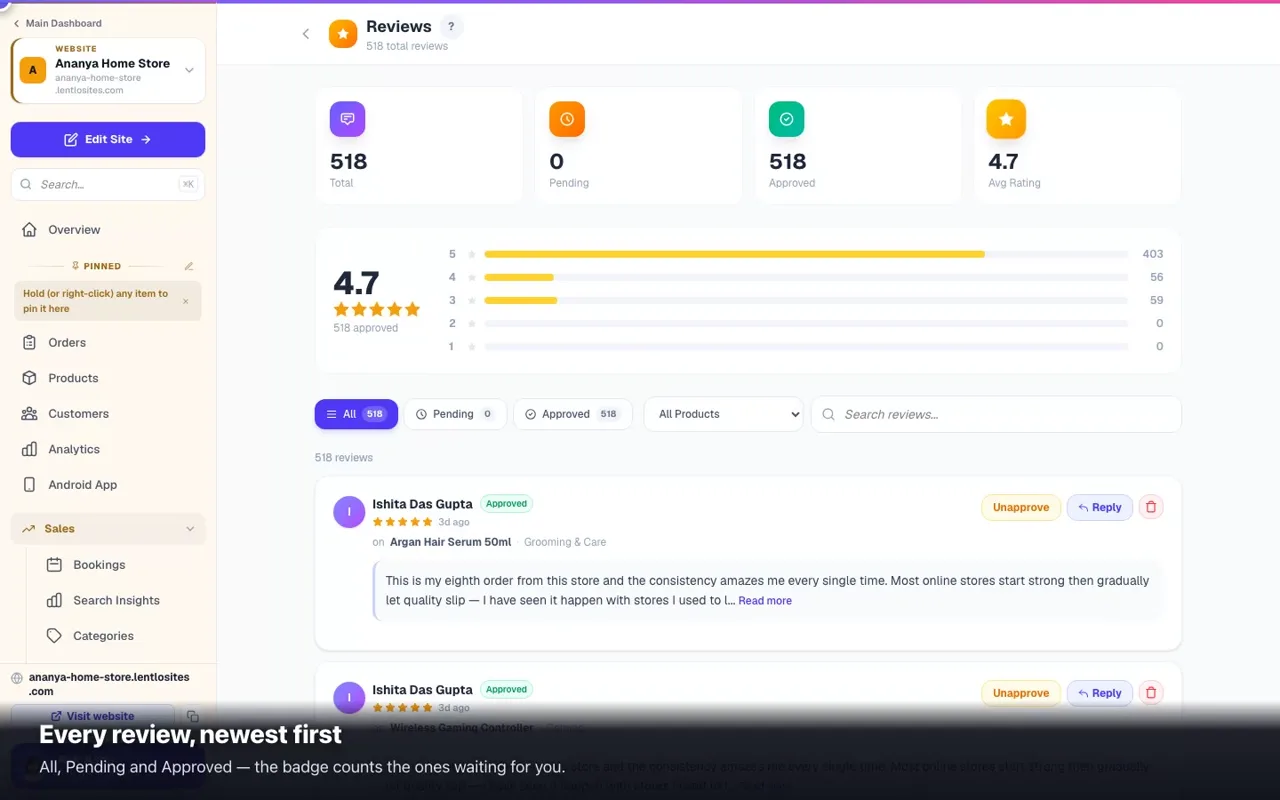
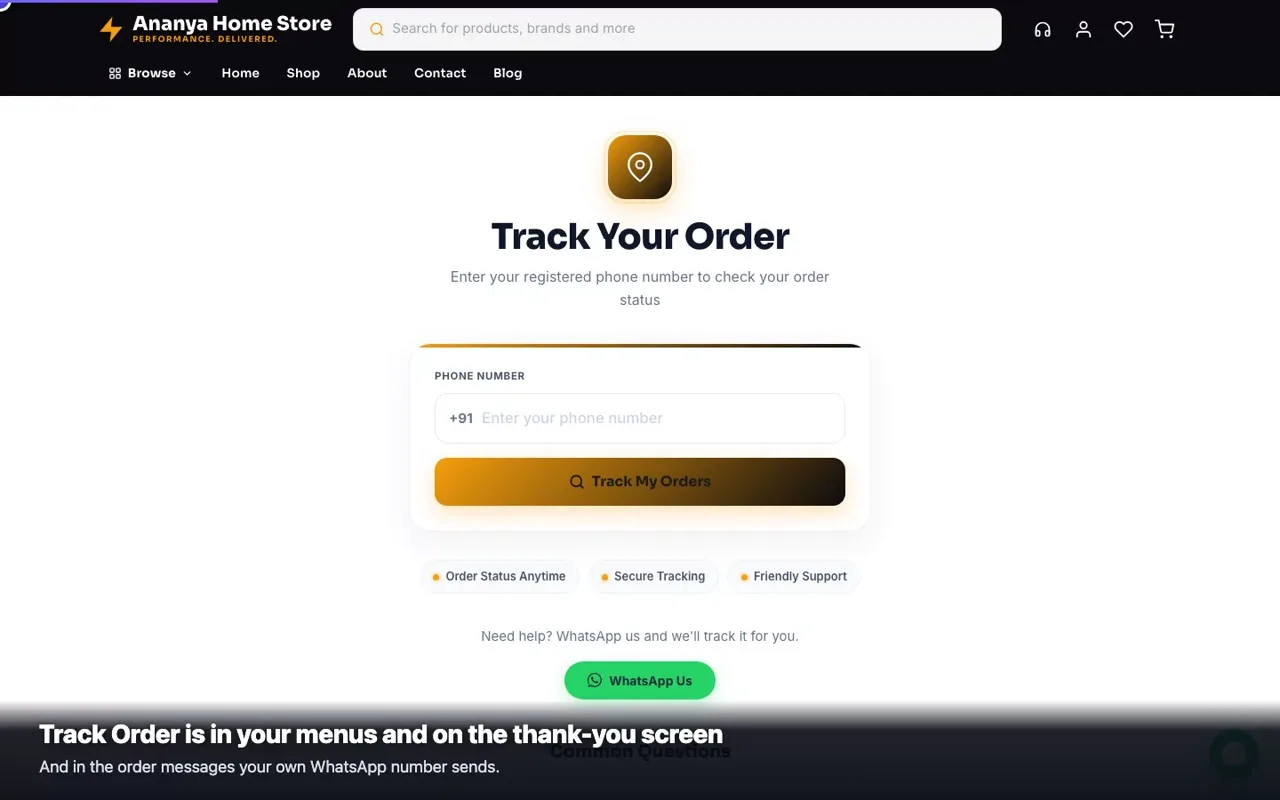
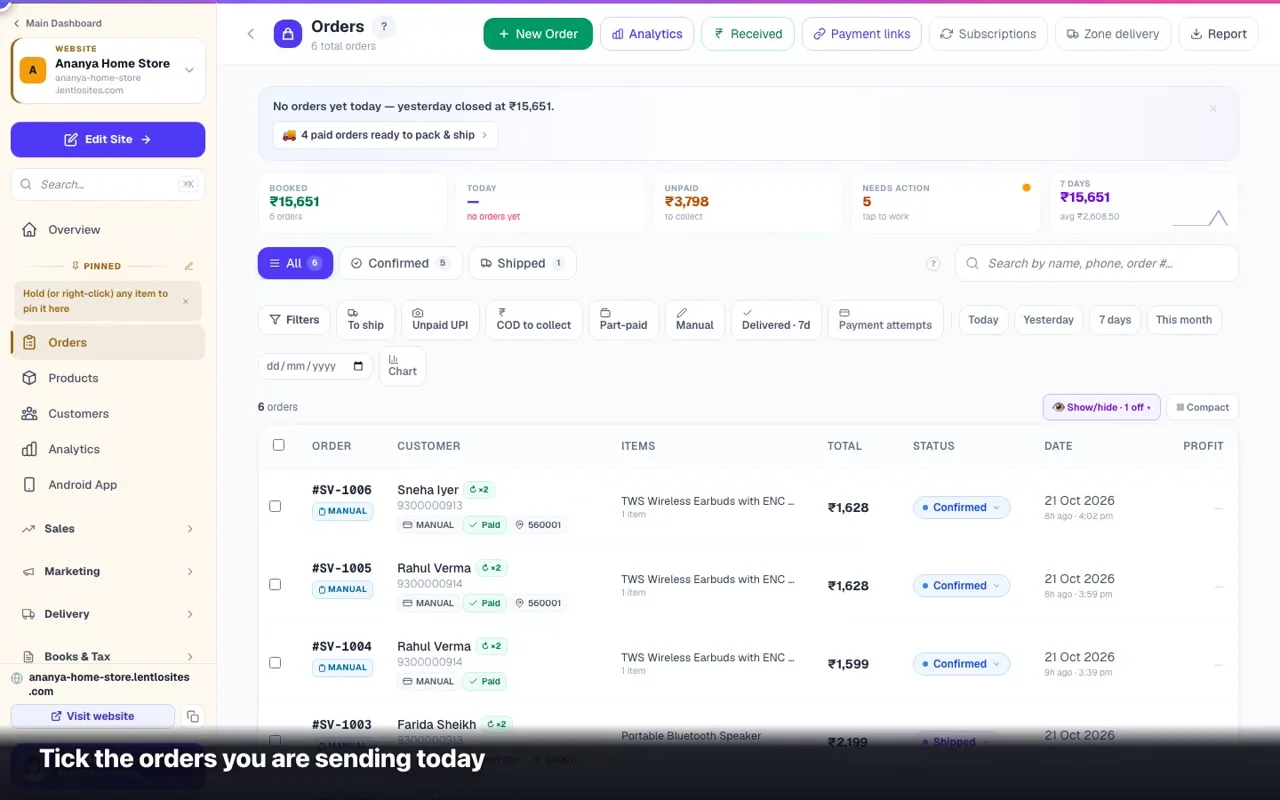
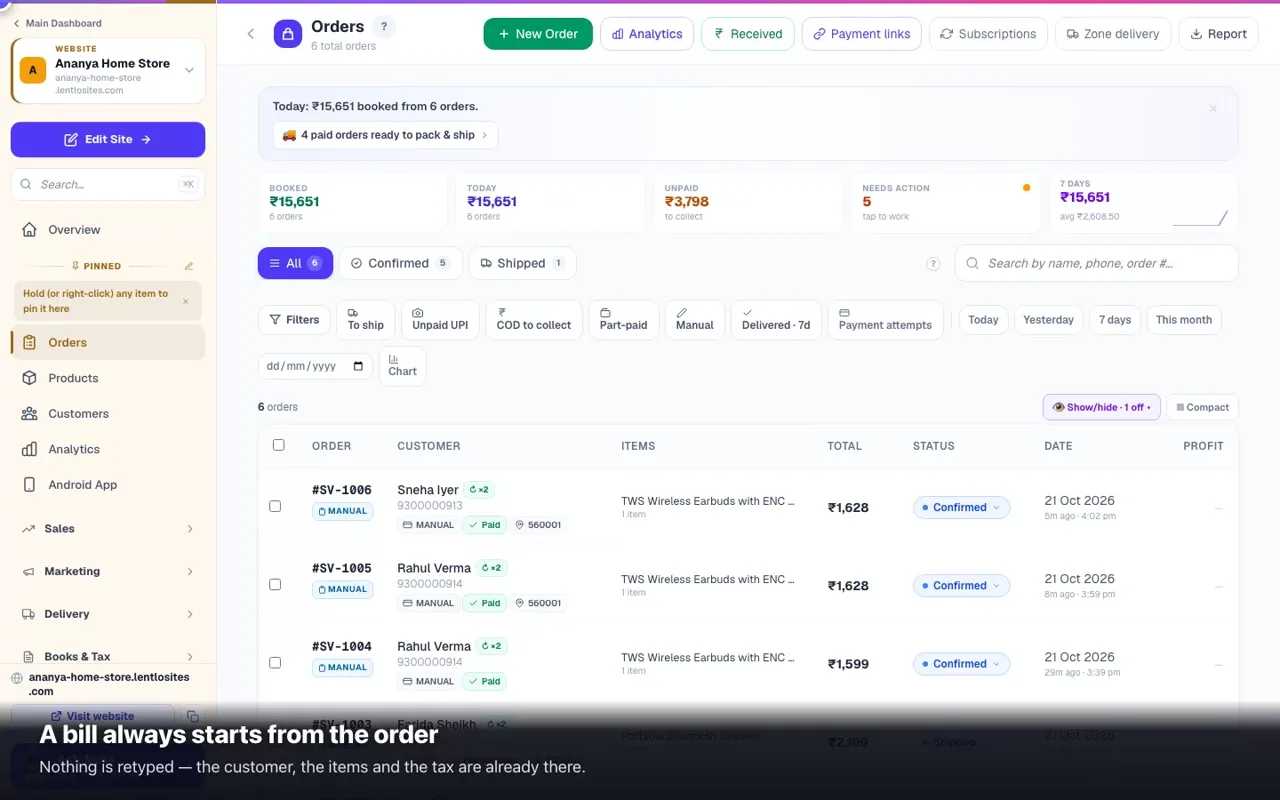
Track Order — how customers check where their order isJust the mobile number they ordered with, no account needed: the status, the courier's own scans, and the collection card for pickup orders.0:335 minCustomer accounts — signing in, orders, addresses and balancesCustomers sign in with their mobile number and a 4-digit code — the checkout asks for it before their first order. What they get, how long they stay signed in, and what you can see.5 minSearch & wishlist — what customers are looking forThe search box is the highest-intent moment on your website, every empty search is a lost sale you can fix once — and a saved product can now tell its customer when the price drops.5 minSelling downloads — PDFs, audio, videoSell a file — PDF, course video, music, templates in a zip: no packing, no courier, no address. Upload it (up to 5 GB) or paste a Drive link; the customer downloads it after paying, up to 10 times in 30 days.5 minCancellations, returns & RTONot sent yet? Cancel. Came back from the customer or the courier? Process return / RTO on the order. What each does to stock, the invoice, commissions, points and the money.0:356 minYour customer list & repeat buyersEveryone who ever ordered, their whole history, top spenders by one sort, and the Running Low list that quietly brings regulars back.0:366 minArrange products — what customers see firstChoose which products lead your Shop page and its categories, in your order — up to 100, saved once, live when your website says so.6 minPersonalized & printed products (photo cakes, mugs, t-shirts…)Collect names, messages, photos and videos from the customer BEFORE the order — with extra charges for add-ons and print-ready file downloads.6 minCustom shop & product pages — build your listing and product pages from blocksBuild the product page from blocks on Blank canvas and most store designs, and the shop page too on Blank canvas — search, filters, cart and checkout keep working. Category pages inherit the shop layout.6 minAdd & edit productsAdd a product with photos, price, stock and a category; then sizes, colours and packs, a minimum or sets per order, delivery areas, GST, videos, downloads — every tile on the product page explained, plus Quick edit, Stock mode, bulk actions and profit.0:5520 minImport products from Amazon/Flipkart/MeeshoPaste a product URL and we fetch the name, photos, price — no manual typing.0:396 minStock & inventory — keep stock counts honestCount stock or just switch In Stock on and off, pause a product or one size without losing its count, update fast in Stock mode, see what is running low, and keep the count true through cancellations and returns.0:386 minCategories & shop organizationGroup products so customers can browse fast. Auto-generated by what you sell.0:443 minManaging ordersEvery order in one place: check the payment, move it Pending → Delivered (the customer is updated by itself), collect unpaid money with a pay-link, record part payments, edit, cancel, return and ship.0:3912 minYour checkout — what customers see, step by stepThe same checkout on every design: the mobile number and code, Delivery, Payment, Review — the checks that run before an order is placed, and where you change each part.8 minCreate manual orders (WhatsApp/walk-in/B2B)Customer ordered offline? Create the order from the dashboard — with your own delivery charge, extra charges, or discount. Clone past orders for repeat customers.0:507 minOrder Again — keep customers coming backReturning customers see what they bought before, one-tap reorder, running-low reminders. Built-in. Free.4 minPause ordering — take a break without going offlineVacation, festival closure, stock-taking? Stop new orders for a while with your own message and an auto-resume date — your website stays live.3 minCustomer reviewsHow customers leave reviews, asking for them on WhatsApp with each order's Rate your order link, which ones go live by themselves, approving, replying and removing them (one by one or many at once), making the review section look like your website, the sample reviews on a new shop, and the /reviews page.0:437 minRecovering abandoned cartsSee who filled a cart but didn't order, message them on WhatsApp in one tap with a ready-made note, and track exactly how much money comes back.5 minMembers Only — private invite-only catalogHide your site from the public. Only customers you approve can see your catalog and prices.5 minAuctions — timed bidding on any product, and the Hammer & Yard designsSwitch a product to Auction: starting bid, steps, reserve, Buy-Now, soft close, approved bidders, and a winner who pays by link the moment the clock runs out.7 min

Delivery & shipping

What you charge, where you deliver, courier pickups and own-van routes.

10 guides
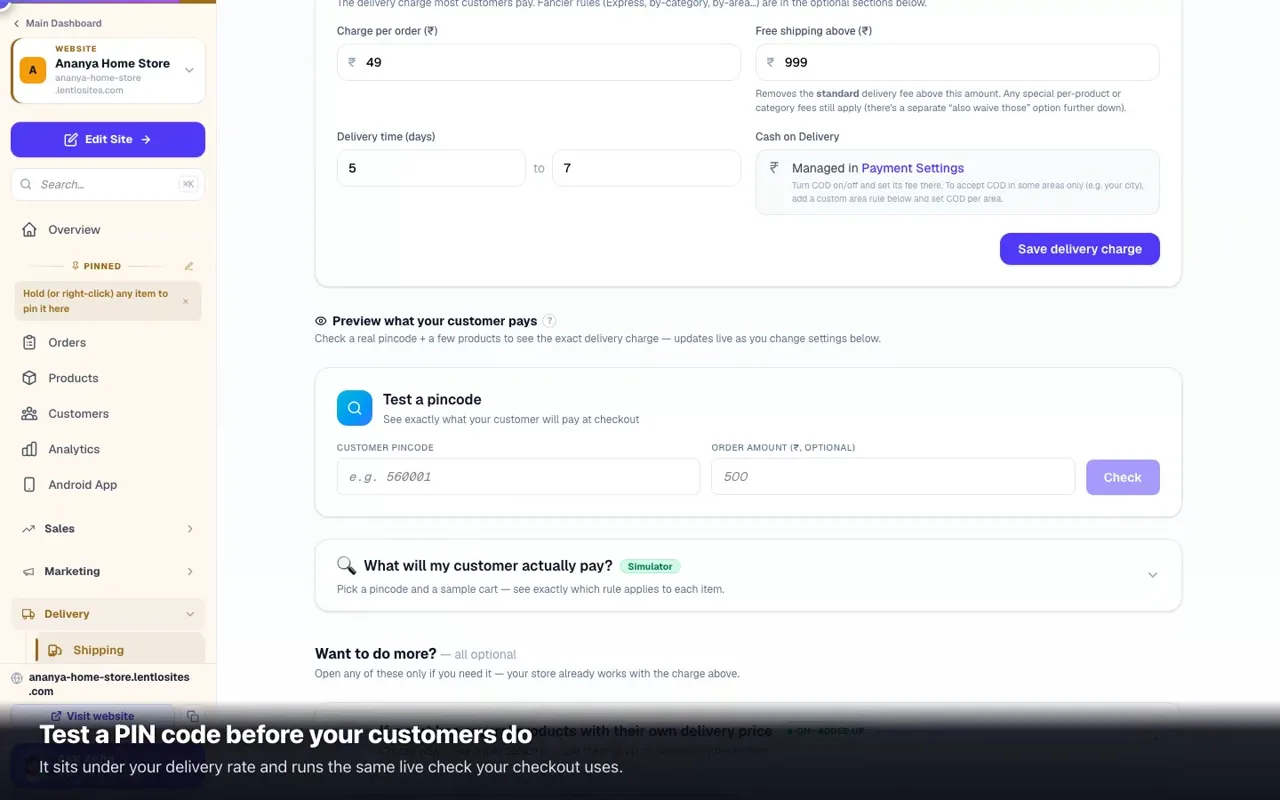
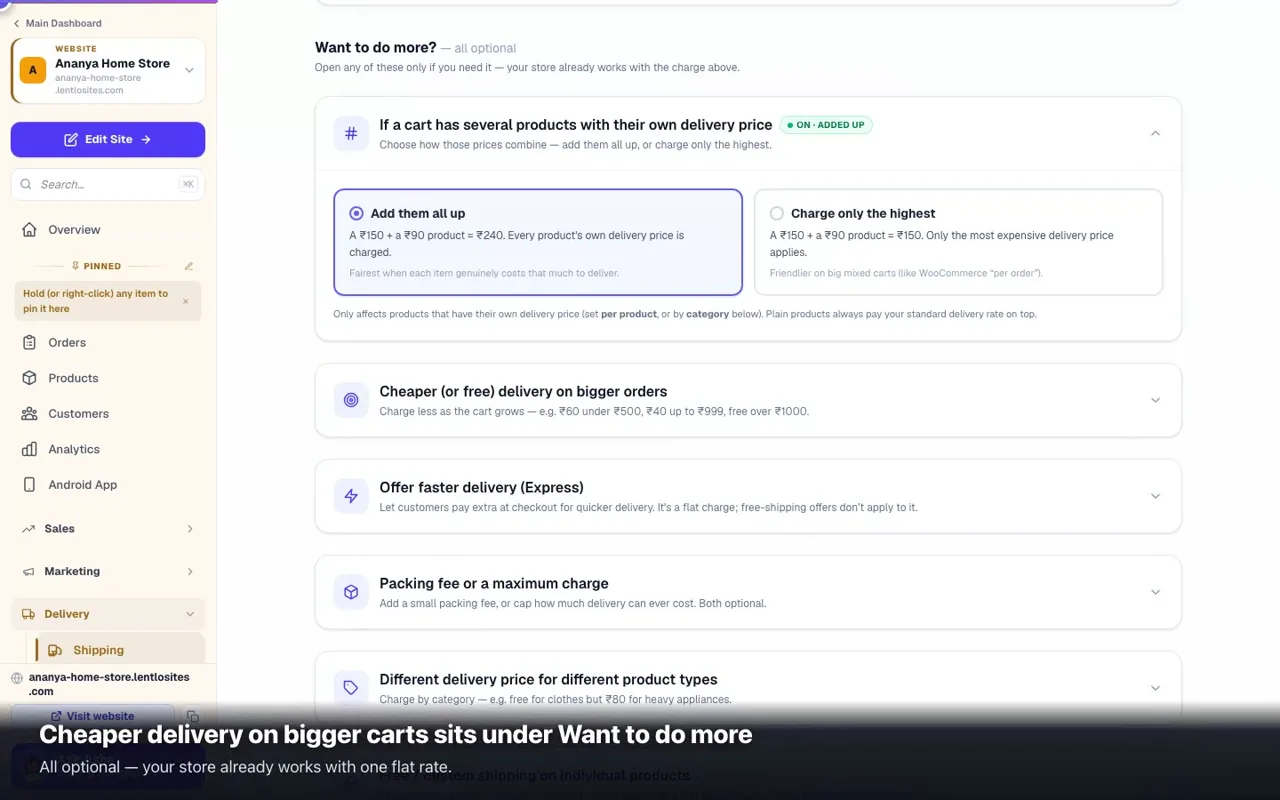
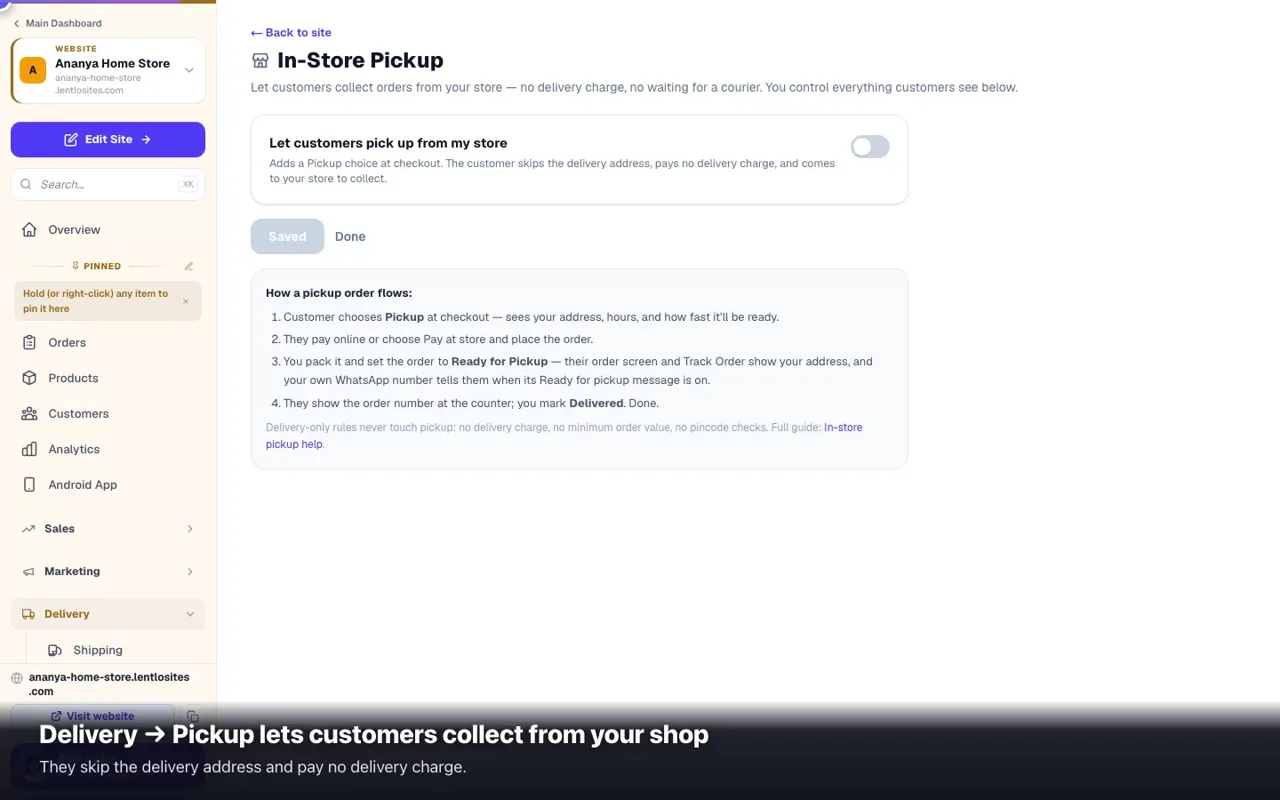
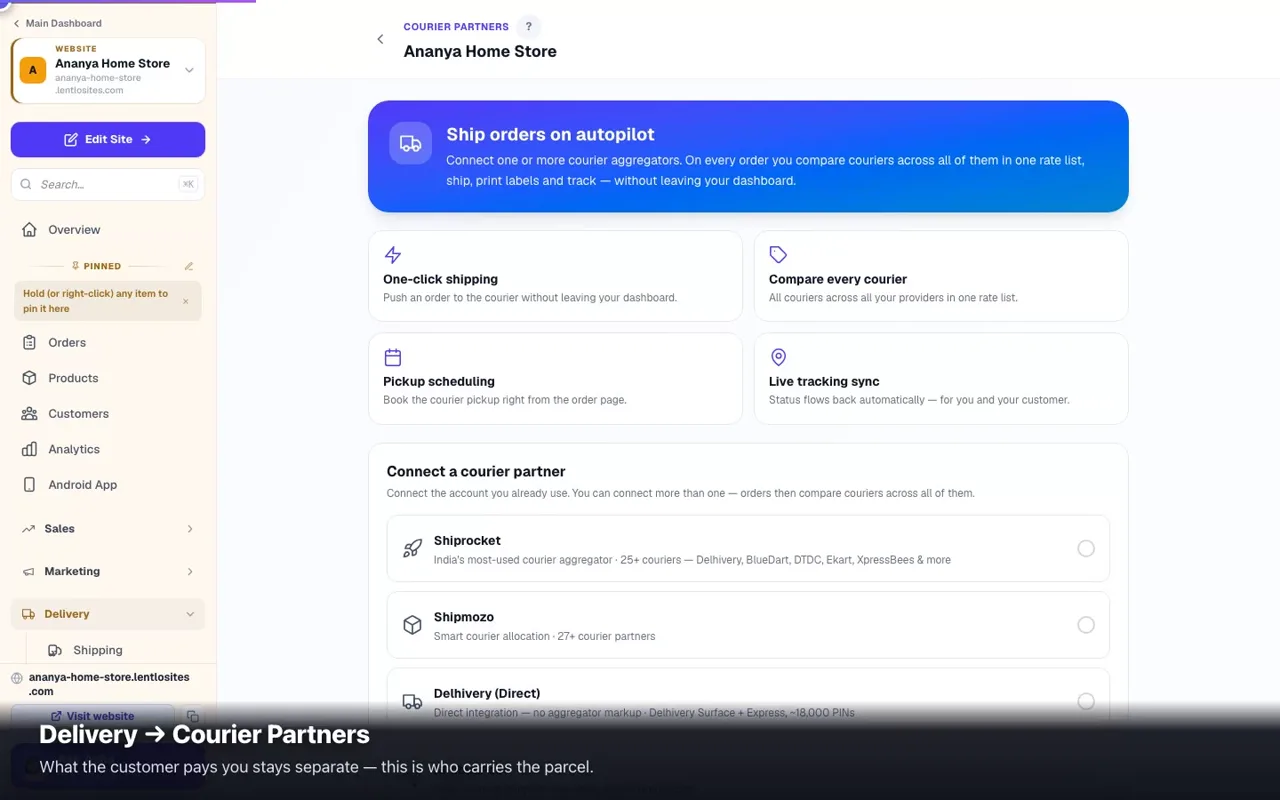
Repeat orders & subscriptionsDaily milk, weekly groceries, monthly refills — the order creates itself, priced from today's catalogue.6 minAddress labels & the day's run sheetDesign your label once, print for one order or fifty, and take a single sheet on the delivery run.0:355 minDelivery charges & shipping — zones, pincodes, free deliveryOne standard delivery charge or per-area zones, free delivery above ₹X, weight slabs, order-size bands, Express, deliver-only-where-listed, products only nearby, a fee by distance, estimated delivery dates, CSV upload and a pincode tester — plus courier partners.0:3010 minDelivery charge after the order — add it, then send the final billNewFor heavy or far-away orders: customers order without a delivery charge, you add it on the order and send the final bill on WhatsApp — they confirm it or pay by link.5 minShop confirms the order first — check stock and address before the customer paysNewCustomers send an order request, nothing is charged and the items are kept aside. You check the stock and the address, add the delivery charge and the date, and confirm — then they pay online or choose cash on delivery.8 minIn-store pickup — let customers collect from your shopSkip the shipping step. Customers reserve online and collect from your store. Works alongside or instead of delivery.0:424 minDeliver with your own delivery boysGive orders to your own delivery boys. They see only their deliveries — address, map, items, cash to collect. You see what is out and the cash each one holds.5 minMy deliveries — a guide for delivery boysFor the delivery boy: sign in with your number, read an order card, call and navigate, mark picked up and delivered, and the cash you collect.3 minDelivery days, time slots & repeat ordersLet customers pick a delivery day (and slot) at checkout, charge a small 'get it sooner' fee, and turn regulars into automatic weekly or monthly repeat orders.7 minZone Delivery Days (Route Delivery)Deliver by area on set days — water cans, dairy, tiffin. Zones by pincode, a van calendar, and an optional "want it sooner" extra.6 min

Payments, GST & books

Take money, raise GST invoices, and know exactly what you earned.

17 guides
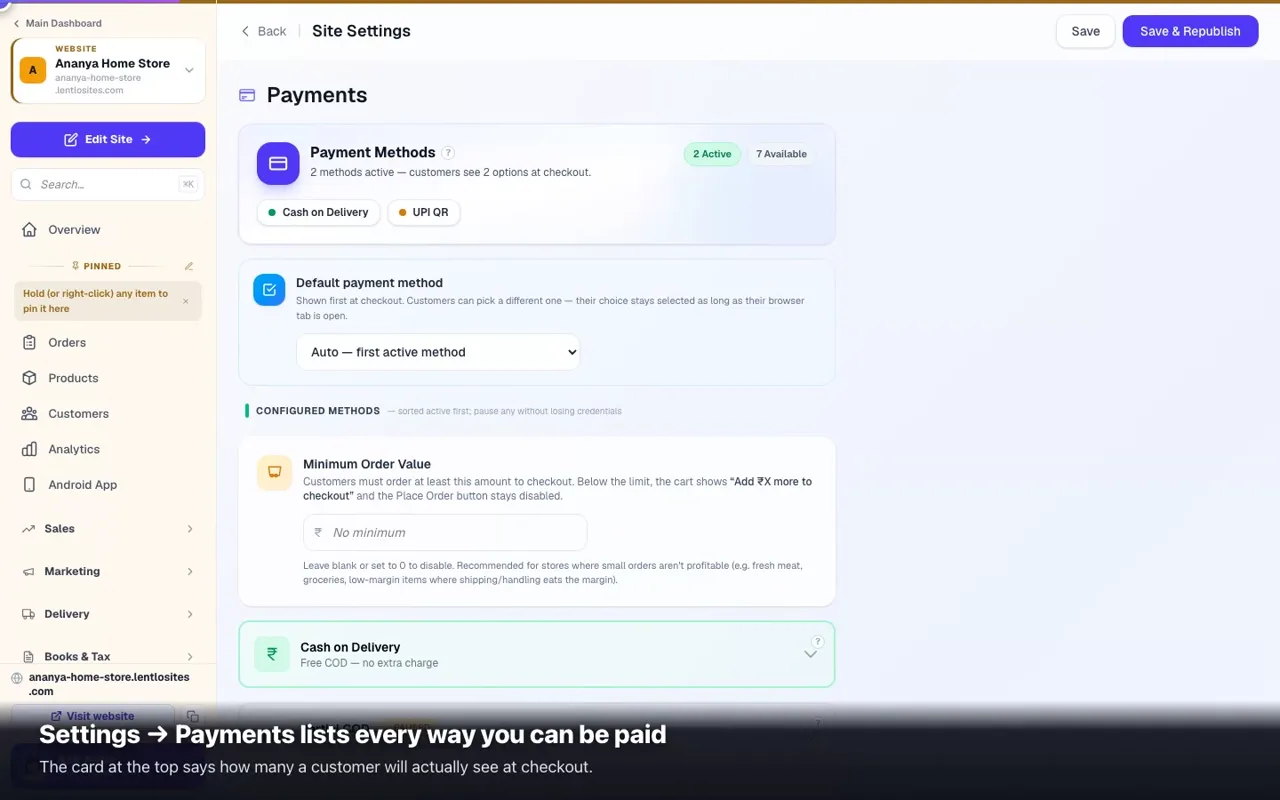
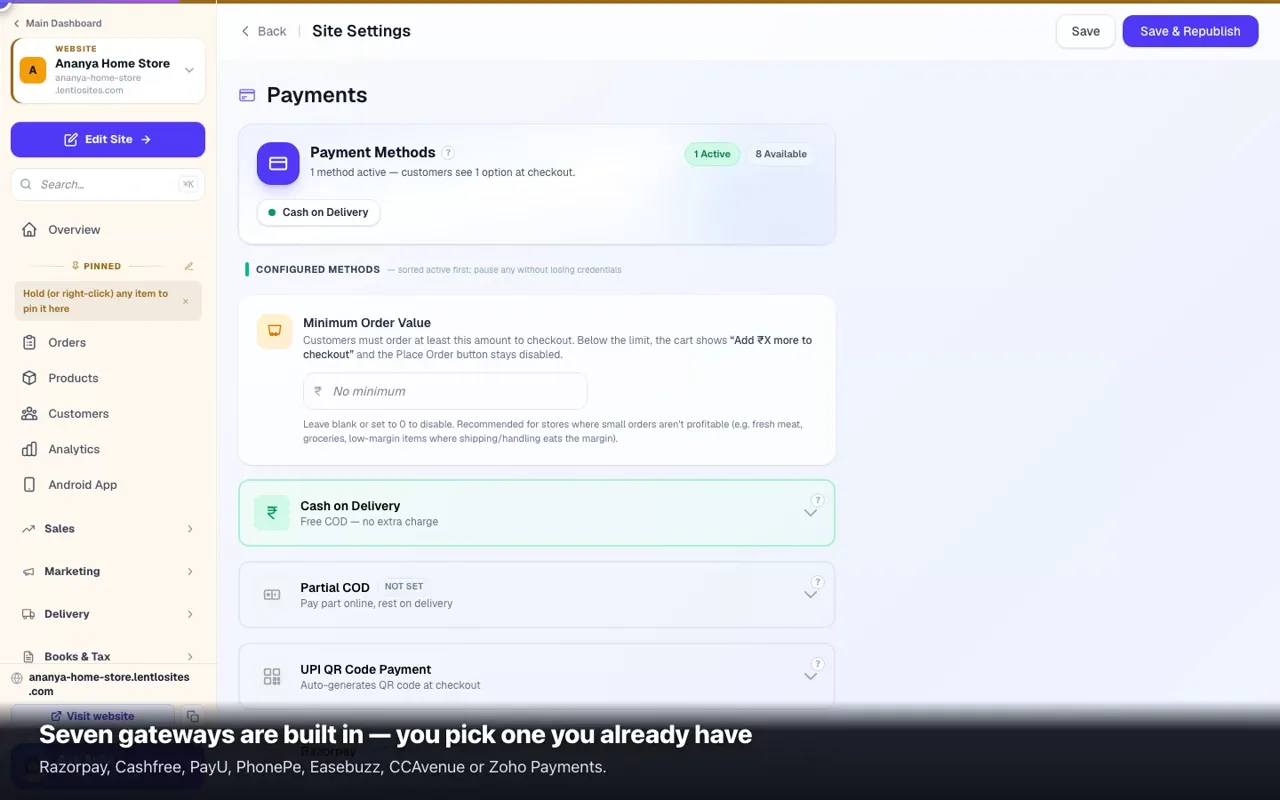
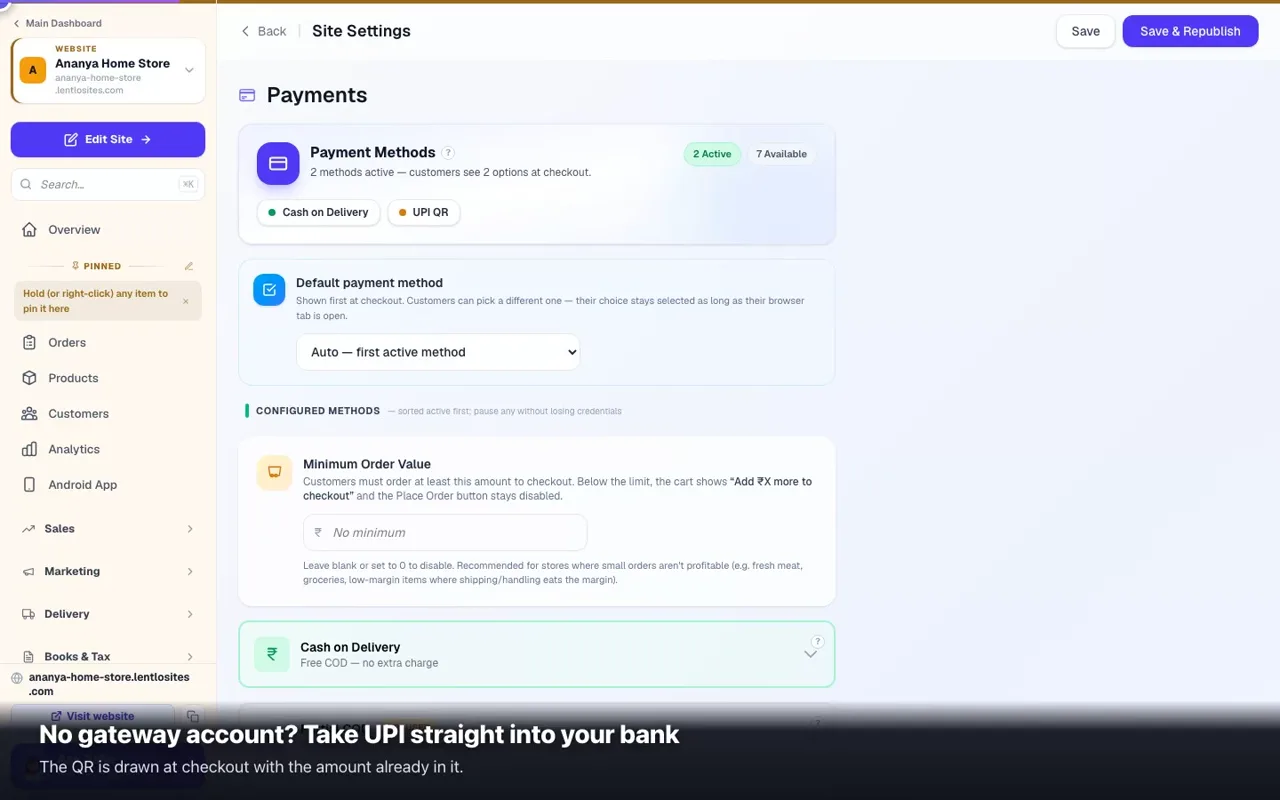
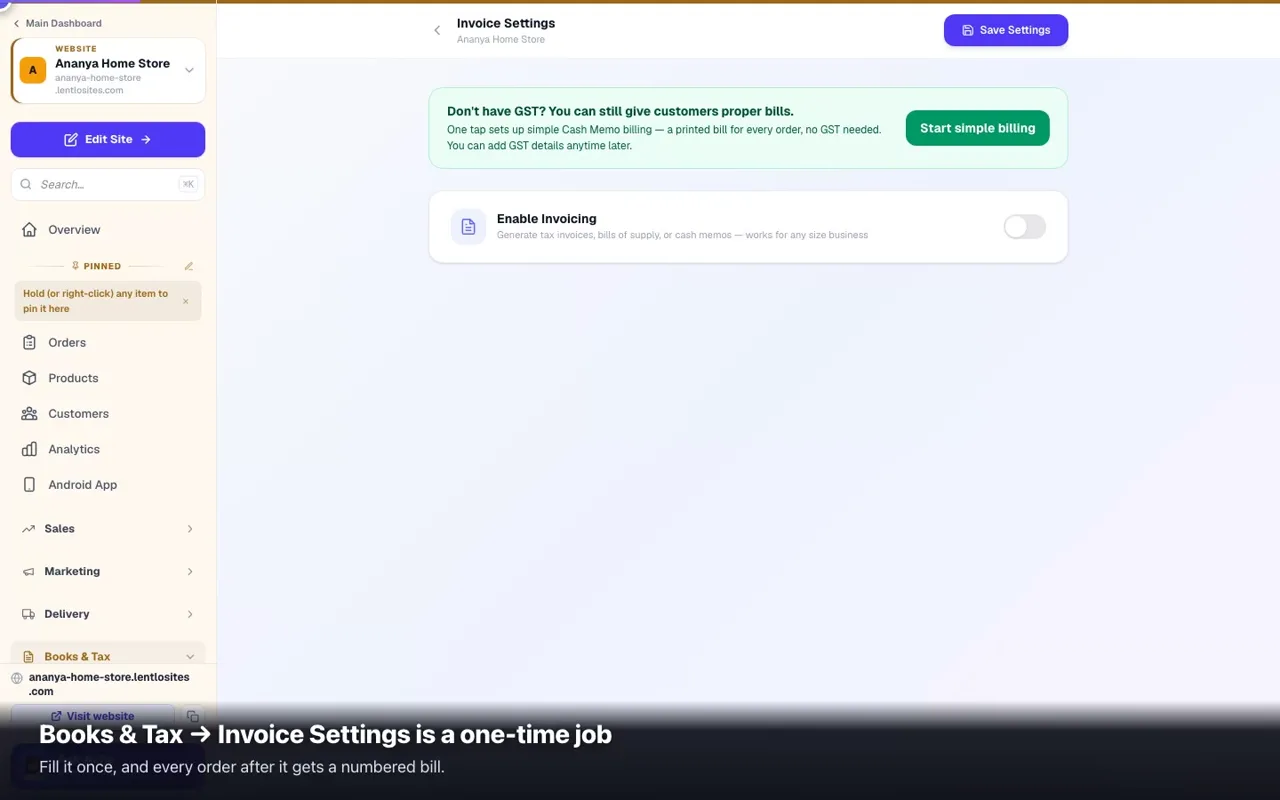
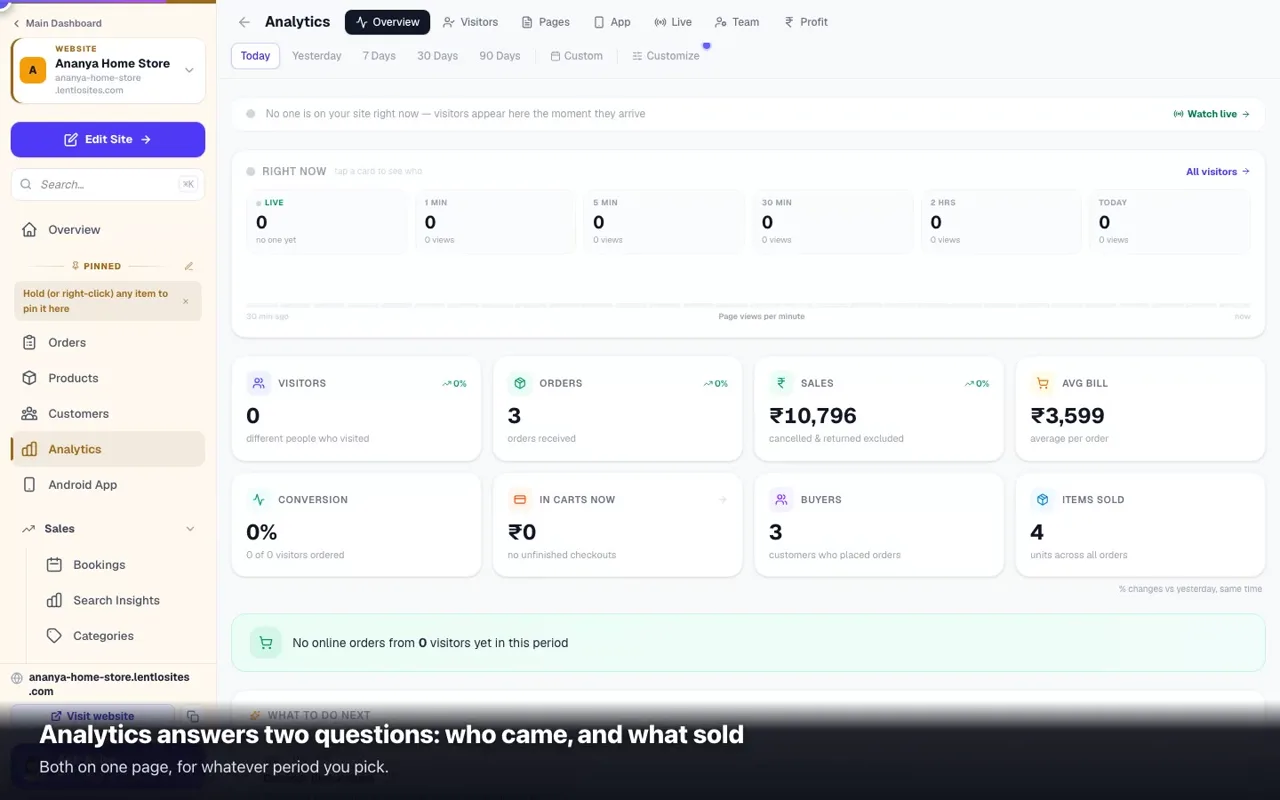
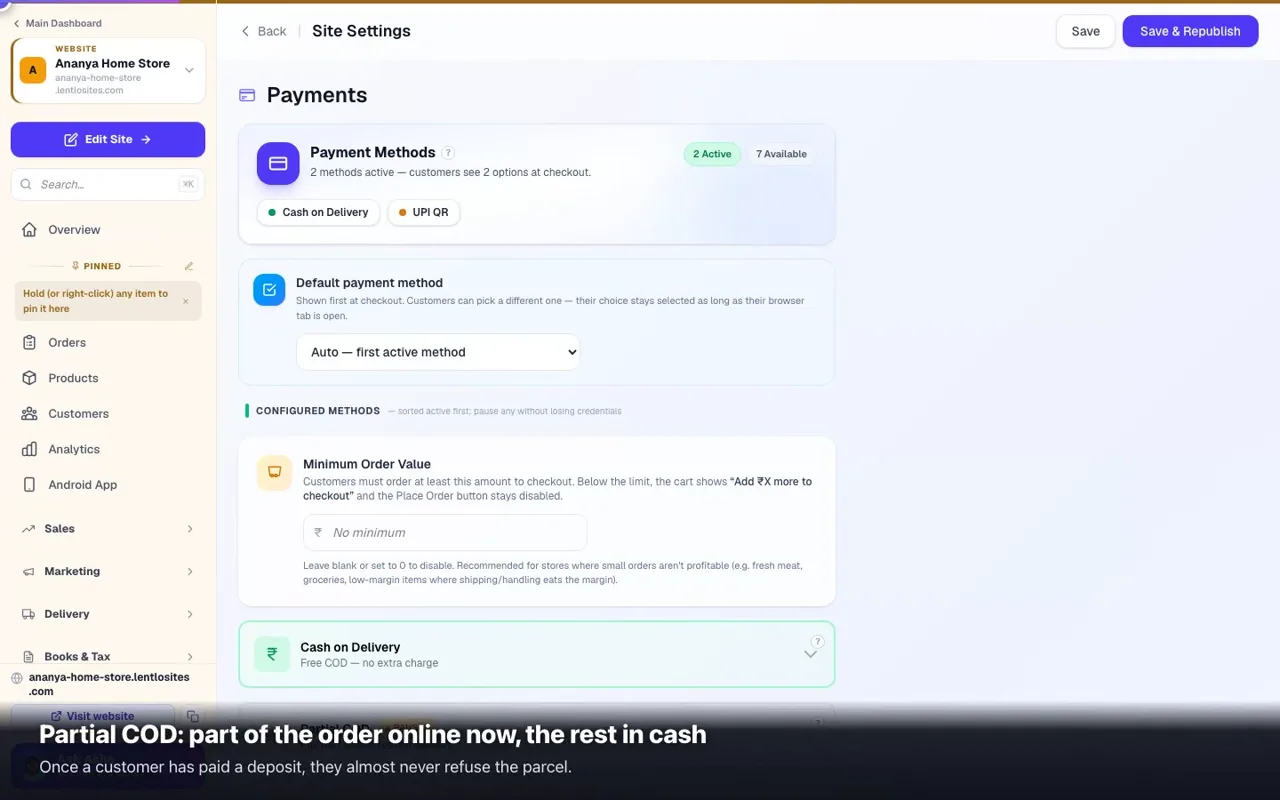
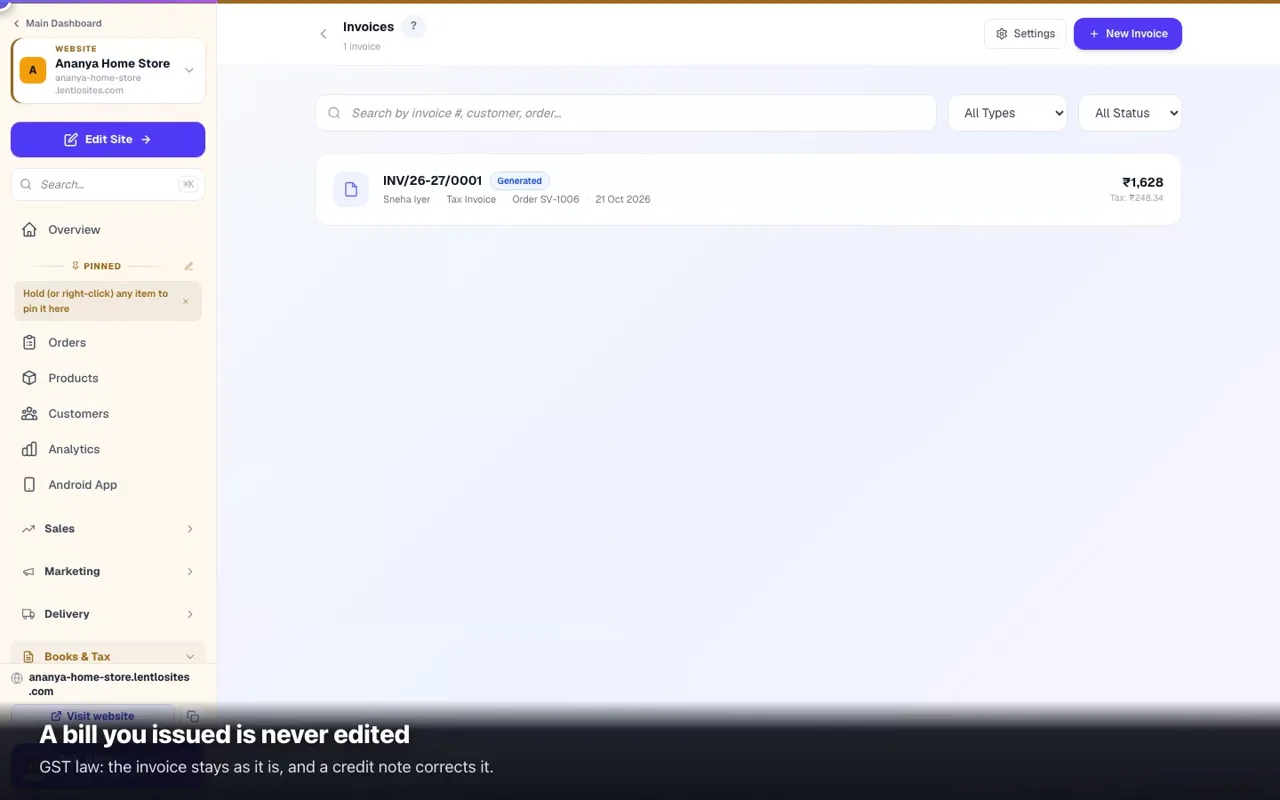
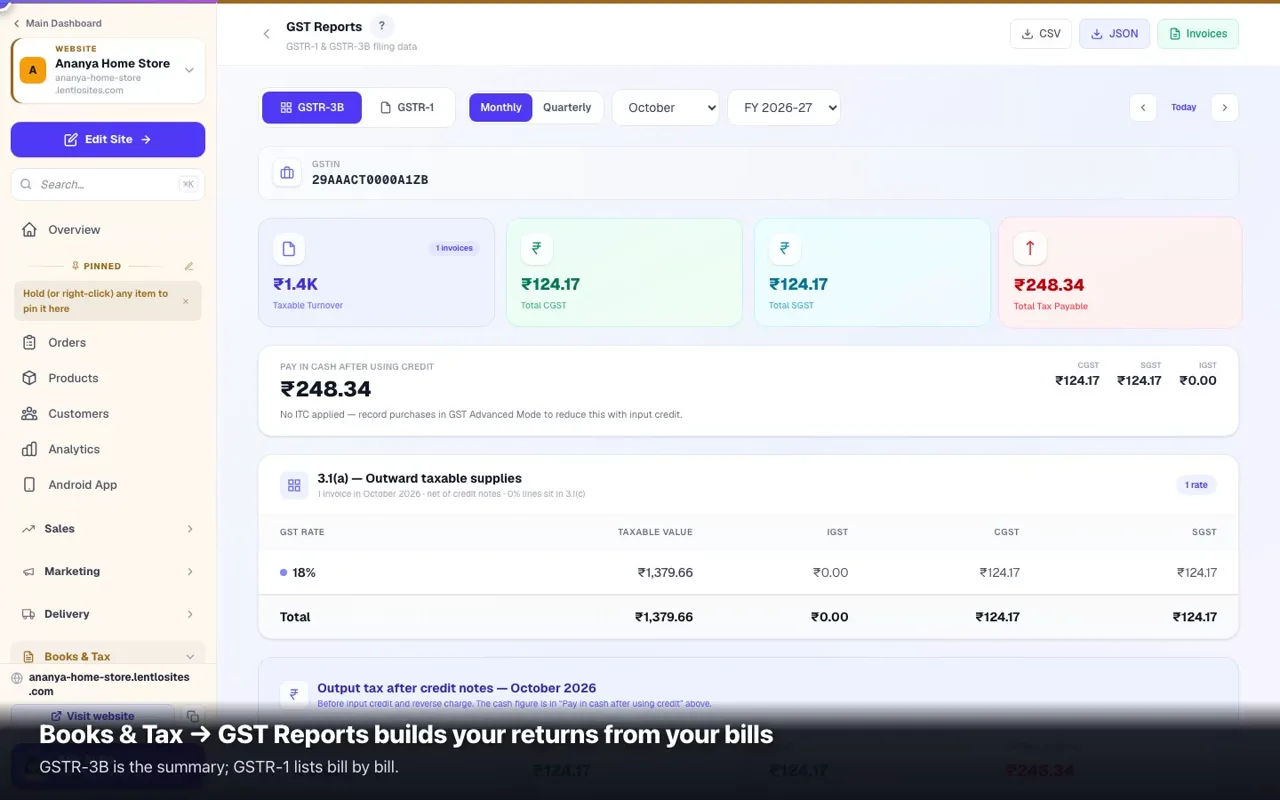
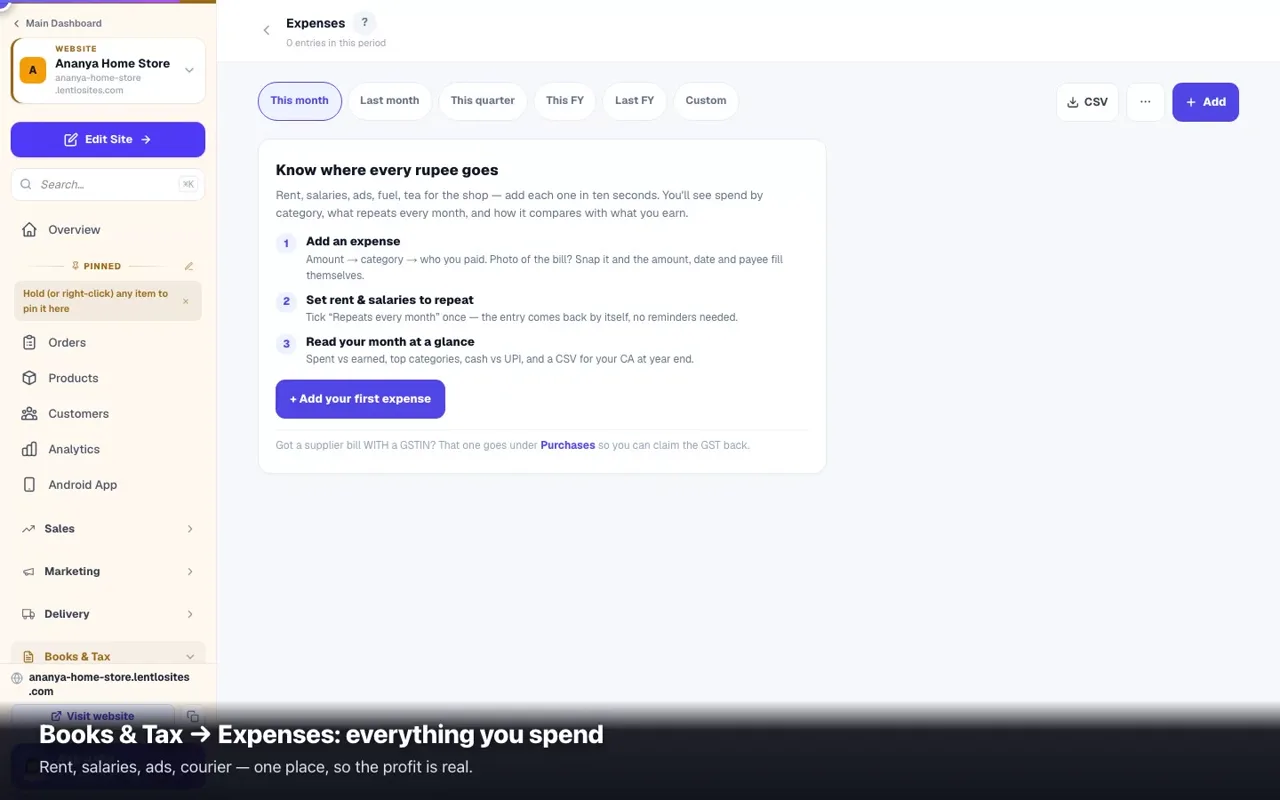
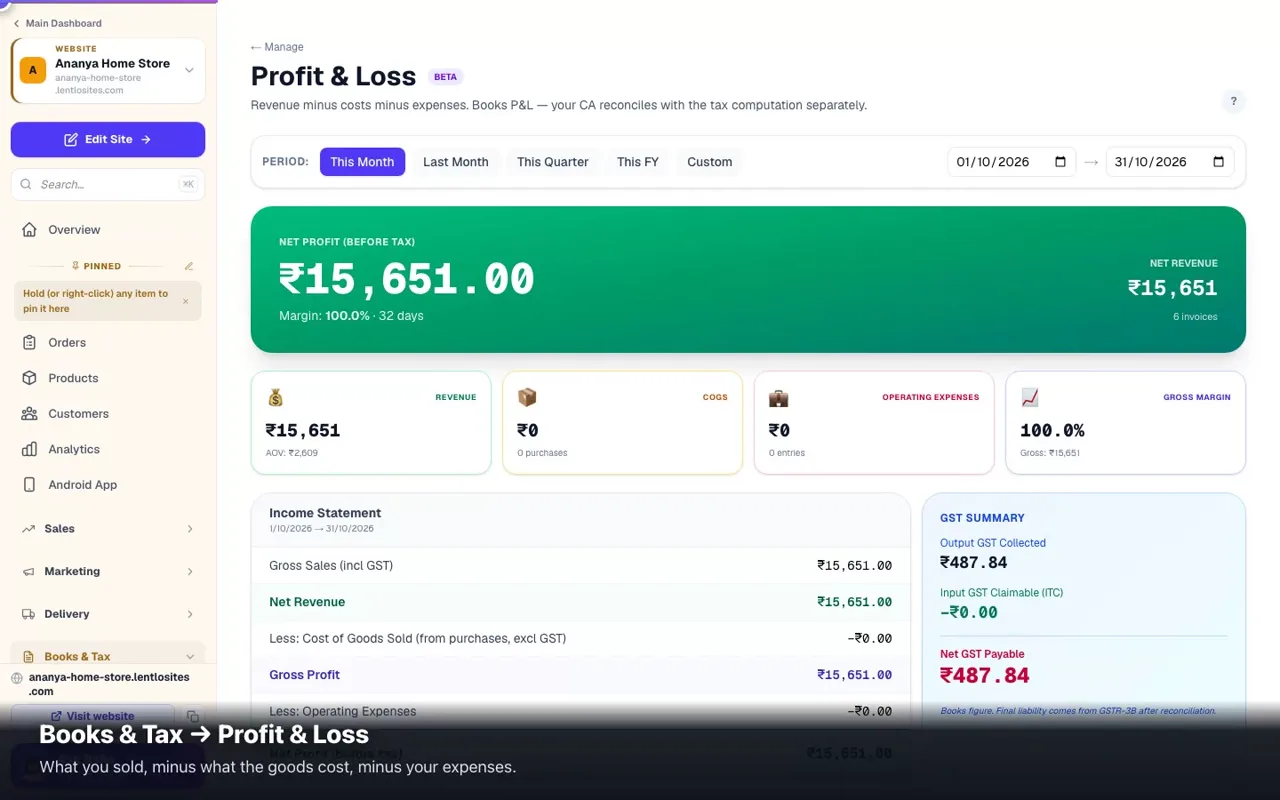
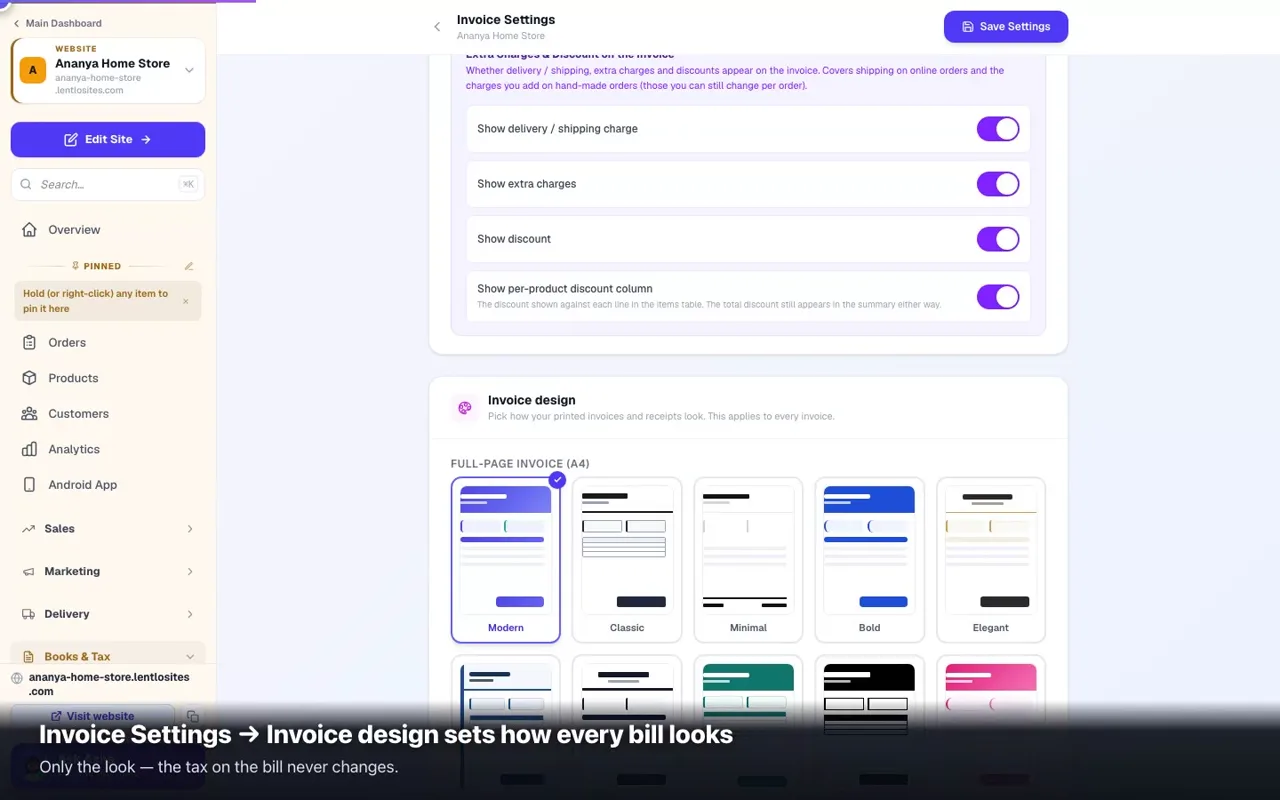
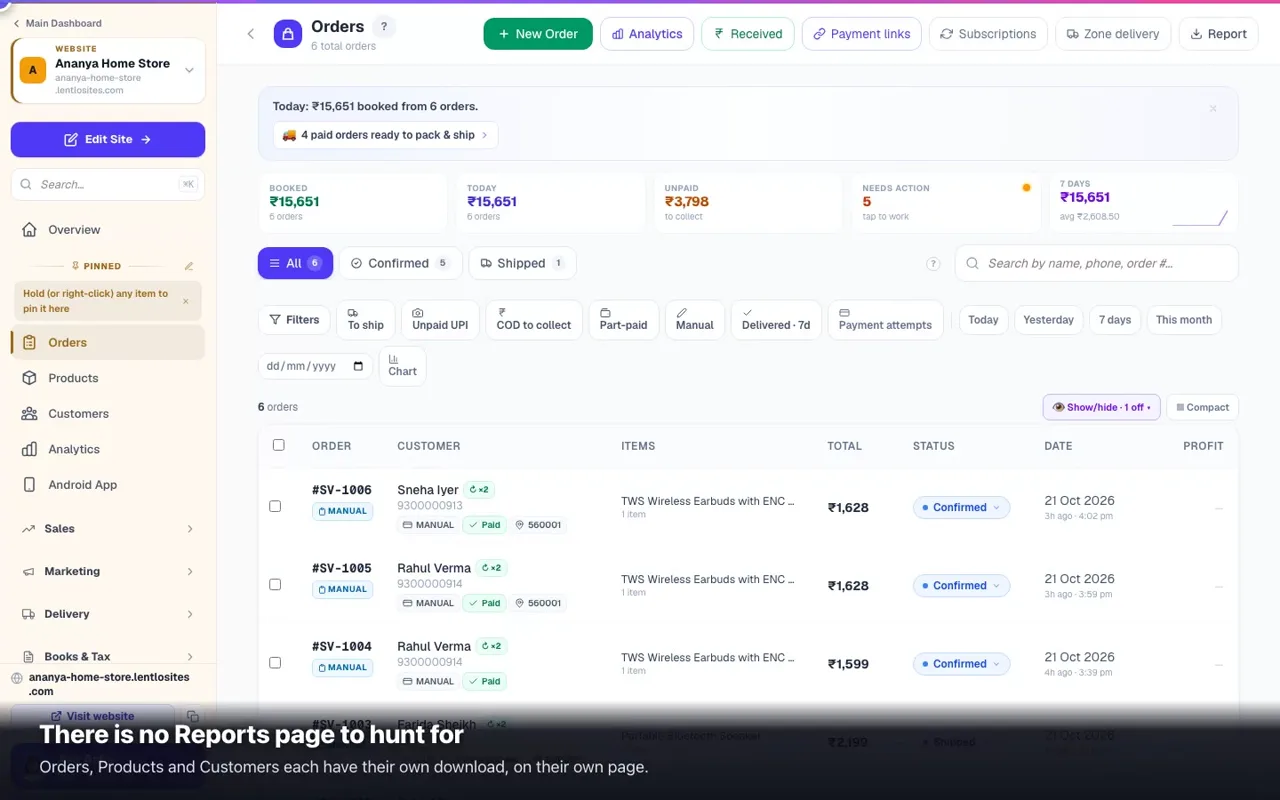
Payment Alerts — money captured with no orderWhen a customer pays but their phone drops before the order is made, the money is safe in your gateway. This page is how you close the gap.5 minStock Journal — why the count is what it isEvery movement in and out with its reason: purchases, returns, damage, theft, opening stock — and the changes your CRM makes when it keeps one count with the website.5 minWholesale & dealer prices (member pricing)Give dealers and regulars their own rate on the same website — without showing it to the public.6 minE-invoicing & e-way bills (IRN)Whether you need it, the no-credentials bulk upload, connecting your own NIC API credentials, and e-way bills from the order.6 minCustomer wallet — store credit, top-ups, refund-to-walletCustomers add money to a store-credit balance and spend it at checkout. Refund orders instantly, reward top-ups with bonuses. (Your own platform balance is Lentlo Credits — separate guide.)6 minQuotations — quote, accept, invoiceSend a price quotation your customer opens on WhatsApp and accepts by typing their name, take an advance by UPI, track seen/accepted/declined, revise versions, and convert it into a bill at exactly the quoted prices.5 minGST invoices & reportsAuto-generate Rule 46 invoices — or simple cash memos without GST — on every order, style them with the invoice designer, print A4 or thermal, and export GSTR-1/3B for filing.0:3110 minPurchases & vendor billsRecord every supplier bill — snap a photo and let AI type the entry for free — and track the GST you can claim back.7 minVendors — your supplier listSave each supplier once — GSTIN optional — link every purchase bill to them, and always know how much you owe.4 minBooks & Tax — your money overviewIncome, expenses and supplier bills in one place — sales flow in from your orders, you add the rest, and your GST reports and profit picture build themselves.5 minExpenses — track every rupee going outRent, salaries, ads, fuel — add each in ten seconds, snap the receipt to auto-fill, set monthly costs to repeat, and see spent vs earned for any period. One page for each website and for the whole business in the CRM.0:437 minProfit & LossSee whether your shop actually made money — sales minus cost of goods minus expenses, for any period you pick.0:355 minGSTR-2B & input credit matchingUpload the govt's GSTR-2B file and match it against your purchase bills — so you only claim input credit that's safe to claim.6 minUnderstanding your AnalyticsWhat every number on the Analytics page means — sales figures that come from your real orders (not estimates), the visit-to-order funnel, traffic sources, and your app installs.0:4510 minReports & Excel exportsDownload your sales, customers, stock and marketing data as Excel or CSV — and know exactly which files to send your CA every month.0:386 minAccept payments (Razorpay, UPI, COD)The 7 gateways, UPI QR, COD fees, Partial COD deposits, a minimum order value, pausing methods — plus Test connection, what a customer sees when a gateway refuses, and the safety net that auto-recovers missed payments.0:449 minPayment links — collect money with a linkCustomer hasn't paid yet? Share a secure link on WhatsApp — they pay by card/UPI and the order marks itself paid.0:364 min

Customers & marketing

Discounts, loyalty, messages, ads and selling on Google & Instagram.

16 guides
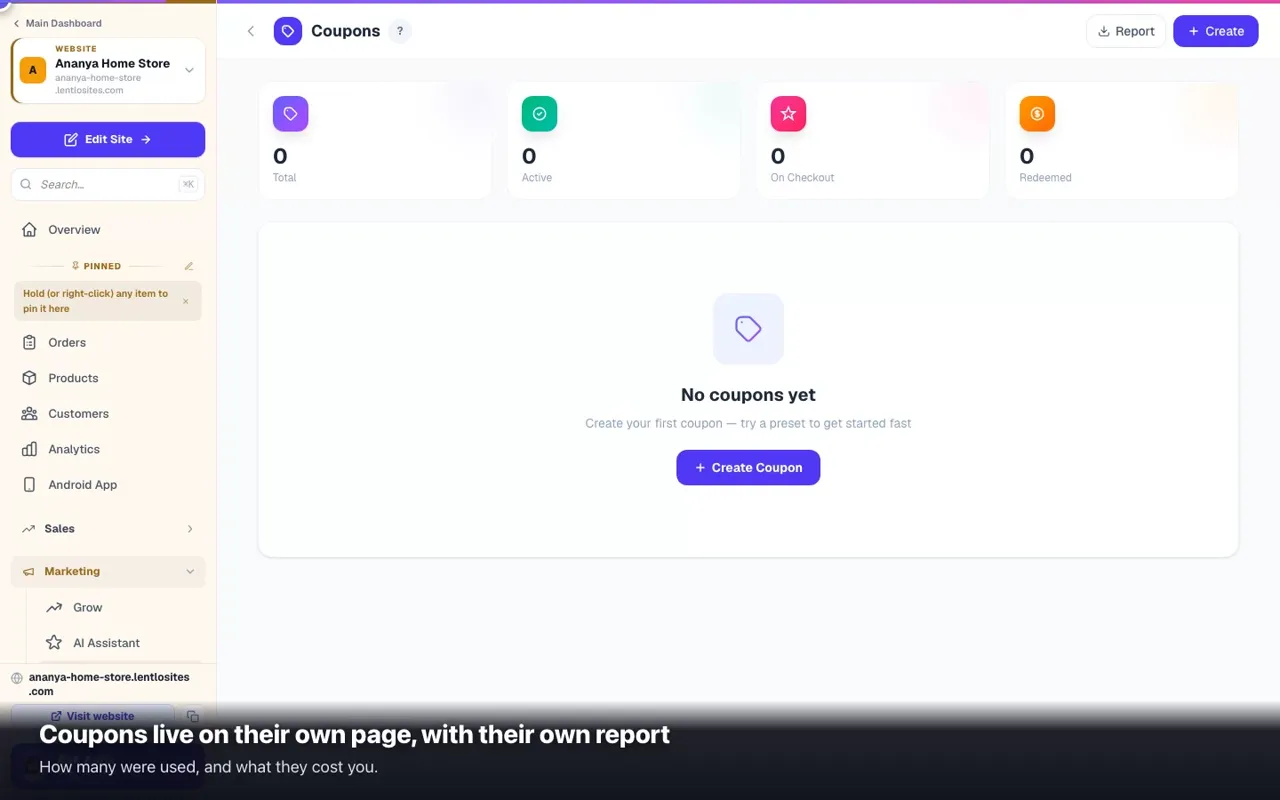
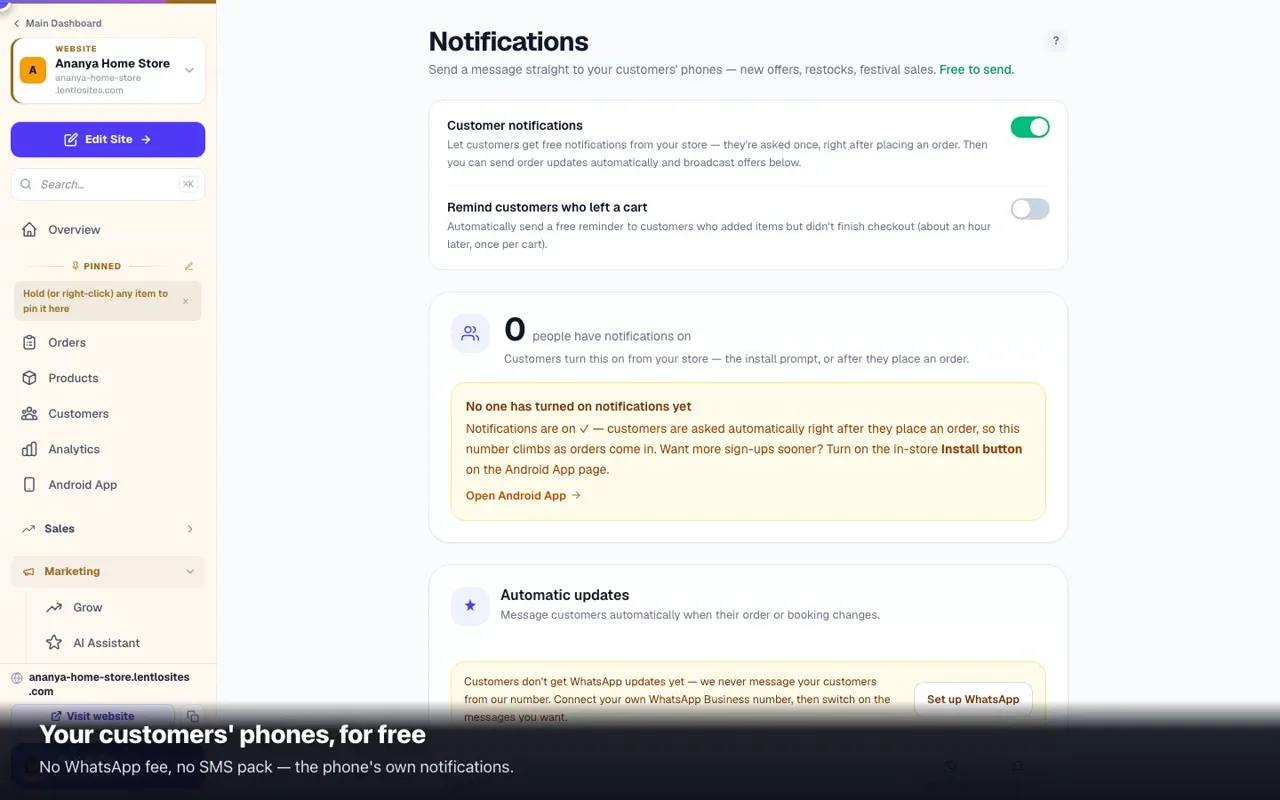
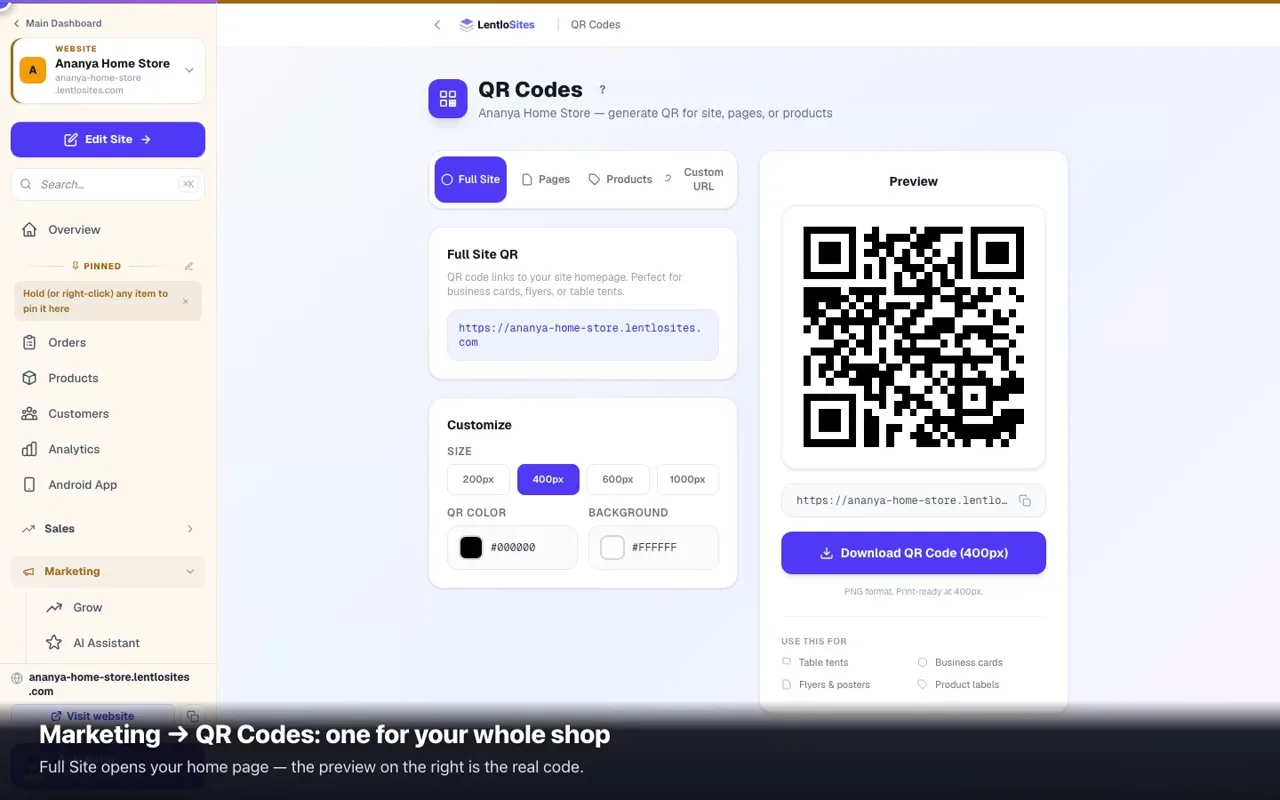
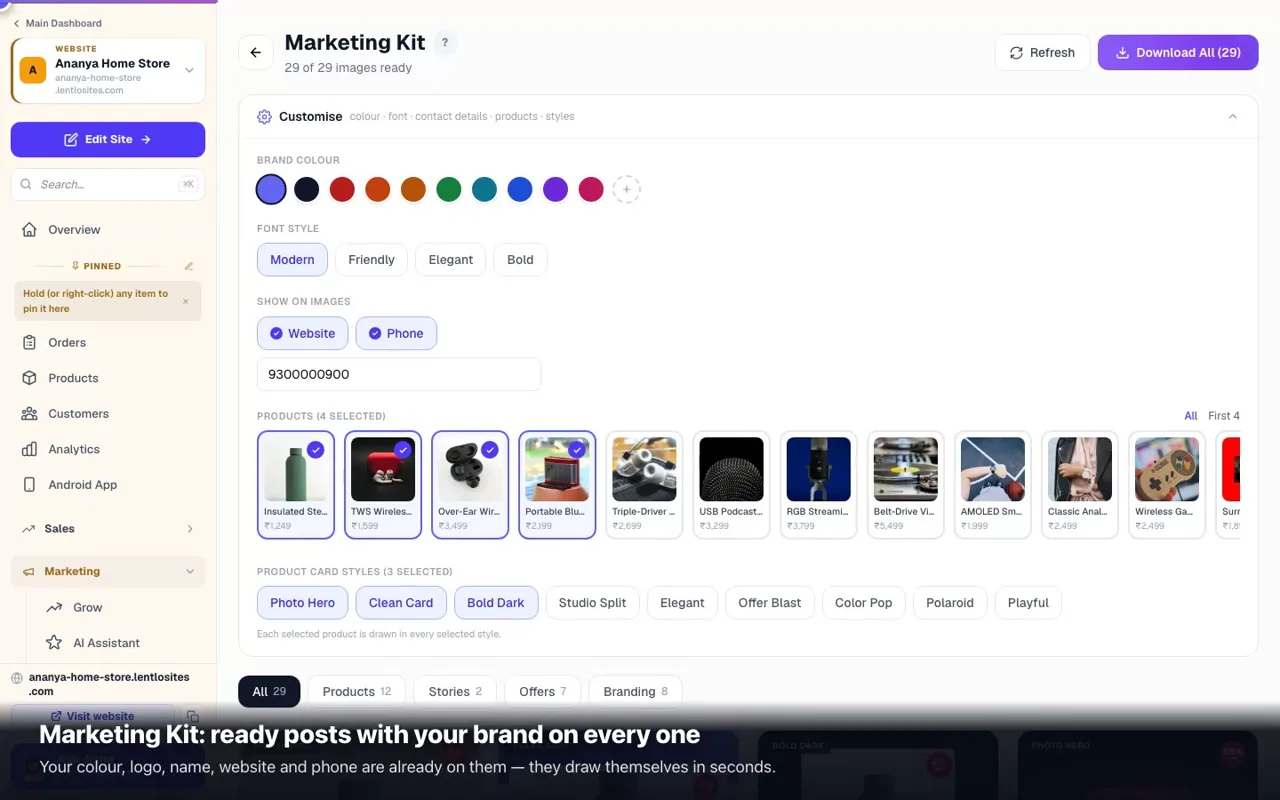
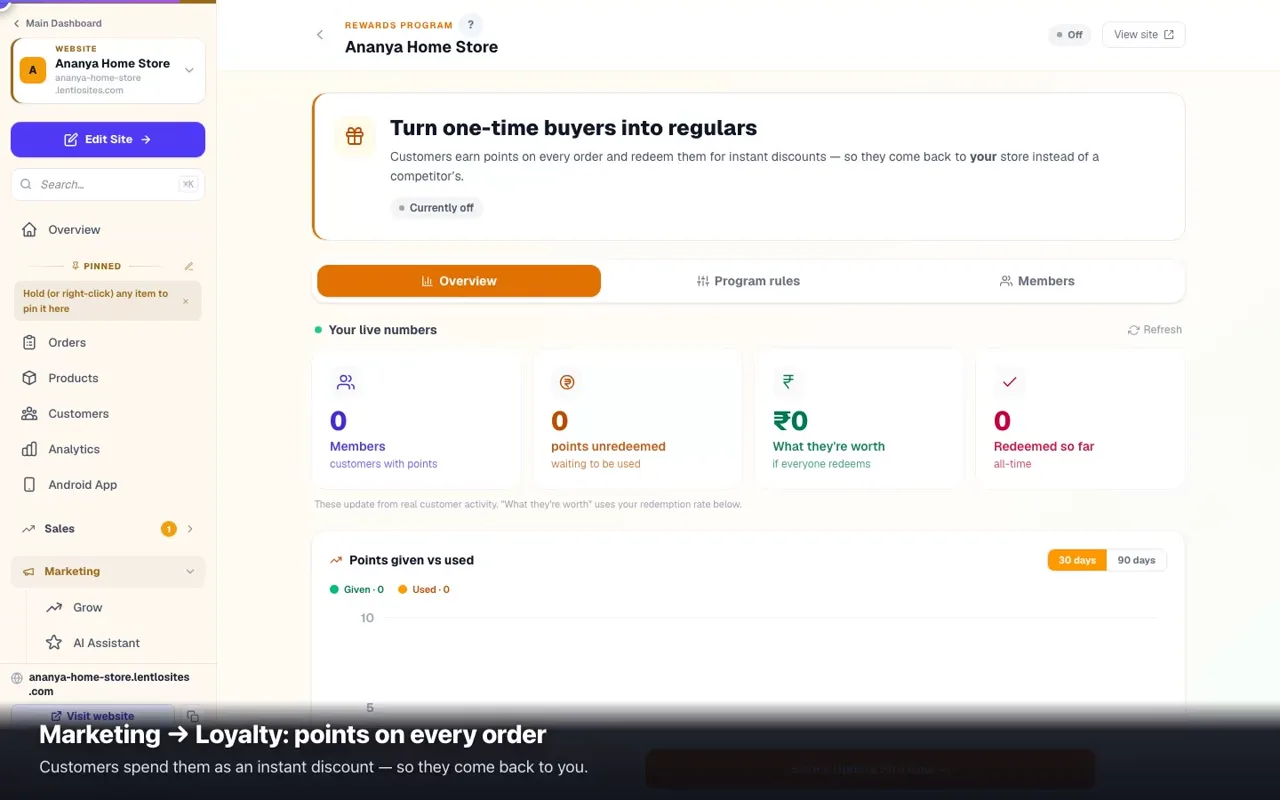
Share links & paying promoters per visitorFind out which poster or post actually brought anyone — and pay people a small amount per genuine visitor.5 minSearch insights — what customers looked forEvery word typed into your search box, especially the ones that found nothing — the most honest page you own.8 minQR codes for your shop & productsA scannable square for your whole site, one page or a single product — sized right for cards, flyers and shelf labels.0:413 minDigital business cardA one-page visiting card with your photo, number, map, socials and prices — share it as a link or a QR.3 minCreate discount coupons (advanced)Percentage, fixed ₹ or free-shipping codes with rules — online payment or COD only, delivery or pickup, start date, minimum items, new/returning/signed-in/selected customers, products and categories in or out, days and hours — plus cashback, checkout cards and apply-automatically offers.0:489 minInfluencer / Affiliate programGive influencers and partners their own link (and code); orders through it earn them a commission you set, held until delivery, released by you and paid by you — with a partner portal where they see their earnings and ask for a payout.7 minLoyalty points — reward repeat customersCustomers earn points per order, redeem them at checkout. Stops them from drifting to Amazon.0:445 minAdd-on suggestions — "Goes well with"NewShow items that go well together right after a customer adds something, on product pages, in the cart and at checkout — so more orders come with one extra item.4 minCombo deals — items bought together for lessNewPut items together for less — a biryani with a drink, a dish with two naans. When the cart holds a combo, the saving comes off at checkout by itself, with no code to type.4 minMarketing Kit — social images, QR poster & catalog PDFReady-to-post product images for Instagram and WhatsApp, festival greetings, a printable QR poster for your counter, and a product catalog PDF — all generated free from your own products.0:475 minCustomer notifications — free app push + WhatsApp from your numberAutomatic order updates on WhatsApp and free app push, your own wording, offer broadcasts with scheduling, and abandoned-cart reminders — all from one page.0:456 minFacebook / Instagram ad rejected or ad account restrictedTell the four cases apart, rewrite the ad so it passes (personal attributes, before/after, health, finance), fix the landing page, appeal once without risking the account.6 minSell on Google & Bing (Sales Channels)One live product link puts your catalog on Google's free Shopping listings (and Bing) — no spreadsheets, always in sync.6 minSell on Instagram, Facebook & WhatsAppOne Meta catalog = Facebook Shop + Instagram product tags + a WhatsApp catalog, fed by the same live product link.4 minAd tracking — count your ad results (Meta Pixel, Google, Conversions API)Connect Facebook/Instagram and Google ads to your website with one ID each — sales and visits are then reported automatically. Includes the Meta Conversions API token walkthrough.6 minRefer & Earn — invite friends, earn Lentlo CreditsShare your link or QR. When your friend makes their first recharge, Lentlo Credits land in your account — and they get a welcome bonus too.3 min

CRM, WhatsApp & AI

Chats, contacts, the billing counter and your AI helpers — website optional.

11 guides
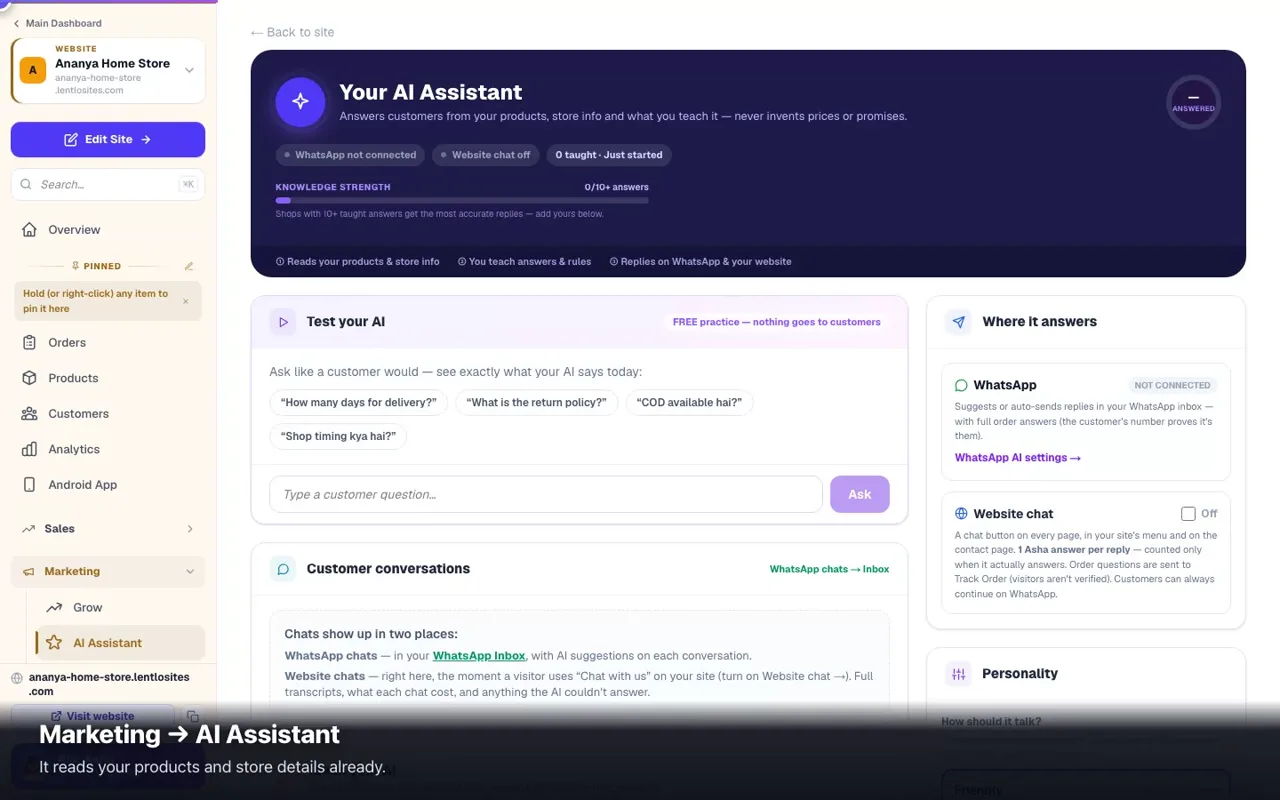
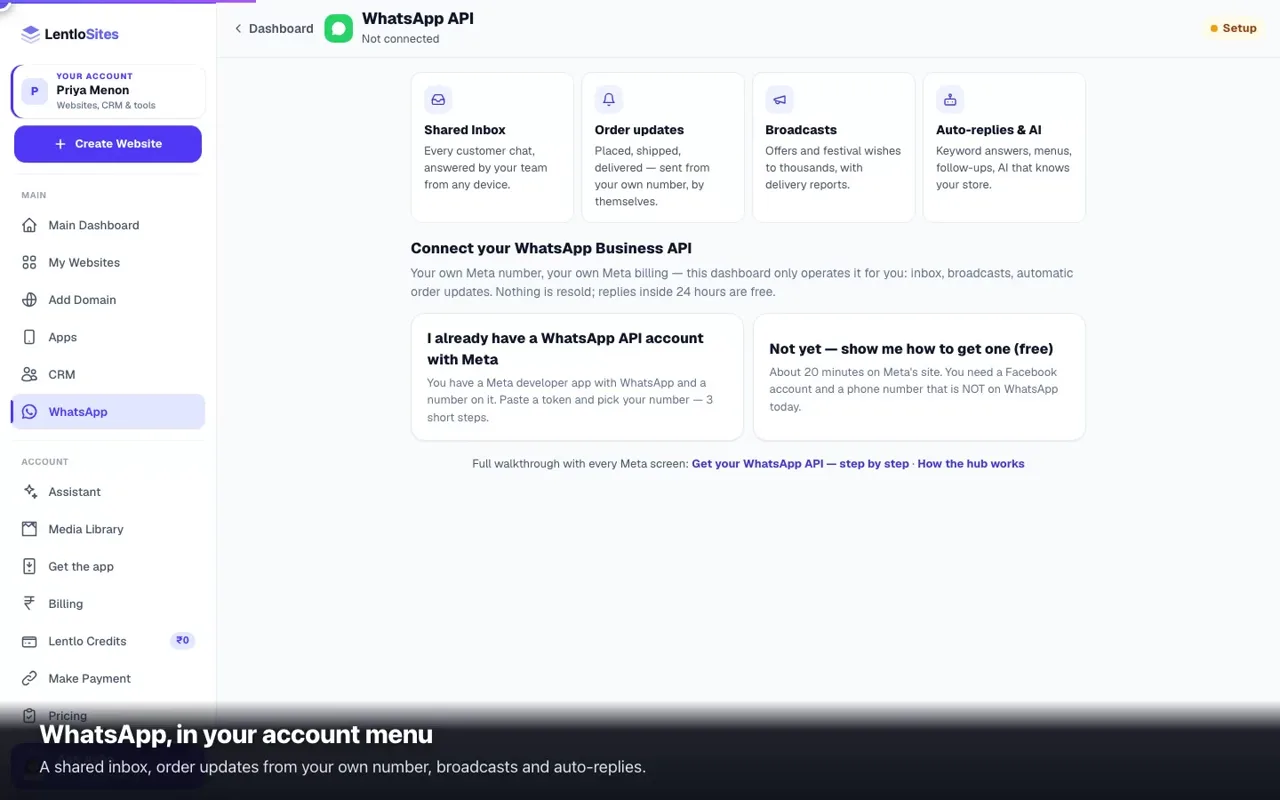
Case files, staff, attendance & branchesThe operational half of the CRM: jobs that run for days, an HR book with attendance and salary, branches and parts stock.9 minGet your WhatsApp Business API from Meta — step by stepFrom zero to a permanent token in about 20 minutes: business portfolio, developer app, adding and verifying your number, the System User token, App ID and secret — with the fix for every error Meta throws.9 minWhatsApp hub — your own WhatsApp APIConnect your own Meta WhatsApp Business API: a shared inbox for customer chats, automatic order updates from your own number, and one home for broadcasts, auto-replies and AI answers.0:3010 minWhatsApp broadcasts & message templatesSend one offer to thousands of customers — write a Meta-approved message, pick your audience, schedule it, and watch delivery live.8 minPut your WhatsApp on autopilotInstant keyword replies, tap-to-answer chat menus, day-wise follow-up sequences and scheduled broadcasts — and the moment a customer replies, the robot steps aside.6 minAI assistant — train it & add chat to your websiteTeach the AI your answers, test it in a free playground, then switch on website chat — it answers customers from your products, store info and what you teach it, uses one Asha answer per reply, and never invents prices.0:427 minAI tools: website text, WhatsApp replies & bill scansLet AI write your website's text, answer routine WhatsApp questions, and read supplier bills from a photo — you stay in charge of everything.5 minGetting started with the CRMYour customer book, follow-ups, billing and customer credit in one place — works even with zero websites, and fills itself from the ones you have.6 minCRM billing — GST invoices & customer creditMake GST invoices from your CRM, keep every customer's credit balance, and collect with WhatsApp pay links, online Collect links through your own gateway, and reminders — money goes straight to your UPI, bank or gateway account.6 minBill counter (POS) & barcodesTurn any phone or computer into a shop till — tap or scan items, take cash/UPI/card, print thermal receipts, and every sale lands in your GST books automatically.6 minContacts, leads & the deal pipelineYour customer book: add or import contacts, catch leads from your website and IndiaMART/JustDial, track deals on a pipeline board, and never miss a follow-up.7 min

For your kind of business

Restaurants, jewellery catalogues, appointments and other trade-specific setups.

35 guides
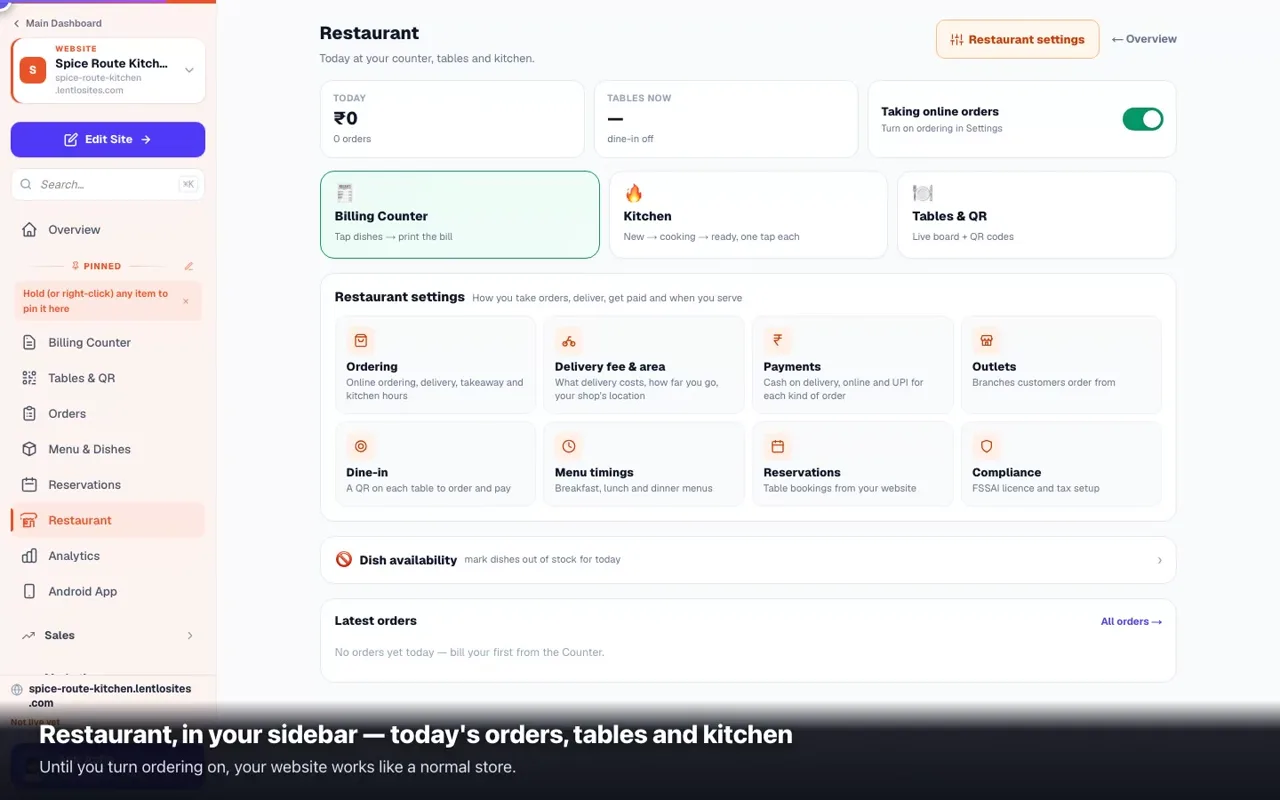
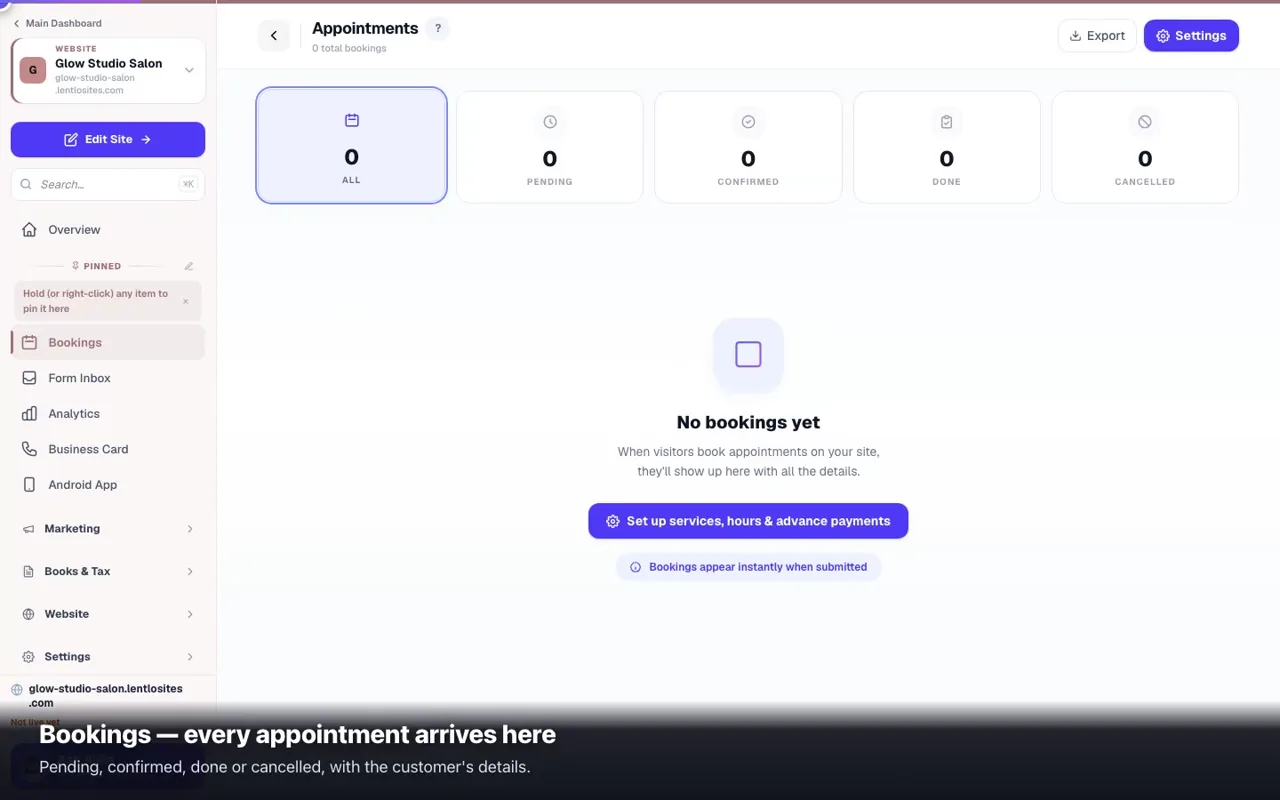
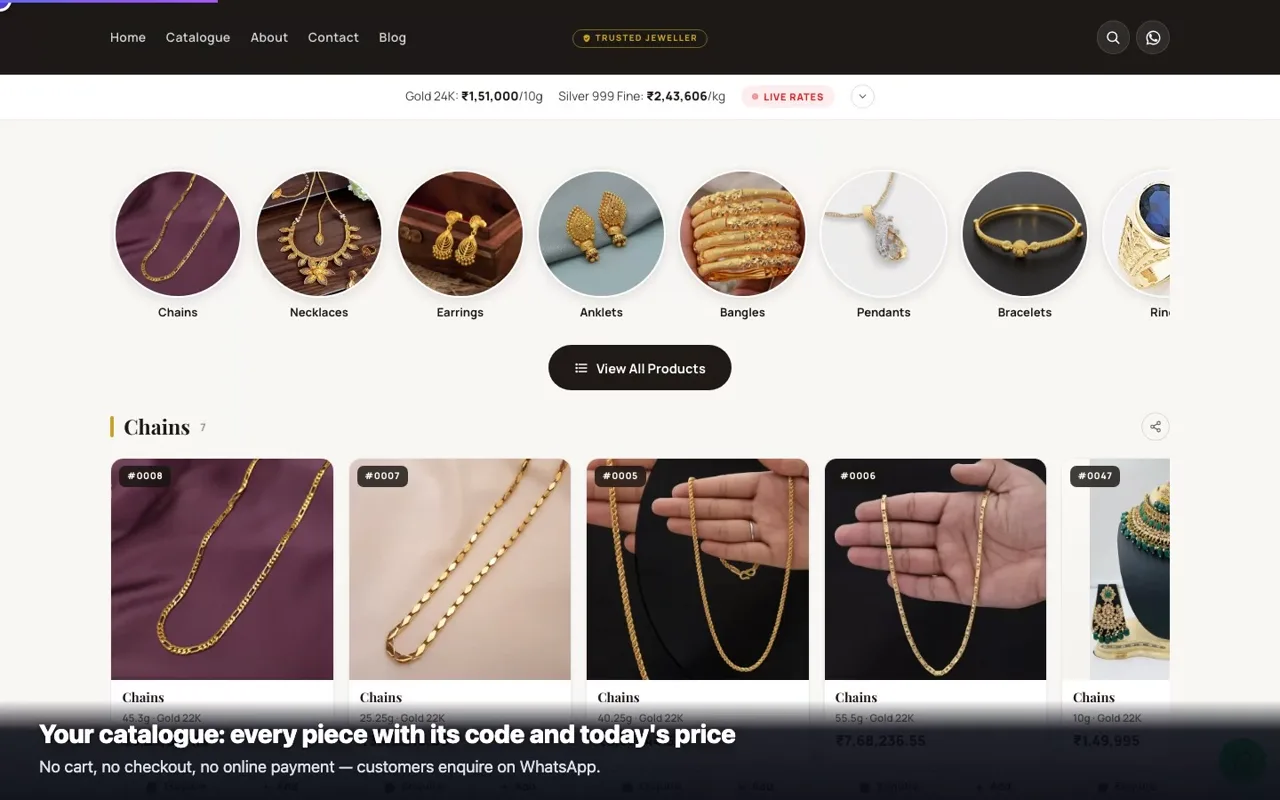
Start your supplier networkOpen a network where other people sell your products in their own online stores: the console tab by tab, your own site for them, invitations and prepared stores, store addresses under your domain.9 minOpen your store in a supplier networkSign in on your supplier's own site, join or accept an invitation, open your store on a website design in three short screens, set your margin — and what the Supplier screen shows from then on.10 minYour balance with your supplierAvailable, kept for orders, balance; adding money online or by UPI; when the balance is short for an order; orders you collected yourself; your supplier's invoices to you; the supplier's Balances view.6 minPack, send and take back parcelsThe fulfilment board column by column — bills, courier, pack, hand over, the courier's news — and the parcels coming back: receive, check, credit the store.7 minCash on delivery in the storesNot open yet — stores on a website design sell prepaid only. For the way where you sell in the stores: when shoppers see it, confirming orders by phone, and the courier's statement matched to the paisa.5 minCommission and payouts in your networkWhat you owe each store owner and when it is ready, their bank details, and the five steps of a payout — approved with a one-time code and paid from your own bank.6 minReports and large downloadsA short period in one press, a long one prepared in the background and kept 7 days, and the monthly tax-screen limit.4 minConnect your payment gatewayFor a supplier — the account store owners pay into when they add money to their balance: seven providers, what to copy, the one-time code and the 24-hour switch-on, the webhook address, and what each gateway can do.6 minAlerts you receiveThe Notifications card: what we tell you about on WhatsApp and e-mail, and the switch per message. Your customers hear from your own website.4 minYour Today screenOne sentence on where your store stands, the one button that matters now, what needs you and your balance — and the supplier's Today.4 minMoney in plain wordsWho takes the customer's money, the four words on an order, the balance with your supplier, payouts and cash on delivery — each as the screens mean it.5 minRestaurant Insights — your whole restaurant on one screenSix tabs: sales, menu, customers, channels & payments, tables & bookings, and who nearly ordered. Every number from your real orders.5 minLoan Leads — the enquiry list, assignment and per-lead billingNew and Contacted, assignable to staff or outside partners — and chargeable per lead if you work with connectors.5 minBuild an online shop — kirana, boutique, jewellery, electronics & moreEvery store design runs the same cart and checkout; what differs is the shopfront. Pick yours, add one product properly, and be taking orders in an hour.10 minBuild a food business website — restaurant, café, bakery, cateringOne design takes online food orders, with a kitchen board, table QRs and a billing counter; five show your menu beautifully. Pick the right one first, then set hours, dishes and payments.9 minBuild an education website — coaching, tuition, schoolNewParents decide on results, faculty and fees. Get those three on the page, turn enquiries into demo-class bookings, and work the list.8 minBuild a property or vehicle website — real estate, used cars, rentalsProperty is a listing-and-lead site; cars and rentals run real engines with their own desks. Which is which, and how to open each one.9 minBuild a professional or corporate website — group, portfolio, landingThree different jobs: prove the company is real, show the work, or turn one ad into one enquiry. Each has its own design.8 minBuild a services website — salon, clinic, gym, repairs & moreEvery trade that sells trust and an appointment — salon, clinic, gym, repairs, hotel, travel agency, astrologer: the right design, your services and prices, bookings with an advance, and the five things to do on day one.10 minFinance websites — Loan Desk, DSA Partners & borrower portalRun a loan DSA online: products with live calculators, an OTP-first application that saves as it goes, a file-by-file Loan Desk, a DSA Partner programme with payouts, and a borrower portal.7 minLoan & insurance application formsAdd a loan to your website, give it an application form with document uploads, and publish it — the three steps that put a loan card on your homepage.6 minTable QR codes & dine-in orderingOne QR per table — guests scan, see your live menu and order from their seat, with the table on the ticket.5 minAstrology websites — free tools that bring clientsFree kundli, matching and panchang bring strangers to your site; consultations and remedies are the business.6 minTravel booking websites — buses, stays, taxis & packagesSell bus seats with a live seat map, rooms with a rate calendar, fixed-fare taxis and full holiday packages — booked and paid online.6 minVehicle rental websites — fleet, bookings, KYC & depositsRent scooters, bikes and cars with live availability, licence upload, handover records and deposit settlement — run from the Rental Desk.6 minUsed-car dealerships — stock & the /sell wizardBuyers browse your stock with inspection reports and book a car with your advance; sellers submit their car through an OTP-verified wizard.6 minCatalogue websites — show the range, get the WhatsAppFor jewellers, tool dealers and showrooms: your full range with codes and specs, and every enquiry lands on WhatsApp with the item filled in.0:427 minPharmacy websites — every prescription is checked firstNewFor medical stores, with or without a drug licence yet: mark thousands of products by category, check each prescription before an order is sent, optional stock by batch and expiry, and a private page where customers send their prescription.6 minNews websites — the News DeskRun a real news site: stories, sections, bylines, breaking bar, live updates, reader passes, ads, sponsors and the e-paper.9 minWeb Stories — tap-through video storiesNewShort vertical videos and photos your readers tap through like a WhatsApp status — on your website, under your news stories and on Google.5 minDaily rates & price-by-weight (catalogue sites)Jeweller catalogue sites: update today's gold & silver rates from your phone and every weight-priced piece re-prices automatically — with a transparent price breakup.4 minRestaurant mode — ordering, hours & table bookingsTake food orders on your own website: run them on the kitchen board, set kitchen hours, pause anytime, set your delivery fee and how delivery is paid, serve time-limited menus and accept table reservations.0:508 minBilling Counter — POS-speed billing for restaurantsTap dishes, take payment, print the GST bill in one go. Works on your phone with a Bluetooth thermal printer — a complete POS with no extra software.4 minYard — consignment auctions: sellers, approved bidders, settlementRun a scrap, surplus or equipment yard: sellers send a request, you weigh and list the lot, approved buyers bid, you settle the seller.6 minAppointments & bookingsTake appointments from your website — services with prices, verified phone numbers, advance or full payment online, reminders, rescheduling and GST invoices.0:597 min

Your account & plan

Plans, credits, team members, and what to do when something looks wrong.

10 guides
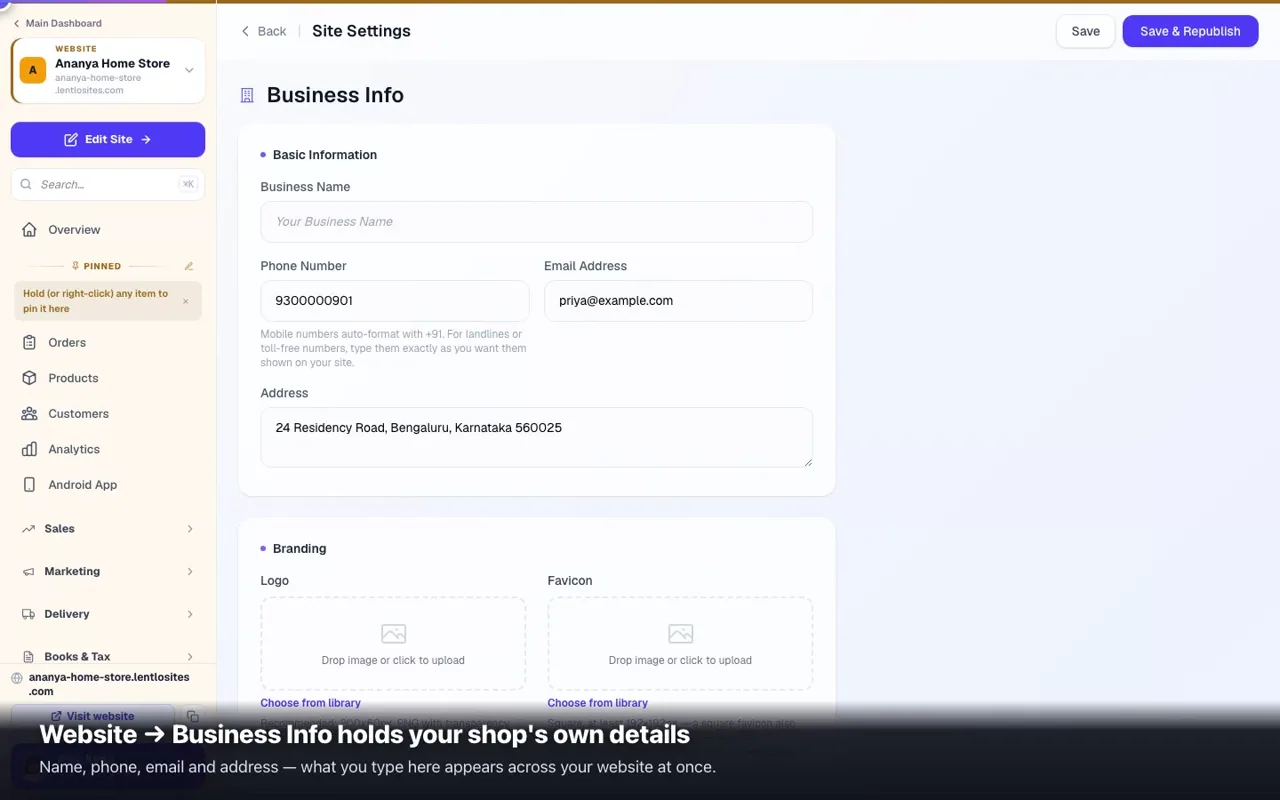
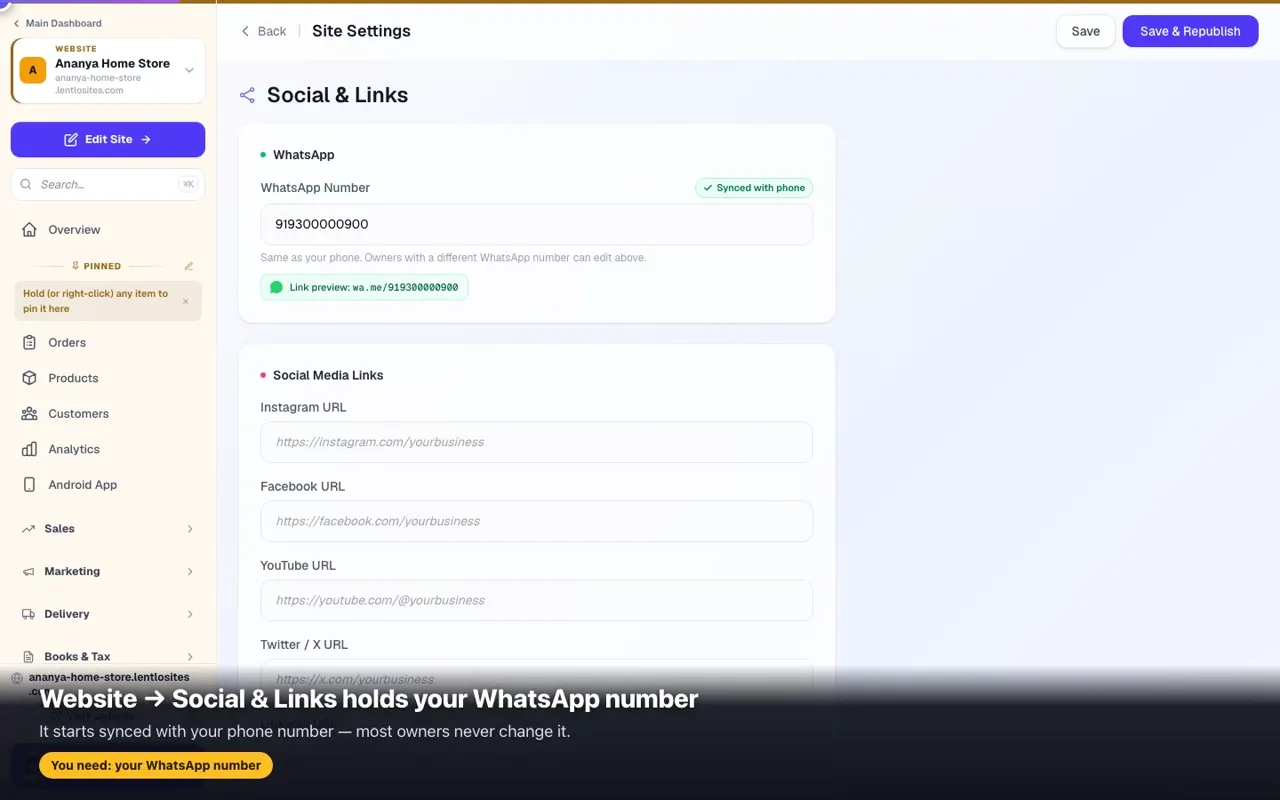
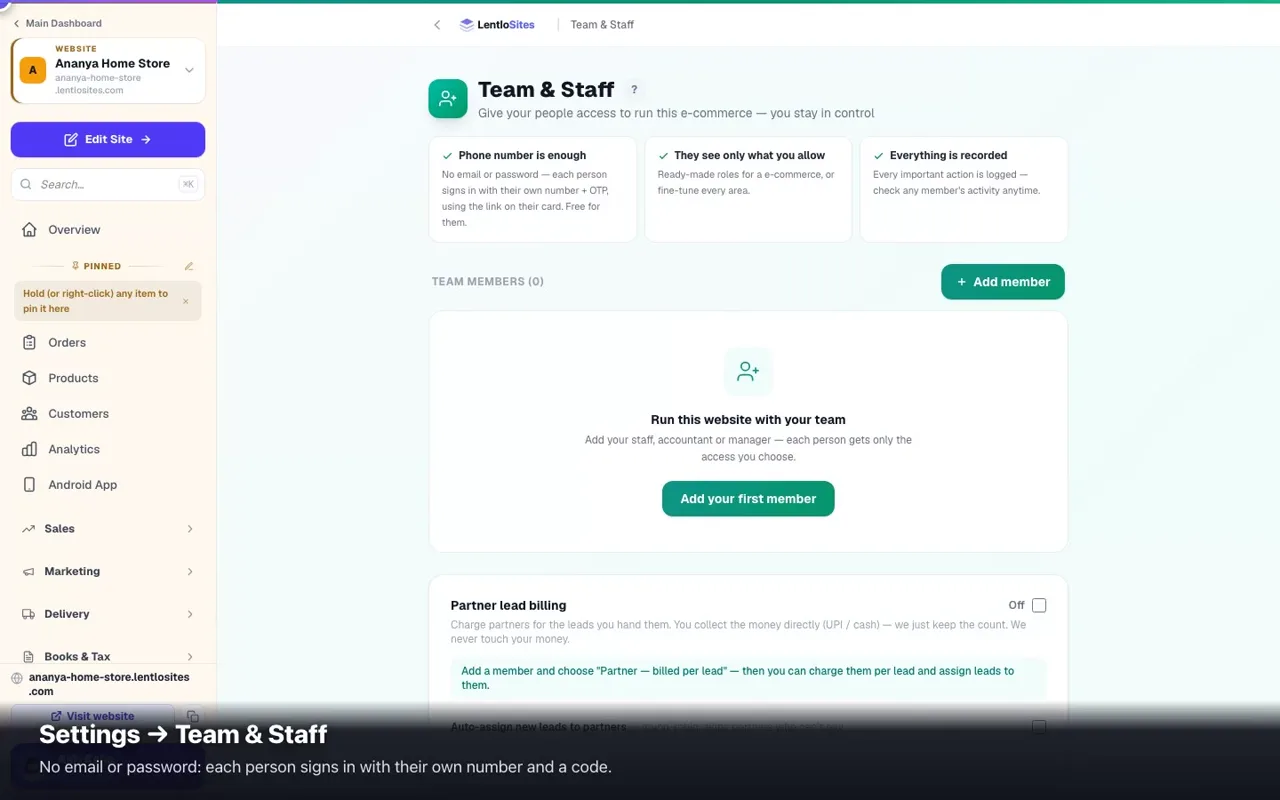
AI Credits — your AI answers and packs from your providerEvery AI helper in your dashboard uses one pool of answers: free ones every day, then packs your provider adds. What counts as an answer, how to ask for a pack, and where to see what you used.4 minSite Settings — a tour of all six tabsBusiness info, payments, appearance, social links, tracking and advanced — six pages in your website's menu, what's in each and what matters first.0:525 minActivity log — who did whatEvery price change, refund, cancellation and settings edit, with who did it and when. Nobody can erase it.6 minAsha answers — your free daily answers and packsNewEvery day starts with free answers from Asha; after that she answers from a pack you buy once — on CCAvenue or from recharged Lentlo Credits. What counts as an answer, what never does, and where to see what you used.3 minSupport tickets — raise one, follow it, get the replyA technical or payment problem goes to our team as a ticket from Help & Support. The reply comes back on the ticket with a notification on your phone; My tickets keeps every ticket and every reply.3 minBilling & plansLentlo Credits, the 5 plans, per-sale fees, and how to recharge — every plan has every feature.8 minLentlo Credits — your account balanceThe prepaid balance that pays for your plan, the small per-sale fee and services — how to recharge, read your statement, what happens when it runs low, and how to dispute a fee.7 minThe dashboard app on your phoneInstall your dashboard as an app on any phone or computer — one tap on Android, Share → Add to Home Screen on iPhone — switch on order alerts, and never confuse it with your website's customer app.4 minAdd team members & manage staffInvite employees by phone and pick a ready-made role for your kind of website — from Manager to View only — or fine-tune every area. Revoke anytime. No OTP sharing.0:466 minCommon issues & fixesSite not loading or slow, changes not showing, payment or ₹500 recharge missing, customer can't order, a domain that won't add, WhatsApp not sending — 60-second checks for each, plus Asha and the ? buttons that answer while you work.9 min

For agencies

Run your own web business on top: whitelabel, clients, wholesale billing.

15 guides
Become a reseller — your own web agencyWebsites, CRM and WhatsApp API for your clients under your brand and domain. You buy client plans at a wholesale discount; the CRM and WhatsApp API cost you nothing; you set every price.7 minReseller dashboard tourFifteen pages, one job each: Overview, Clients, Client requests, All Sites, Client businesses, Client WhatsApp, Demo Center, Feature brochure, Client Portal, Block library, Wholesale & billing, Asha orders, Your prices, Settings and Guides — plus Client CRM once it is on.9 minDemo Center — your demo and portal on your own domainOne DNS record: designs gallery, live demo websites and a dashboard demo in your colours for prospects, and the sign-in portal for your clients — up to three hostnames.Sign inAdd and manage clientsOne phone number to add a client. Their page: websites with their plan, CRM, WhatsApp API, Billing & credits, Plan & Features, Asha answers, what they get. Transfer sites, change their login number, hand over the portal link, remove cleanly.Sign inHow your clients sign in and get helpYour portal address or their own domain's /admin, phone + OTP, no passwords. Who is admitted, where each person lands, what the Help button and guides show them, and what a client never sees.Sign inBilling — wholesale to us, retail to your clientsPay LentloSites wholesale: client plans at a discount, usage fees at retail, all from your credits. Bill clients at your prices: invoices with pay links from your CRM, plans you grant, credits you allot, optional usage fees at your rates.Sign inWholesale — your discount on every client plan, fees at retail, all automatic50% off every plan you buy for a client website, 60% above 20 live client websites, 70% above 100 — automatically. Usage fees on Free-plan client websites and Asha packs at retail, every rupee debited from your Lentlo Credits the moment it happens. Nothing your clients ever see.Sign inYour agency CRM — clients, pipeline, follow-ups, broadcastsReseller → Client CRM is your own book: every client as a contact (LentloSites clients arrive by themselves), deals, follow-ups, recurring money, WhatsApp broadcasts from your number and rules that chase for you.Sign inBill your clients — quotes, invoices, receivables, credit notes, GST reportQuotations clients accept online, GST invoices on your own numbering, a pay link that collects through your own UPI or gateway, ageing receivables, credit notes for closed months and a ready-to-upload GSTR-1 file.Sign inClient portal & whitelabel — your brand on your domainClients sign in at clients.youragency.in/dashboard and get the full dashboard under your logo, colours and contacts. Set it up once on Client Portal; optional /admin on client domains.Sign inStaff on client sitesAdd a client's cashier, manager or accountant to their website without sharing the owner's OTP. Roles that match the site type; they sign in on your portal.Sign inFeature controls — sell Basic / Pro / EverythingSwitch areas of the dashboard on or off per client, save bundles as packages, price them, tune a single site. Off is hidden, refused by the server and explained in your name.Sign inClient CRM — sell and manage your clients' CRMEvery client has a free CRM. Set it up in their trade's words, manage it as an admin when they want you to, move a business you built into their account, watch every client's CRM from one page.Sign inClient WhatsApp API — connect, hand over, watchEvery client has a WhatsApp API hub on their own Meta number. Connect it for them, move a number you set up, or let them do it; keep an eye on every number from one page.Sign inYour clients' AI — answers and packs (AI credits retired)Clients' AI runs on Asha answers: 3 free a day, then packs you sell at your price. Approve requests on Asha orders or give a pack from the client's page; our retail is debited from your credits.Sign in

The questions owners ask most

Each answered in two or three sentences. 457 of them in all, with the guide that goes deeper.

Read all 457 answers
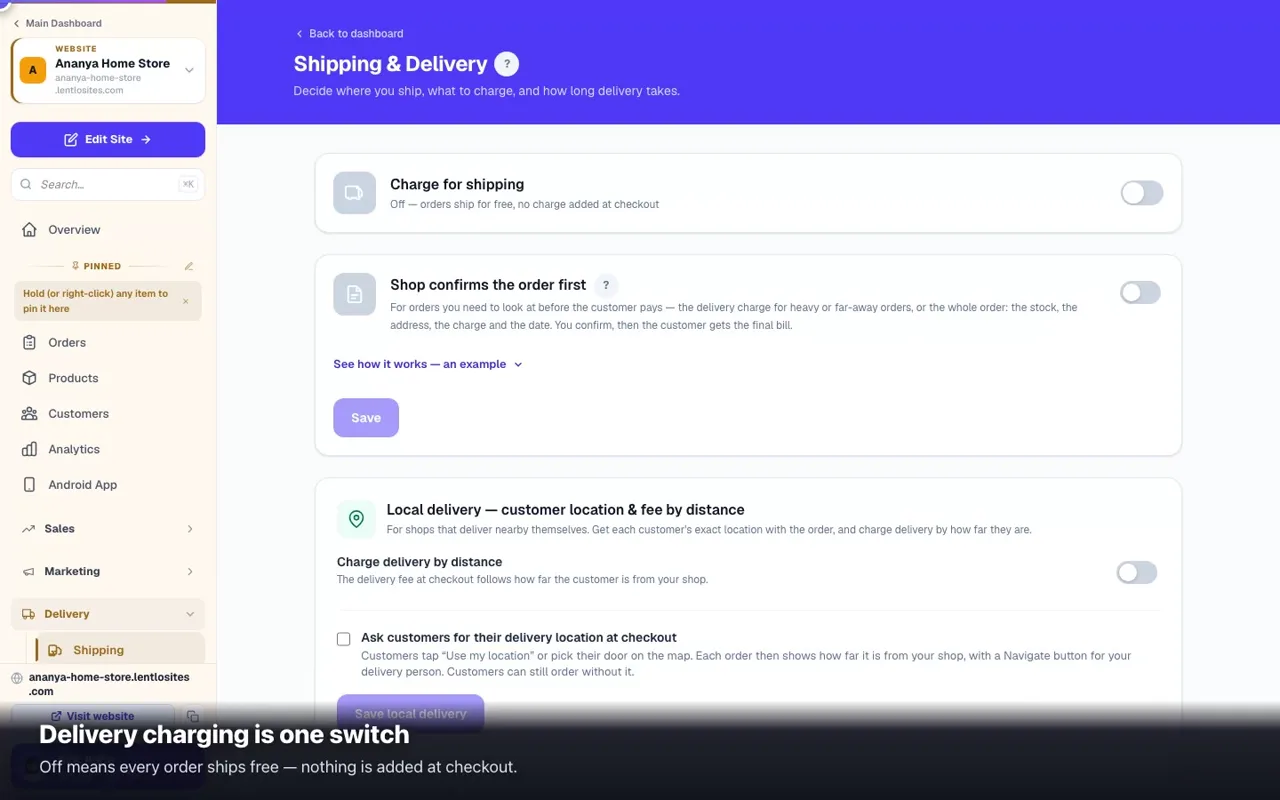
How do I set a delivery charge?

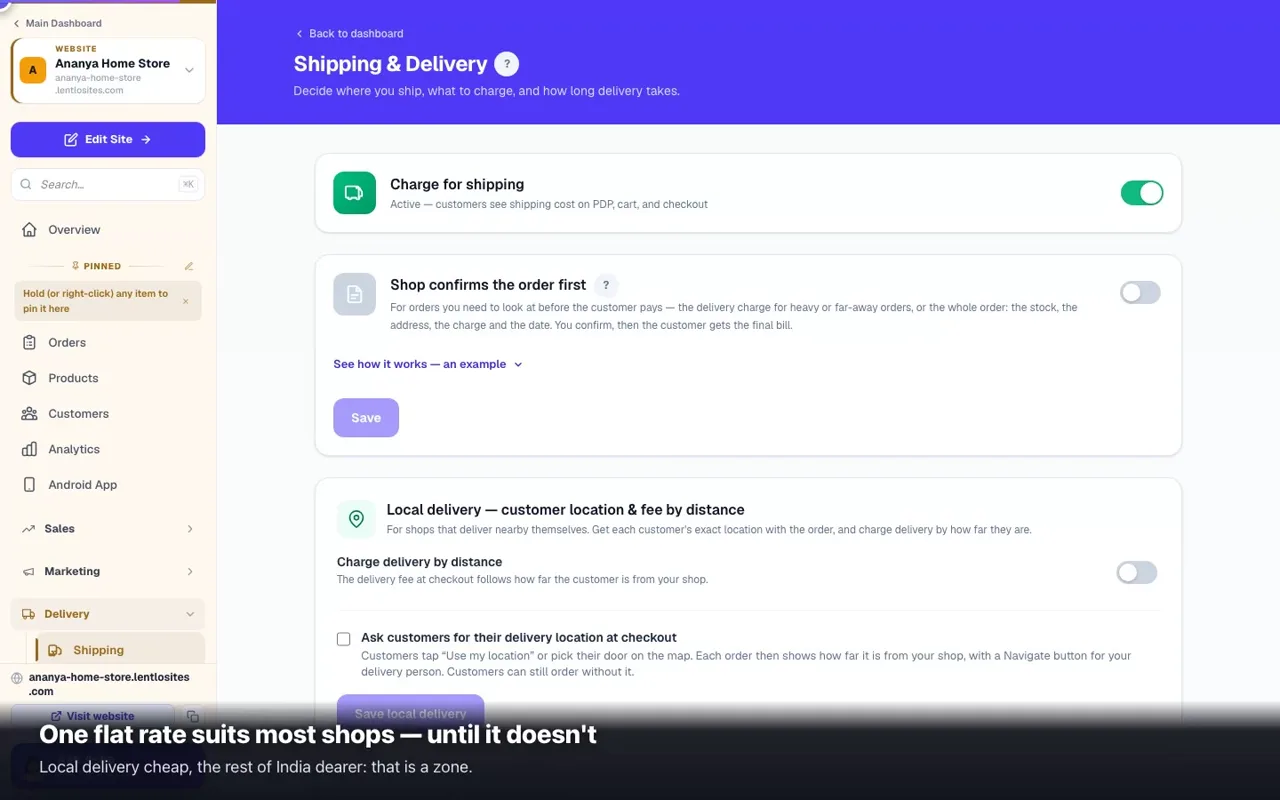
Delivery → Shipping. Turn on 'Charge for delivery', set one standard rate, and optionally a 'free above ₹X' amount. Most shops need nothing more.

Open the guide
How do I get my website on Google?

It happens on its own — every publish tells search engines about your pages. New sites usually start appearing in 3–14 days.

Open the guide
Do I need a GST number to sell here?

No. Plenty of shops run without one. If you have a GSTIN, turn on invoicing and every order gets a proper Rule-46 tax invoice.

Open the guide
A customer ordered on WhatsApp. Can I still record it?

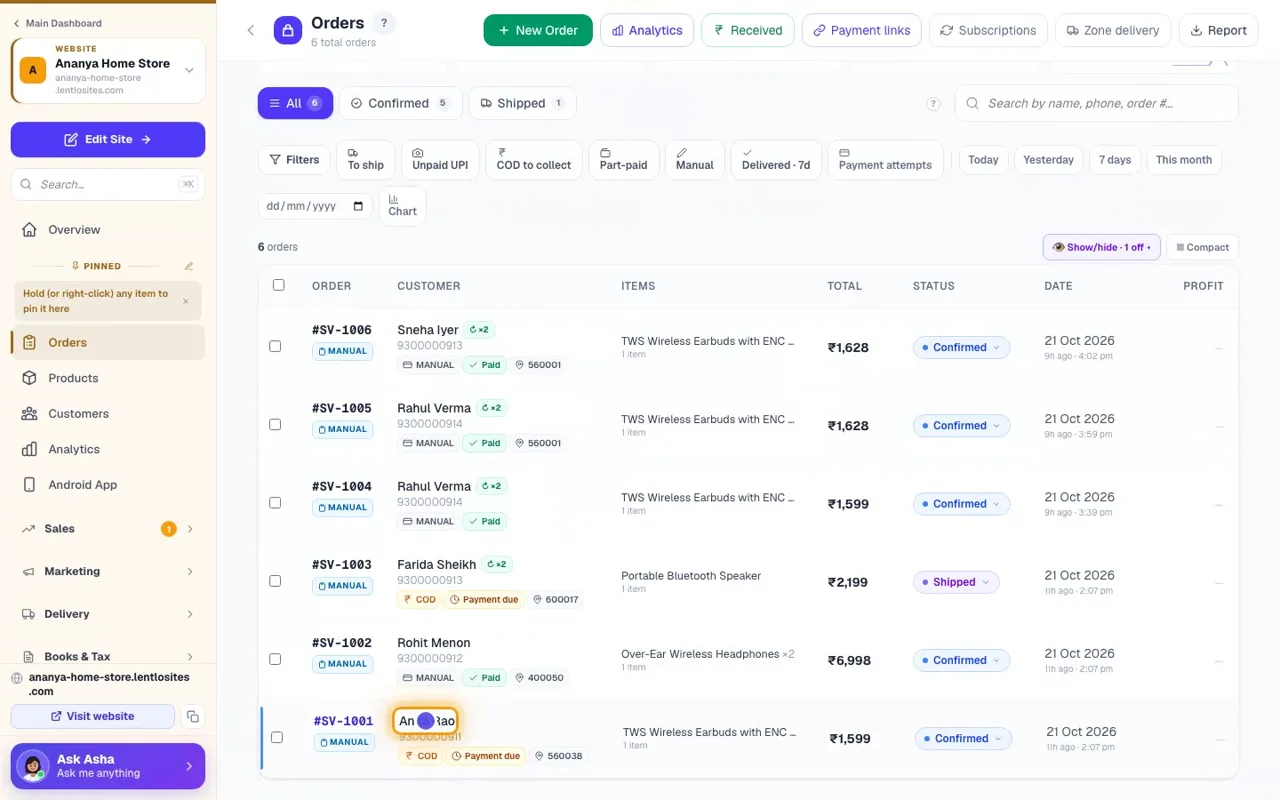
Yes — create a manual order. It counts in your sales, stock and invoices exactly like a website order, and is tagged so you can tell them apart.

Open the guide
How do I create a discount code?

Marketing → Coupons → Create. Start from a ready-made offer, set the amount and any limits, and share the code.

Open the guide
Is a custom domain only on paid plans?

No — connecting your own domain is free on every plan, including free.

Open the guide
How do I refund someone?

Refund online payments from your payment gateway's own dashboard — the money is in your account. For goods that came back, use Process return / RTO on the order: it raises the credit note and records the refund, to the customer's store wallet or as cash / manual. For a cancelled order, write the refund in the order's Internal notes.

Open the guide
Will my website work without me knowing coding?

Yes. Nothing here needs code. You type in boxes and press save; the website rebuilds itself.
Open the guide

Didn’t find it? Ask Asha.
Asha is our AI helper. She reads every guide for you and answers in plain words, day and night — and inside your dashboard she can read your own orders and make a change for you. Anything she cannot answer reaches our team, so the next person finds it here.